features _3
• ChildLock
The Child Lock function ensures that curious little hands are kept out of your washing
machine. This safety feature stops your children from playing with the operation of the
washing machine, and alerts you when it is activated.
• DigitalGraphicDisplay
The Digital Graphic Display control panel is clear and easy to use for minimum fuss and
hassle. And while it is easy to operate, the Digital Graphic Display enables you to make quick
and accurate adjustments to your wash for excellent washing results.
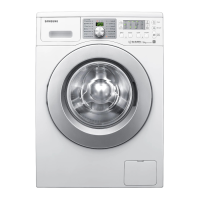
• Widedoor
Extra wide door aperture for convenient viewing! Easily add and remove laundry, especially for
large sized laundry items such as bedding, towels etc.
This manual contains important information on the installation, use, and care of your new
Samsung washing machine. Refer to it for descriptions of the control panel, instructions on how
to use the washing machine, and tips for making the most of its state-of-the-art features and
functions. The “Troubleshooting and information codes” section on page 37 tells you what to
do if something goes wrong with your new washing machine.
(Scout 2)WF0804W8N-02842G_EN.indd 3 2011-2-14 15:30:15



 To Next Page