EasyManua.ls Logo

SandenVendo HFDM00002 - User Manual

SandenVendo HFDM00002
12 pages
Print Icon
To Next Page IconTo Next Page
Loading...

SANDENVENDO AMERICA INC
1188858N ECN 56775 1
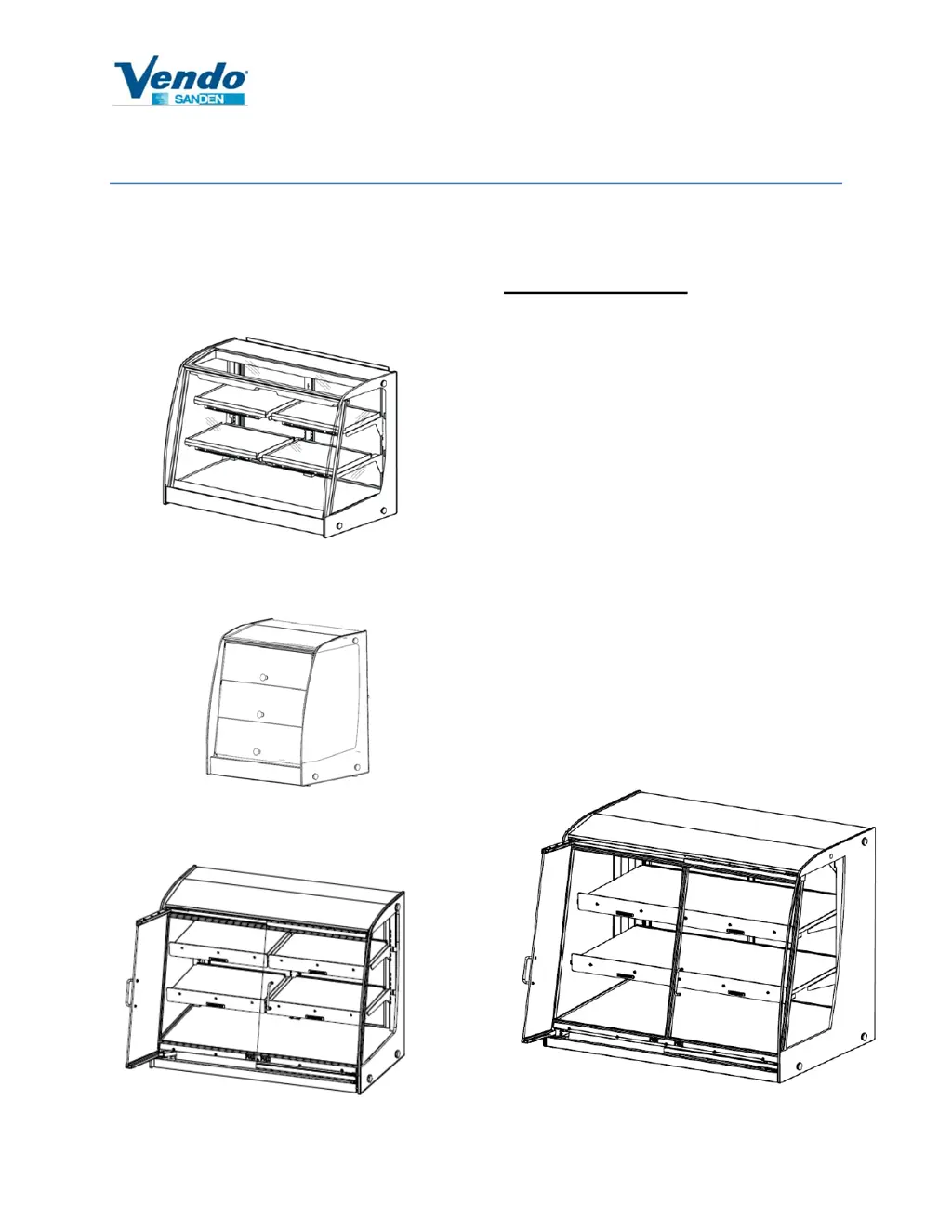
HOT FOOD DISPLAY
Operation Manual
Models:
HFD000006, 7
HFDM00002
HFDC00003
Table of Contents
Commitment to Safety…….….……….…2
Safety Warnings…….……..……..............3
Installation Requirements..…….….…....5
Product Summary and Accessories…...6
Operation……………………...……….......7
Troubleshooting……………..………..….8
Cleaning, Pan Stops, Rear Door Lock...9
Optional Bag & Tong Holder, Top Shelf,
Sign Holder Installation and POP Kit...11
HFDH00003, HFDHC0009, HFDHC0010

Other manuals for SandenVendo HFDM00002

Questions and Answers

  • D
    Daniel DoyleAug 11, 2025
    What to do if my SandenVendo HFDM00002 unit does not turn on?
    • M
      Melvin RobertsAug 11, 2025
      If your SandenVendo Commercial Food Equipment unit isn't turning on, start by checking the power cord to ensure it's properly plugged into the outlet and that the outlet has power (115VAC). Also, verify that the HFD circuit breaker is on; for HFD6 & 7 models, you may need to remove the lower rear cover to access the breaker. Another potential cause might be a disconnected internal power cord, so check the resistance across the plug (with the breaker on); it should be approximately 160 ohms between the line and neutral terminals. Finally, HFD6 & 7 models, check that the front glass door is fully closed. The controller should read “OPEn” if the door is open. Close the door and press the power button on the controller to initialize.
  • M
    Michelle BuckleyAug 17, 2025
    What to do if the heater plate is not heating in my SandenVendo HFDM00002 Commercial Food Equipment?
    • B
      Brian BradleyAug 17, 2025
      If the heater plate in your SandenVendo Commercial Food Equipment is not heating and you see a possible E70 to E75 error, begin by removing the controller and checking the fuses. Also, remove the controller and check all the connections at the controller to ensure that the wires are connected. Finally, check the resistance across the white and black wires from the heater. Refer to page 7 of the manual for the correct resistance values (+5%/-10%). If the circuit is open, the heater needs replacing.
  • R
    Rebecca ChenAug 23, 2025
    Why HFD display ambient does not reach 150°F in SandenVendo HFDM00002 Commercial Food Equipment?
    • G
      Gene SchwartzAug 23, 2025
      If the HFD display ambient temperature on your SandenVendo Commercial Food Equipment does not reach 150°F, it could be due to a few reasons. First, remember that HFD, HFDC, and HFDM models need 30 minutes to reach temperature, while HFDH and HFDHC models need at least 1 hour. Check the plate temperature at the controller. It could also be caused by one or more Xenon lamps not functioning. Check the resistance at the terminal (it should be about 44 ohms) and ensure the bulb is securely installed. Replace any blown bulbs.
  • A
    Andrea MillerAug 29, 2025
    What does E60 to E65 error mean on SandenVendo Commercial Food Equipment?
    • P
      Philip MillerAug 29, 2025
      If you're seeing an E60 to E65 error on your SandenVendo Commercial Food Equipment, it indicates a heater thermistor open circuit. To resolve this, pull out the controller and disconnect the corresponding heater connector. Check the resistance between the red wires; if it's greater than 100k ohms, investigate the cause of the open circuit. The heater may need to be replaced.
  • E
    Eric HornSep 4, 2025
    How to fix one or more Xenon lamps being off in SandenVendo HFDM00002 Commercial Food Equipment?
    • R
      Robert LewisSep 5, 2025
      If one or more Xenon lamps in your SandenVendo Commercial Food Equipment is off, the bulb may be blown. Check the resistance at the terminal; it should be approximately 44 ohms. Also, ensure the bulb is securely installed. Replace any blown bulbs.

SandenVendo HFDM00002 Specifications

General IconGeneral
BrandSandenVendo
ModelHFDM00002
CategoryCommercial Food Equipment
LanguageEnglish

Related product manuals