V21 Parts & Service Manual
All V21 Identified Equipment
REV A – 10/2013
P/N: 1230298
Pressing selection button one will toggle though the language options. If selection button two is
pressed, the display will save the language change and return the display to
LAnG.
CLOC Clock Setting Mode
If selection button two is pressed at the “CLOC” prompt, the controller will enter the Clock
Mode which allows you to set the clock on the control board. This field must be set in order to
operate any modes associated with the time. Pressing selection button two while any of the
options are displayed will enter you in to the clock setting options. Pressing selection button
one will toggle you through the options. Pressing selection button three will exit this mode.
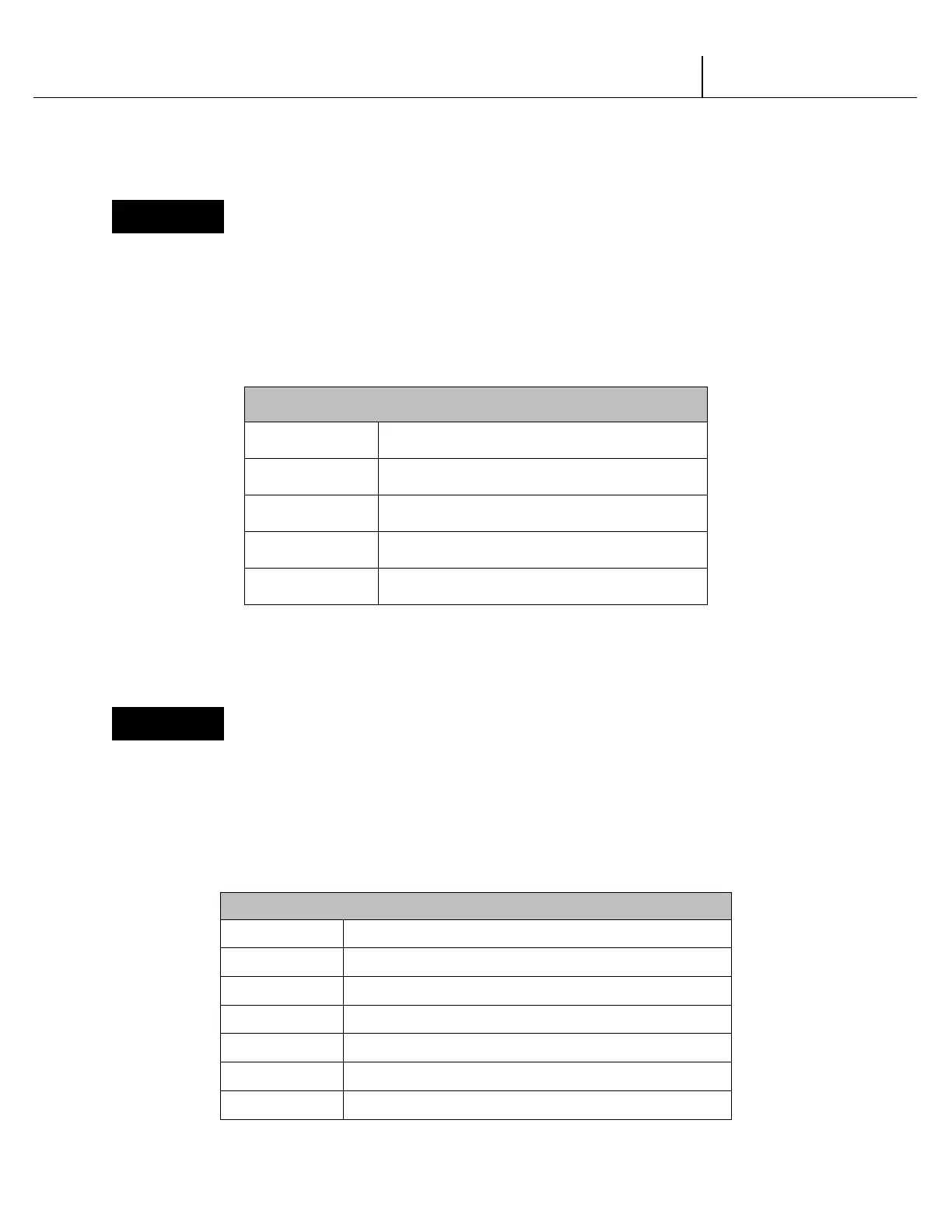
CLOCK SETTING OPTIONS
Current Year (Example: 2002)
Current Date (month, day)
Current Time (hours, minutes)
Daylight Savings Time
Clock Control
SET-UP AND CODE DESCRIPTION (CONTINUED)
LitE Lighting Control Mode
If selection button two is pressed at the “LitE” prompt, the controller will enter the Lighting
Control Mode which allows you to have the lights turned off and on during specific time periods
to conserve energy. Pressing selection button two while any of the settings are displayed will
enter you in to the light control settings. Pressing selection button one will toggle you through
the options. Pressing selection button three will exit this mode.
LIGHTING CONTROL SETTINGS
Lighting control enabled (1)/disabled (0)
Start Time – Time lights shut off
Days associated with start time
Hour associated with start time
End Time – Time lights turn back on
Days associated with end time
Hour associated with end time
V21 12.1 Programming Trade | P3-11


 To Next Page
 Loading...

