EasyManua.ls Logo

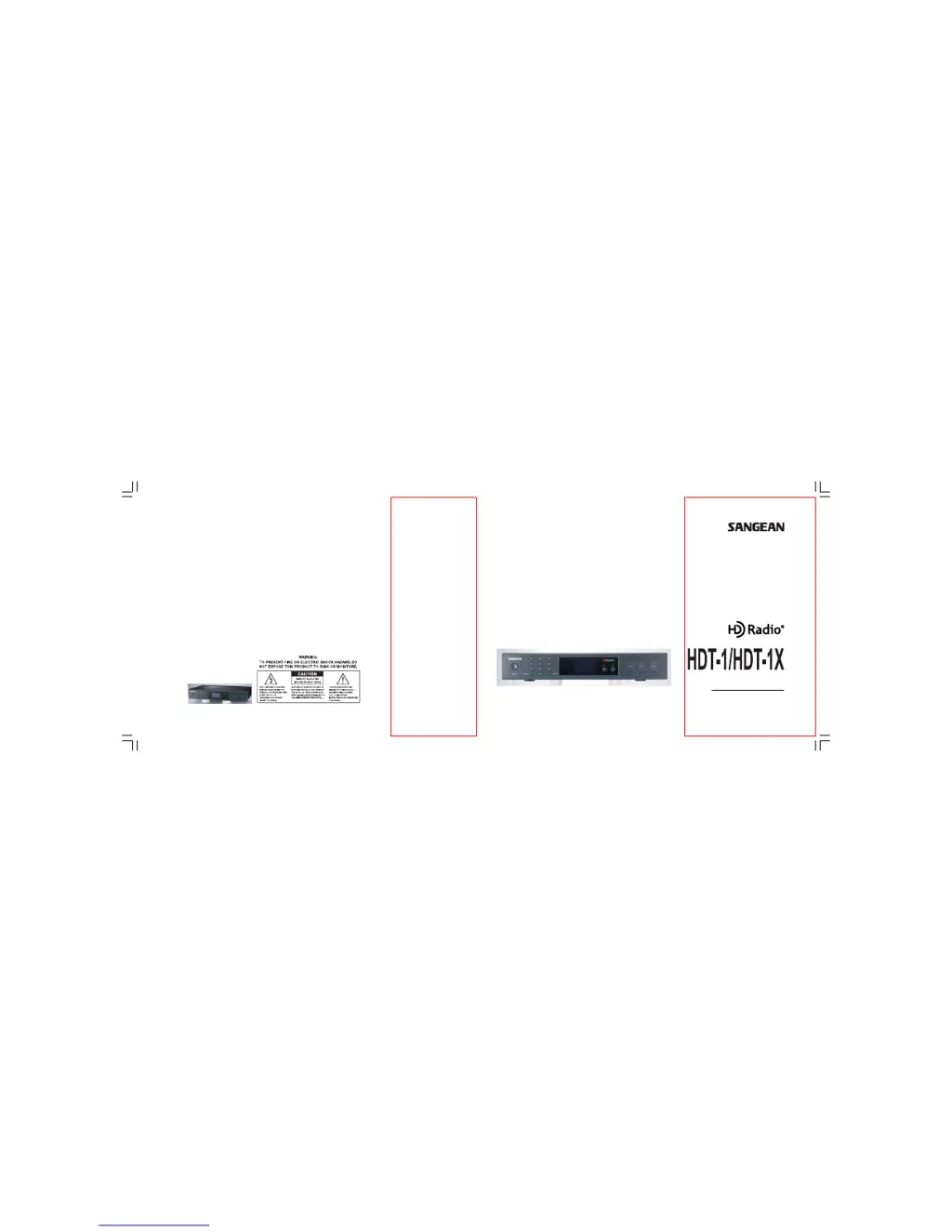
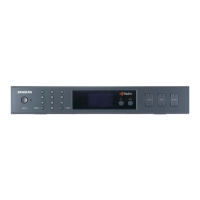
Sangean HDT-1 - User Manual

Sangean HDT-1
23 pages
Print Icon
To Next Page IconTo Next Page
Loading...
381R20S-A
HD Radio
TM
Component Tuner
User Manual
20070425_HDT-1&HDT-1X_381R20S-A_«Ê-±.p65 2007/4/27, ¤U¤È 03:581

Other manuals for Sangean HDT-1

Questions and Answers

  • M
    Matthew DownsJul 25, 2025
    Why Sangean HDT-1 Tuner remote doesn't work?
    • D
      Debra ChapmanJul 26, 2025
      If your Sangean Tuner remote isn't working, here's what you can check: * Ensure the plastic piece at the bottom of the remote has been removed to activate the battery. * Try replacing the battery. * Make sure nothing is blocking the IR sensor and that the area around it is clean.
  • J
    Jessica BoyerJul 30, 2025
    What to do if Sangean Tuner power won’t turn on?
    • A
      Andrew HornJul 30, 2025
      If your Sangean Tuner isn't powering on, make sure the AC power cable is properly connected and that the AC outlet is switched on and working. Check the circuit breakers or fuses.
  • G
    gomeztrevorAug 3, 2025
    Why do I only hear static on my Sangean HDT-1?
    • N
      nicholas58Aug 3, 2025
      If you're only hearing static on your Sangean Tuner, check that all antennas are properly connected and that the tuner is tuned to a station broadcasting in your area. It's also possible the station is temporarily not broadcasting; try another station.
  • B
    Brandi BenjaminAug 8, 2025
    Why does my Sangean HDT-1 have poor audio quality?
    • S
      Scott CoxAug 8, 2025
      If you're experiencing poor audio quality with your Sangean Tuner, ensure you're using the correct cables for your chosen inputs. Verify that all connections are of the same format (RCA to RCA, Coaxial to Coaxial, Antenna to Antenna input, etc.).
  • T
    Tony KellyAug 11, 2025
    What to do if HD signal keeps fading in and out on Sangean HDT-1?
    • M
      Michelle RobinsonAug 11, 2025
      If the HD signal on your Sangean Tuner keeps fading, try different positions and orientations of the antenna. Environmental factors can affect radio reception, so try the tuner in a different location and check all connections.
  • M
    Michelle DanielsAug 16, 2025
    Why do I only hear audio in one speaker on my Sangean HDT-1?
    • K
      kendra42Aug 16, 2025
      If you only hear audio in one speaker with your Sangean Tuner, check that the audio cables are correctly connected (Left to Left, Right to Right). If you're using an optical cable, ensure it's not bent or kinked. Also, check the speaker connections.
  • C
    Christopher MorganAug 20, 2025
    Why does Sangean HDT-1 Tuner have poor audio quality (Cont.)?
    • R
      Rebecca PattersonAug 21, 2025
      To improve poor audio quality on your Sangean Tuner, try different positions and orientations of the antenna using the signal strength indicator or the Carrier to Noise indicator.

Summary

Safety Precautions

Water Use Prohibition

Prohibits using the apparatus near water sources to prevent electrical hazards.

Servicing and Electrical Safety

Emphasizes referring servicing to qualified personnel and avoiding rain or moisture exposure.

Front Panel Controls

Tuning and Seek Functions

Functions for finding and switching between radio stations and bands.

Rear Panel Ports

Getting Started

AV System and Power Connection

Guidance on connecting the tuner to an AV system and the power outlet.

Setup and Programming

Clock Setting Procedure

Step-by-step instructions on how to set the unit's clock.

Manual Tuning

Direct Tuning by Frequency

How to tune directly to a station using the numeric keypad.

Receiving HD and Multicast Stations

HD Signal Reception

Indicators and behavior when receiving HD radio signals.

Tuning and Station Management

Seek and HD Seek Functions

How to use seek buttons for stations and HD signals.

Advanced Menu Controls

Troubleshooting Common Issues

Power and Remote Issues

Solutions for power and remote control problems.

Audio Output Issues

Troubleshooting steps for no sound or distorted audio.

Poor Audio Quality

Troubleshooting steps for unclear audio or reception issues.

Troubleshooting Advanced Issues

HD Signal and Reception

Troubleshooting fading HD signals and poor reception.

Unit Malfunctions

Addressing strange sounds and potential component issues.

Sangean HDT-1 Specifications

General IconGeneral
Radio typePersonal
Tuner typeDigital
AM band range520 - 1710 kHz
FM band range87.5 - 108 MHz
Built-in speaker(s)No
BacklightYes
Product colorBlack

Related product manuals