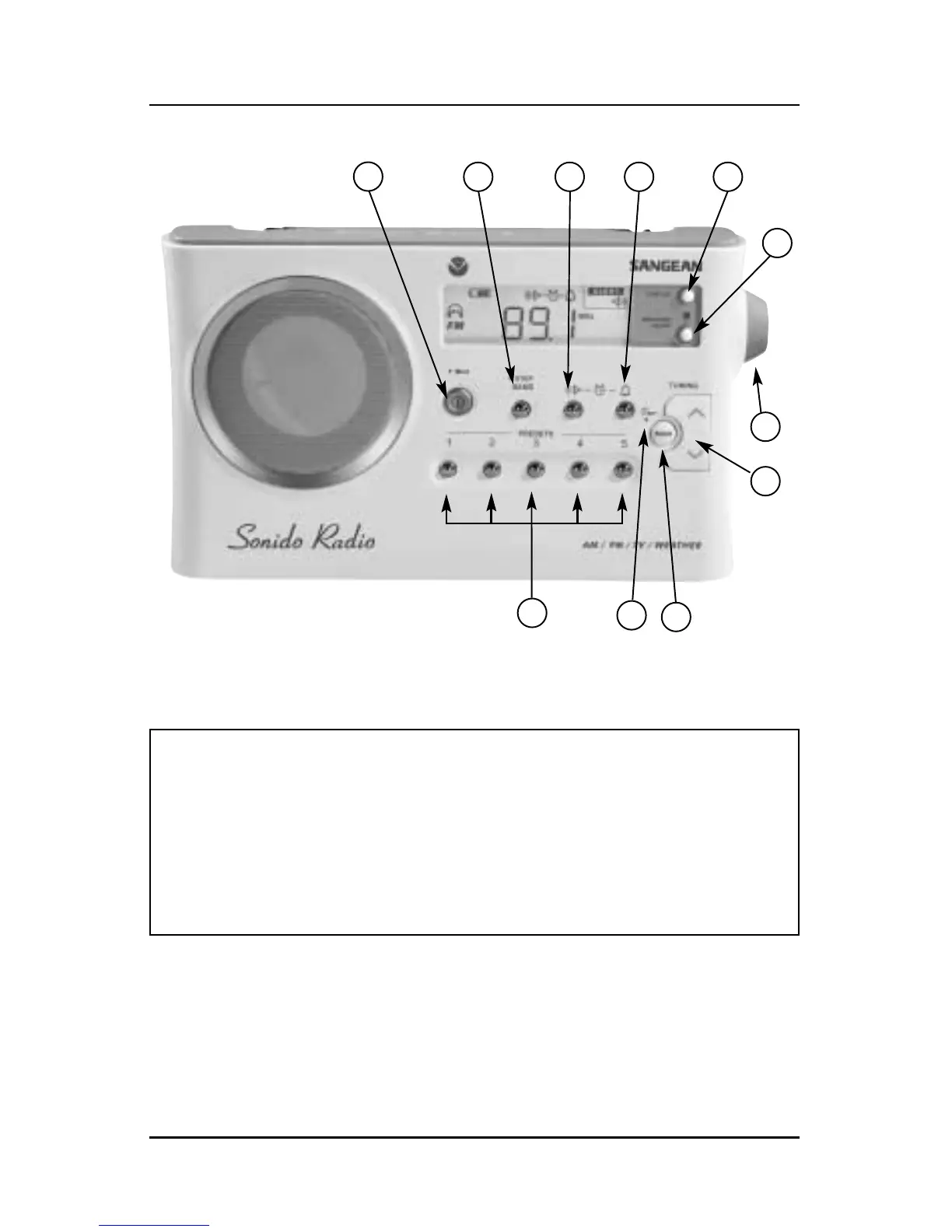
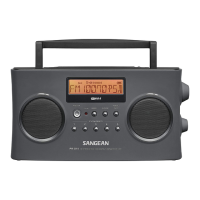
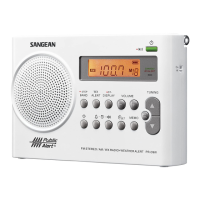
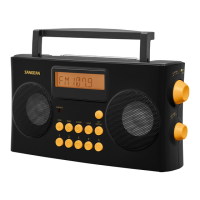
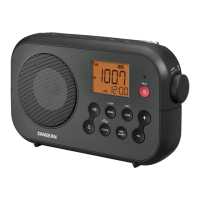
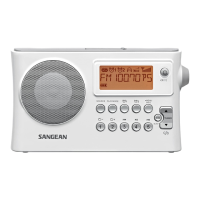
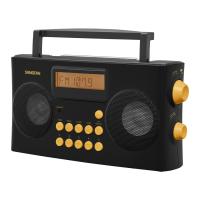
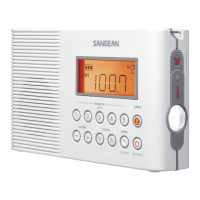
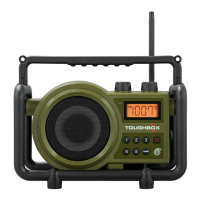
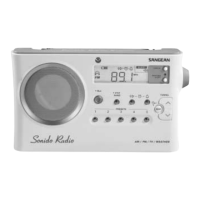
Button Identification
Note: When you see a • next to a button on the radio, it means
you must press and hold the button down for two seconds
to activate the function. The appropriate symbol will then
appear on the display along with sounding a “beep”.
Page 4 Sonido Radio
1
2 3 4 5
6
7
8
9
10
11
1) Power or • Sleep Timer
2) Band or • Tuning Steps
3) Radio Alarm Set
4) Beep Alarm Set
5) Display Clock/Frequency
6) Weather Alert (3 Modes)
7) Volume Control
8) Tuning (Up/Down)
9) Scan
10) Scan or • Clock Set
11) Memory Presets (1-5)


 To Next Page