Getting Started
Sonido Radio Page 9
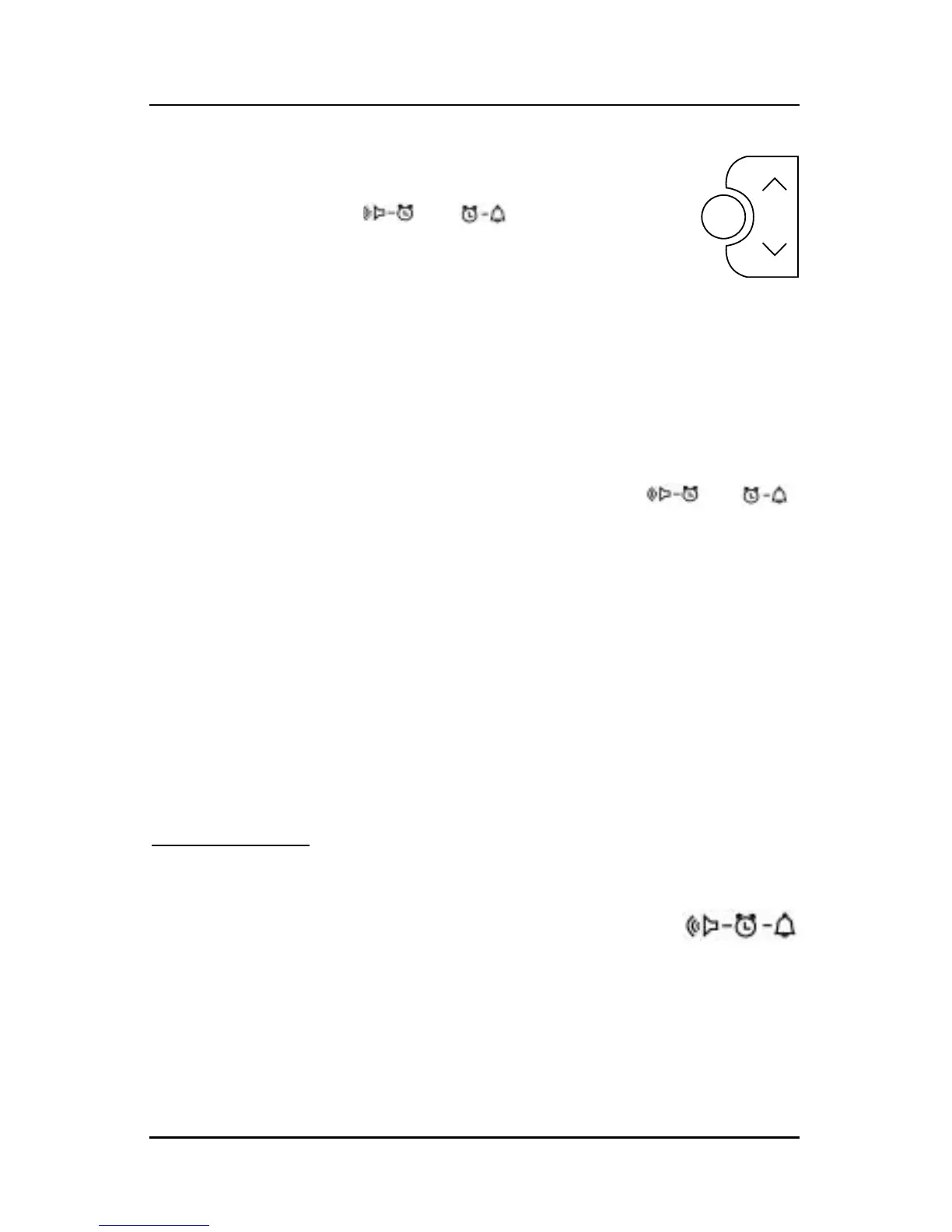
2) Immediately press and hold the Scan/Set button for
3 seconds and you will hear a beep. The ALARM
HOUR DIGIT and or will flash,
depending on which type of alarm is being set.
3) Using the Up/Down Tuning Buttons, select the
appropriate hour digit and AM or PM.
4) Press the Scan/Set Button again to select the minutes digits.
The
MINUTES DIGITS will flash.
5) Use the Up/Down Tuning Buttons to adjust the minutes to the
appropriate time.
6) When finished press the Scan/Set Button. The or
symbol will be displayed.
Notes: If the Radio Alarm has been chosen, when the alarm time
is reached the radio will play the last station selected at
the same volume level last set.
If there is no alarm symbol on the display, the alarm has
not been activated.
Dual alarm set:
Follow steps 1-6 for both the Radio and Beep Tone
Alarms. This allows you to set two different activation
times and alarm types. This symbol (shown at right)
will be displayed if both alarms are activated.


 To Next Page