8
Setting the clock
1. Clock can be set when the radio is powered on or off.
2. Display will show “ -: - - “ when the batteries are installed or when
the radio is connected to the main power supply.
3. Press and hold the Scan/Time setting button until it beeps, the
display will ash time set symbol as well as the hour digits.
4. Press Tuning Up/Down buttons to set the required hours.
5. Press the Scan/Time setting button, the minute digits will ash.
6. Press Tuning Up/Down buttons to set required minute.
7. Press the Scan/Time setting button to complete time setting.
Operating the radio
This radio is equipped with three tuning methods – Scan tuning,
Manual tuning and Memory presets recall.
Note:
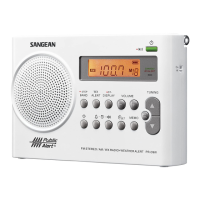
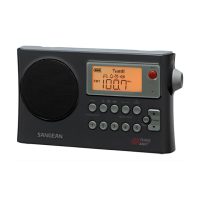
The PR-D4W is equipped with AM Auto Tracking that will
automatically optimize the sensitivity of the station you're tuned to
and helps pull in distant stations.


 To Next Page