EasyManua.ls Logo

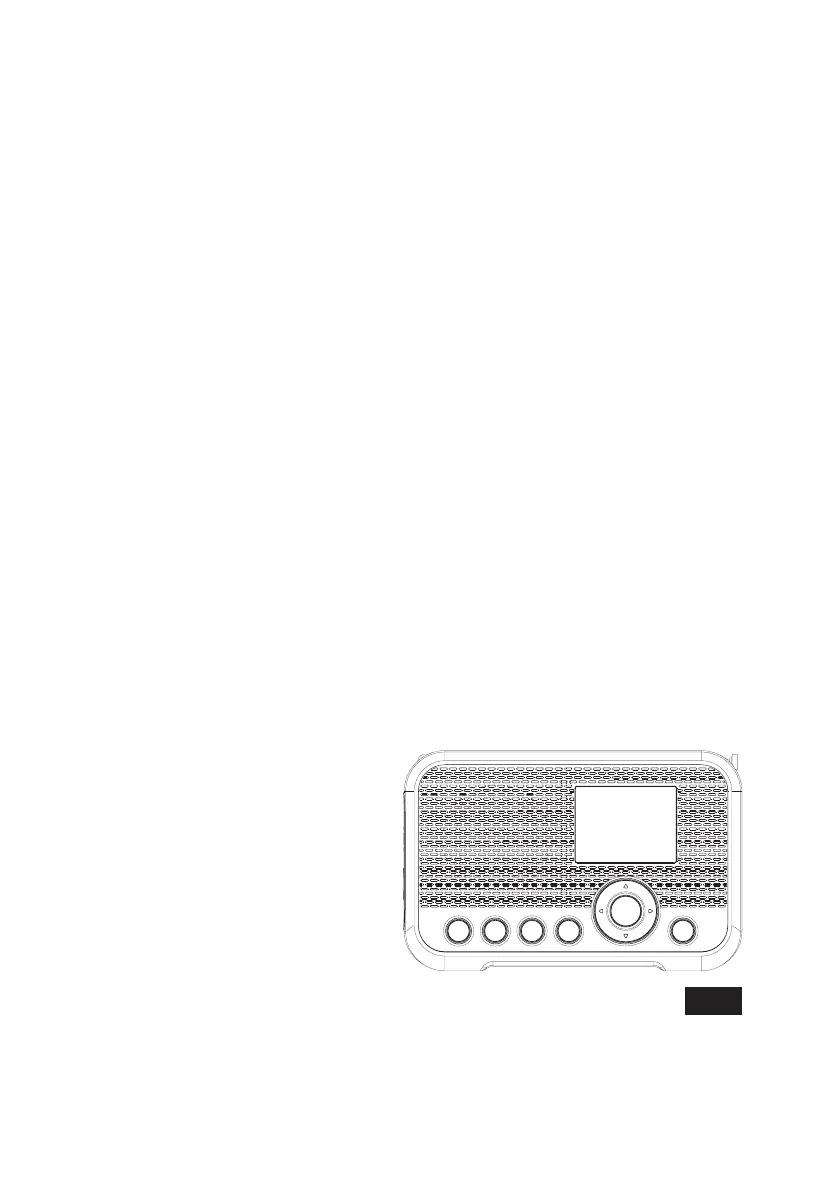
Sangean WFR-39 - User Manual

Sangean WFR-39
14 pages
Print Icon
To Next Page IconTo Next Page
Loading...
GB
Version 1
WFR-39

Questions and Answers

  • J
    Jessica KhanJul 28, 2025
    What to do if my Sangean Recording Equipment has no Internet Connection?
    • S
      Sharon ShahJul 28, 2025
      If your Sangean Recording Equipment has no internet connection, first ensure that Wi-Fi is enabled in the settings and that you've entered the correct password for your Wi-Fi network. If the problem persists, try performing a factory reset and then try reconnecting to the Wi-Fi network. As an alternative, turn off the radio, disconnect it from the power source, wait 1 minute, and then reconnect the radio to the power source and turn it on.

Summary

Important Safety Instructions

General Safety Precautions

Covers basic usage safety, avoiding heat, moisture, and using specified accessories.

Battery and Heat Warnings

Addresses risks related to battery replacement, excessive heat, and explosion hazards.

Ventilation and Usage Guidelines

Emphasizes proper ventilation and avoiding open flames during operation.

Getting Started

Powering the Radio

Explains how to power the WFR-39 using USB or battery.

Initial Setup and Network Configuration

Guides through initial setup, language selection, and network connection.

The Configuration Menu

Network Configuration Options

Sets up Wi-Fi connectivity, including automatic scanning and WPS.

Listening to Internet Radio

Tuning Internet Radio Stations

Explains how to find and select local and global internet radio stations.

Listening to Podcasts

Listening to FM Radio

Tuning FM Stations

Explains automatic scanning and manual tuning for FM stations.

Listening to Music via Media Center

Troubleshooting

Specifications

Sangean WFR-39 Specifications

General IconGeneral
Battery BackupNo
Frequency Range (FM)87.5 - 108 MHz
TypeInternet Radio
TunerFM
ConnectivityWi-Fi
DisplayLCD
Audio OutputHeadphone Jack
Power SupplyAC adapter
Additional FeaturesAlarm clock, sleep timer