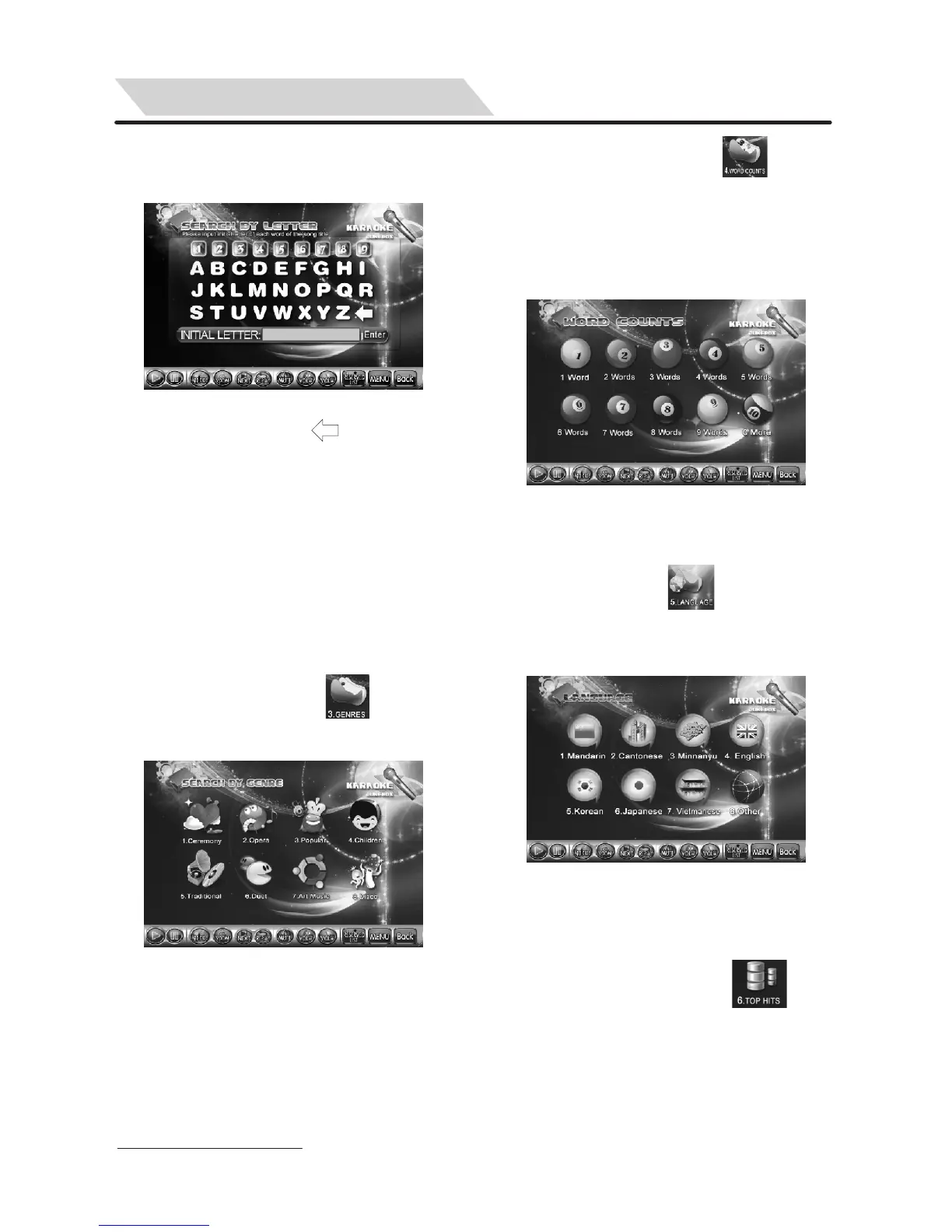
2.2 Input the first characters (initial letter)
of each word of the song title then
click or touch “Enter” to search.
8
Tips: ① You can click to delete
wrong input.
②This “SEARCH BY INITIAL
LETTER” function is only
effective for Chinese and
English song title or any other
song title consist of English
letters.
Pic.2-1
3. GENRES
Select a song by “GENRES”.
3.1Touch or click icon “ ” to enter
“GENRES” menu to search a song,
(See Pic.3-1):
Pic.3-1
4. WORD COUNTS:
Search a song by word counts of song
title.
“WORD COUNTS” means the number
of words in a song title. For example:
“WORD COUNTS” of “MY LOVE” is 2
words.
4.1 touch or click icon of “ ” directly
on the screen to enter “WORD
COUNTS” menu.(See Pic. 4-1)
Tips: You can also press [4] on remote
controller directly to enter this
menu.
Pic.4-1
5. LANGUAGE
Search a song by “LANGUAGE”.
5.1 Touch or click “ ”on the screen
directly or press [5] on remote
controller to enter the menu,
(See Pic. 5-1):
Pic.5-1
6. TOP HITS:
Top hit 60 songs inside the KOD with
the most of times were ordered in the
past will be listed.
6.1Touch or click icon of “ ” or
Press [6] on remote controller directly
to enter “SONG LIST” menu,
(See Pic.6-1):
You can also press [TOPHITS] (or
“TOPLIST”) on remote controller to
enter “SONG LIST” menu directly too.
DOUBLE-SCREEN PLAY MODE


 To Next Page