EasyManua.ls Logo

Sankyo 8-CM - Zoom Lens and Remote Operation; Zoom Lens; Remote control Photography

Sankyo 8-CM
20 pages
Print Icon
To Next Page IconTo Next Page
To Previous Page IconTo Previous Page
Loading...
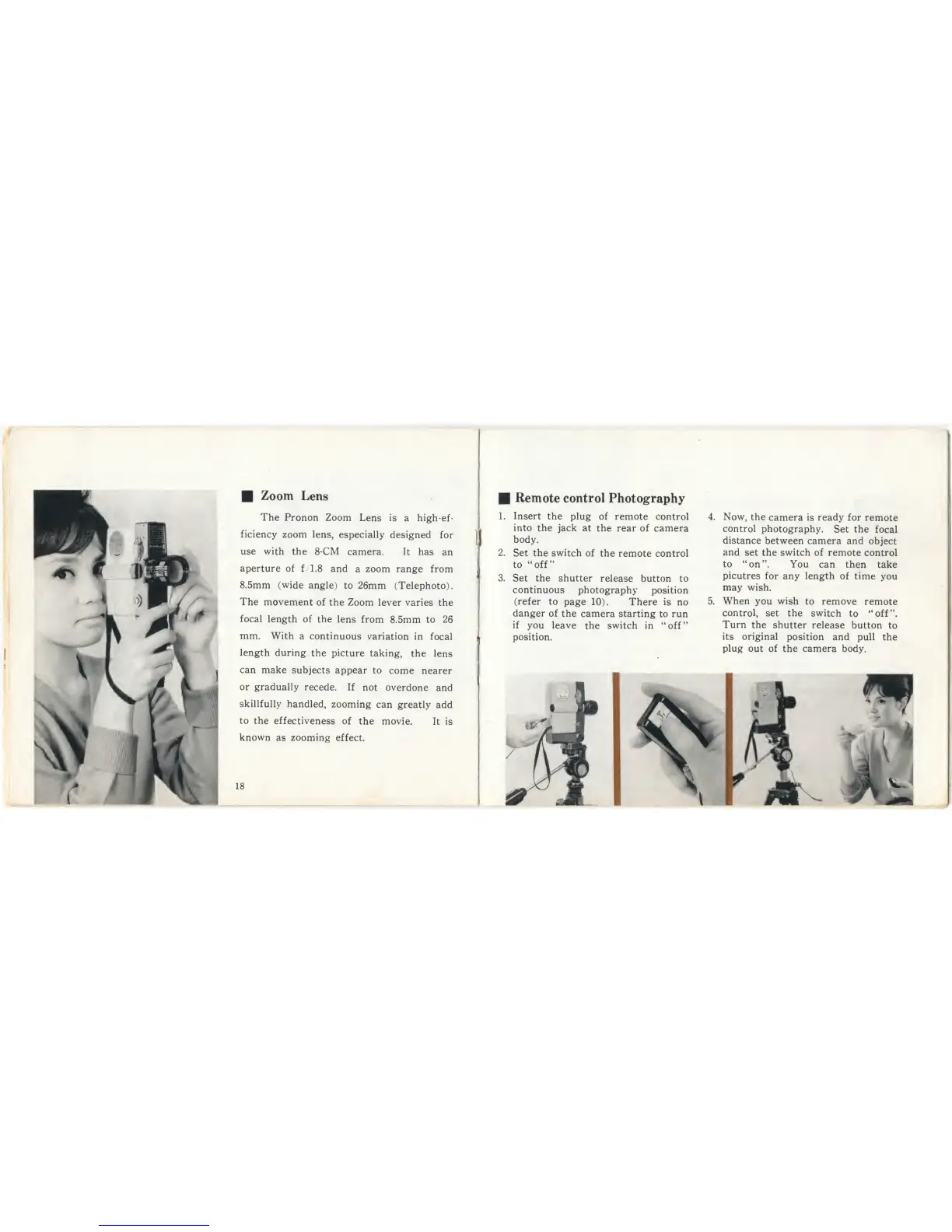
Zoom
Lens
The
Pronon Zoom
Lens
is
a high-ef-
ficiency
zoom
lens,
especially
designed
for
use with
the
8-CM
camera. It
has
an
aperture of
f/1.8 and
a zoom range from
8.5mm (wide
angle)
to
26mm (Telephoto).
The
movement
of the
Zoom
lever varies the
focal
length of the
lens from
8.5mm
to 26
mm.
With
a continuous
variation
in
focal
length during
the
picture
taking,
the
lens
can
make
subjects
appear
to
come
nearer
or
gradually
recede.
If
not
overdone
and
skillfully
handled,
zooming
can
greatly
add
to
the
effectiveness
of
the movie.
It
is
known
as zooming
effect.
18
Remote control
Photography
1.
Insert
the
plug
of
remote control
into
the jack
at
the rear of
camera
body.
2.
Set
the
switch
of
the
remote control
to “off’'
3. Set the shutter
release
button to
continuous
photography
position
(refer
to
page
10).
There
is no
danger
of the
camera starting
to
run
if
you leave
the
switch
in
“off”
position.
4.
Now,
the
camera is
ready
for
remote
control
photography.
Set
the
focal
distance
between
camera and
object
and
set the switch of
remote
control
to
“on”.
You can
then
take
picutres
for any length
of time
you
may
wish.
5.
When
you
wish
to remove
remote
control,
set the
switch
to
“off”.
Turn
the
shutter
release
button
to
its original
position
and
pull
the
plug
out of
the camera
body.