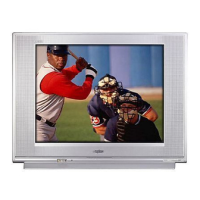
FEATURES
◆ Trilingual On-Screen Menu
◆ Automatic Channel Search
◆ Auto Shut Off
◆ Closed-Captioning/Quikcap
◆ Digital picture controls
with on-screen display
◆ Comb Filter
◆ MTS stereo/dbx
®
/SAP
Decoder
◆ Auto Flesh Tone
◆ Factory preset adjustments
for picture/sound
◆ Tone
◆ V-Guide (Parental Control)
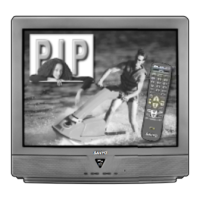
◆ Picture-in-Picture (PIP)
◆ Audio/Video Input Jacks
(2 sets–Rear)
◆ S-Video Input Jack (2 sets)
◆ Fixed Audio Output Jacks
◆ Sleep Timer (3 hours)
◆ TV Reset
181 Channel Tuning System
VHF Channels 2-13
UHF Channels 14-69
Cable TV (CATV) 1, 14-125
Automatic Fine Tuning
VHF and Cable Channels
Multimedia/Universal
Remote Control
VCR/TV/DVD/AUX
Backlit keys and Large Glow-
in-the-Dark basic operating
keys
Numbered Channel
Selection
Channel Scanning
Volume Mute
Power Enter
Recall Display
Light Sleep
Caption Reset
VCR keys V-Guide
PIP keys
Input/TV•VCR
Menu/Guide
3
SPECIFICATIONS
PICTURE TUBE SIZE
(Measured Diagonally) . . . 31-Inch screen
PICTURE RESOLUTION . . . . 330 Lines / Video Input . . 600 Lines
ANTENNA INPUT . . . . . . . . . UHF/VHF/CATV 75Ω
POWER REQUIREMENT . . . 120VAC 60Hz
POWER . . . . . . . . . . . . . . . . 89 watts
HORIZONTAL DIM. (Width) . . 30.0 in. (762mm)
VERTICAL DIM. (Height) . . . 27.8 in. (707mm)
DEPTH DIM. (Thickness) . . 21.2 in. (538mm)
WEIGHT (Approx.) . . . . . . . 108.6 lbs. (49.3 Kg.)
SOUND (2 Speakers) . . . . . Size: 10 cm
AMPLIFIER . . . . . . . . . . . . . Built-in with 1W/ch
A/V INPUT JACKS . . . . . . . . Video Input (2), Audio Input (R/L-2),
. . . . . . . . . . . . . . . . . . . . . . S-Video Input (2)
AUDIO OUTPUT JACKS . . . . Fixed Audio Output (R/L)
. . . . . . . . . . . . . . . . . . . . . .(RCA Connectors)
dbx
®
is a registered trademark of
Carillon Electronics Corporation
CAUTION: FCC Regulations state that improper modifications or
unauthorized changes to this unit may void the user’s
authority to operate the unit.
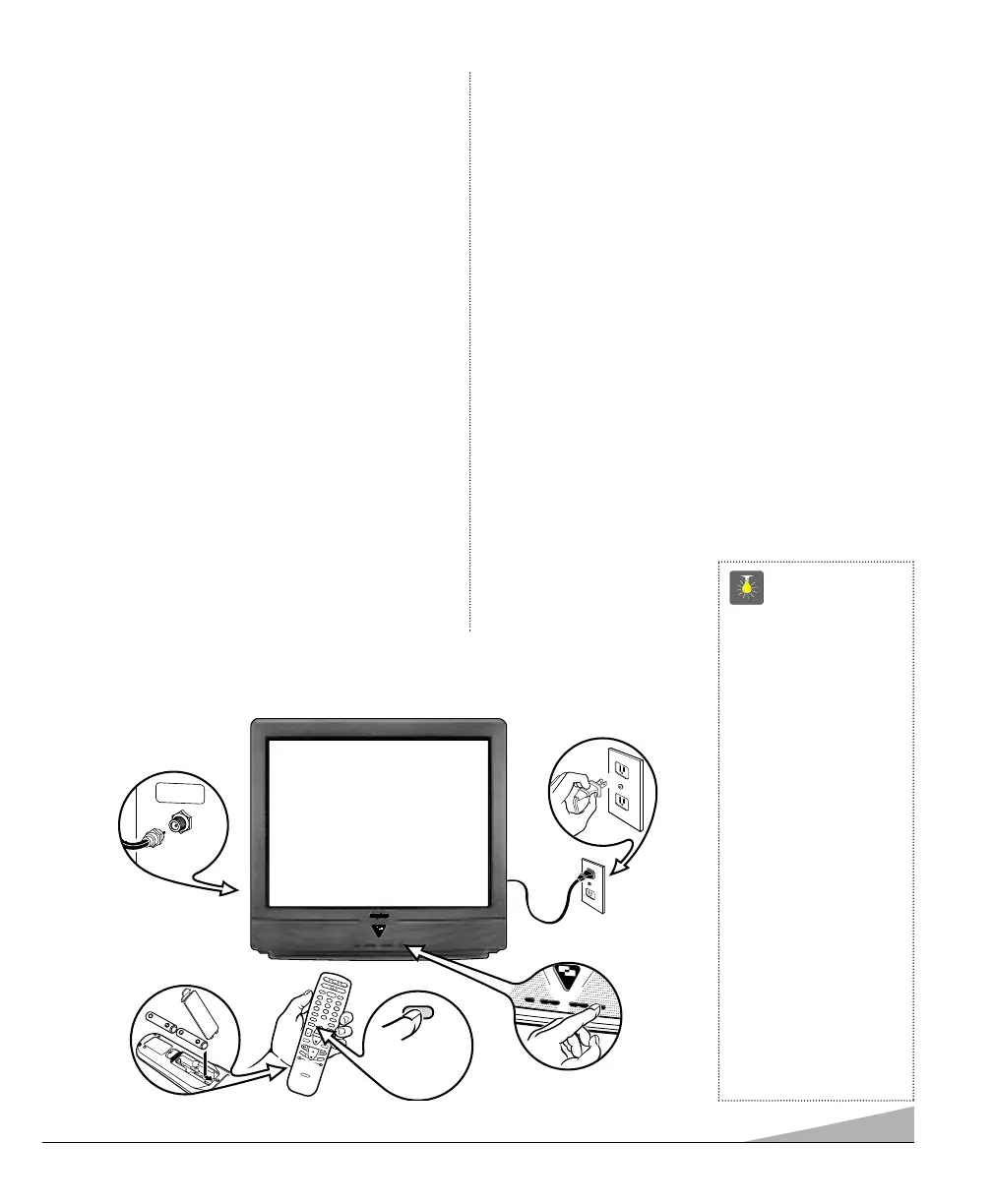
QuickTips
■
Do not position the TV
in a confined area.
Allow normal air cir-
culation for electronic
parts.
■
Position your TV at
least 2 feet from stereo
speakers. The magnets
in the speakers may
affect the picture
quality.
■
The TV will automati-
cally select the correct
Antenna mode for the
type of signal you
connect.
Need help?
Visit our website at
www.sanyoctv.com
or
Call 1-800-877-5032


 To Next Page