EasyManua.ls Logo

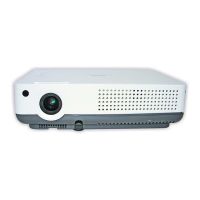
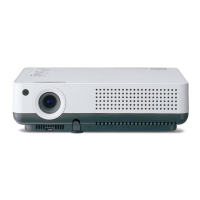
Sanyo PLC-XW55G - User Manual

Sanyo PLC-XW55G
2 pages
Print Icon
To Next Page IconTo Next Page
Loading...

Questions and Answers

  • U
    umarshAug 11, 2025
    Why won't my Sanyo Projector turn on and says cooling?
    • M
      Mark MosesAug 11, 2025
      The Sanyo Projector cannot be turned on because it is either preparing for stand-by or the projection lamp is cooling down. Please wait until the cooling process is completed.
  • W
    William RossAug 21, 2025
    What to do if my Sanyo PLC-XW55G cannot be turned on due to high temperature?
    • P
      Penny PetersonAug 21, 2025
      The Sanyo Projector cannot be turned on due to an abnormally high internal temperature. Once the projector has cooled down sufficiently and the temperature returns to normal, the POWER indicator will emit a red light, signaling that the projector can be turned on. Consider checking and cleaning the air filters to prevent this issue.
  • J
    justin95Aug 30, 2025
    Why is the LAMP REPLACE indicator yellow on my Sanyo PLC-XW55G Projector?
    • J
      James SimmonsAug 30, 2025
      The LAMP REPLACE indicator lights yellow when the projection lamp is nearing the end of its life. Replace the projection lamp promptly with a new one. Remember to reset the lamp replacement counter after you've replaced the lamp.

Sanyo PLC-XW55G Specifications

General IconGeneral
BrandSanyo
ModelPLC-XW55G
CategoryProjector
LanguageEnglish

Related product manuals