English 140
3 Select the desired option, and press
the SET button.
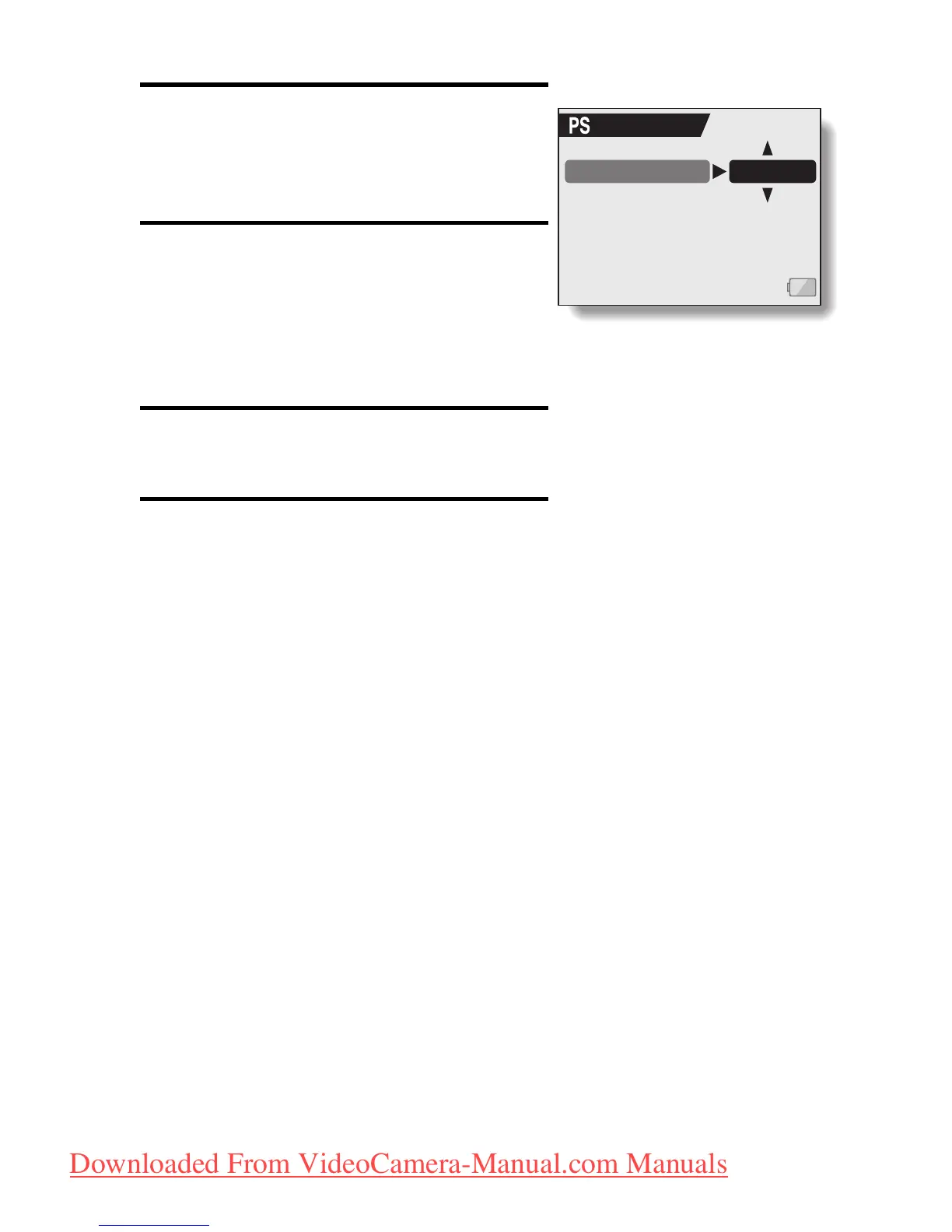
h The Set Standby Time Screen
appears.
4 Toggle the SET button up or down
to set the standby time.
Up:
Increases the standby time.
Down:
Decreases the standby time.
5 Press the SET button.
h The standby time is set.
6 Select “EXIT”, and press the SET
button.
h You are returned to the Option
Screen.
POWER SAVE
BATT/CAM 1 min
<Example: When “BATT/
CAM” is selected>
Downloaded From VideoCamera-Manual.com Manuals



 To Next Page