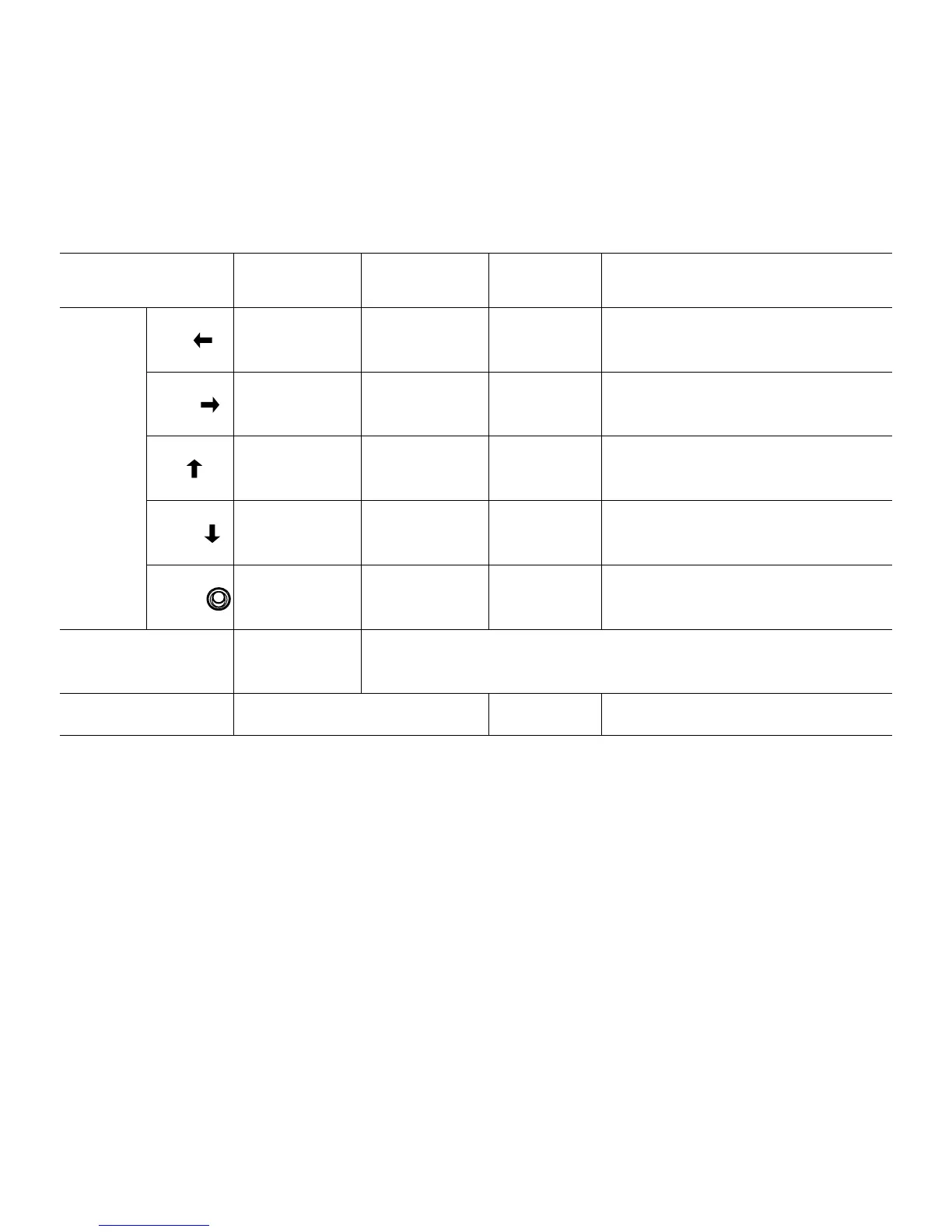
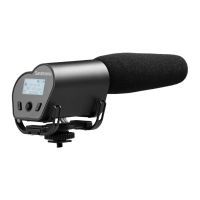
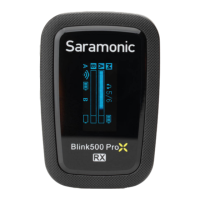
Control Panel
On Recording
Screen
On Playback
Screen
On Main Menu On Submenu
Joystick
Direction
Left ---
Play previous
audio
--- Exit the submenu
Right
Set low cut
on/off
Play next audio ---
Delete (only active on submenu of
“FILE”)
Up
Increase gain
volume
Increase play
volume
Scroll up
• Scroll up
• Change parameters only on SYSTEM
SET menu
Down
Decrease gain
volume
Decrease play
volume
Scroll down
• Scroll down
• Change parameters only on SYSTEM
SET menu
Center
button
--- Pause/play Enter Enter/confirm
Recording Button
Start/pause/
stop recording
Enter recording screen
Power Button Enter Main Menu --- ---
5.2 Control Panel Adjusting Indication


 To Next Page