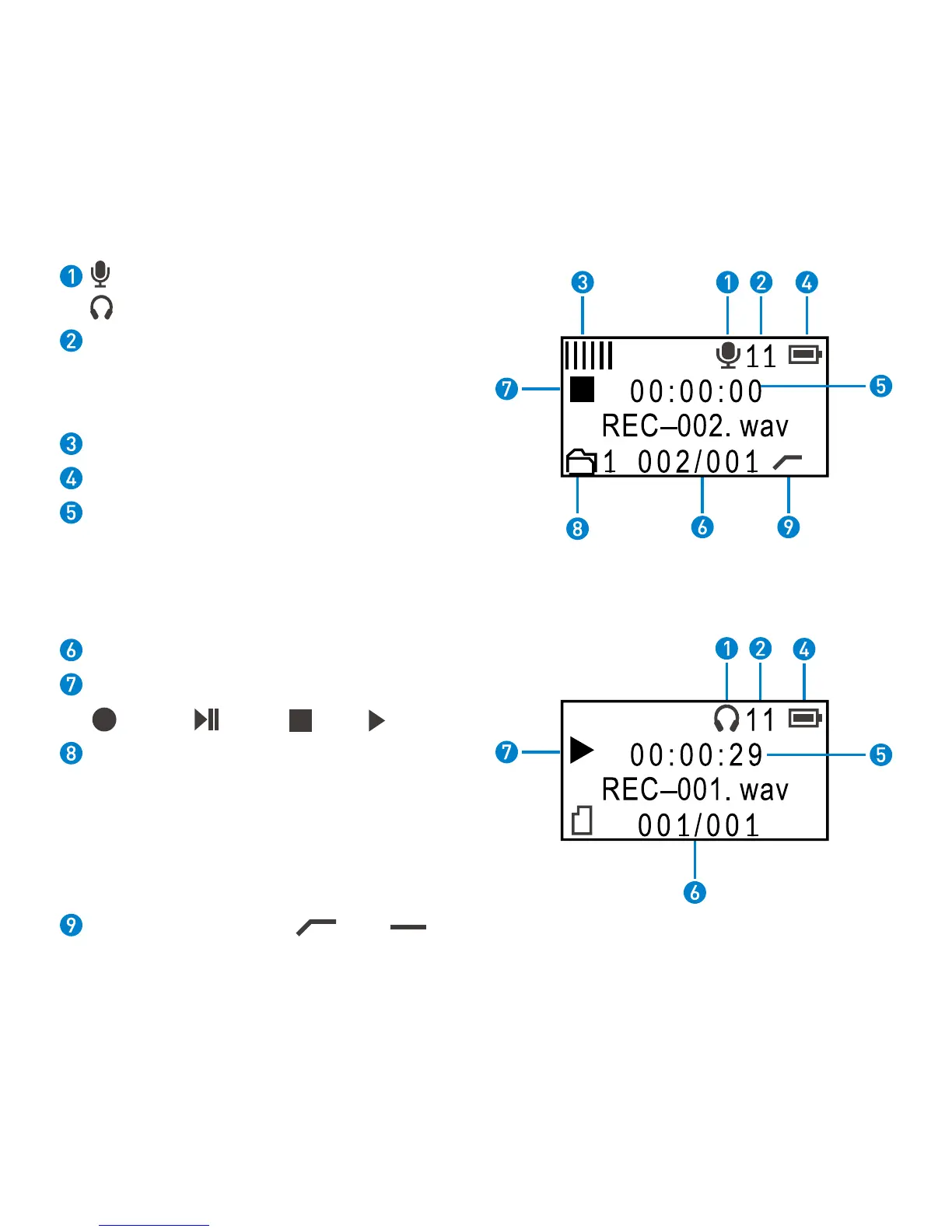
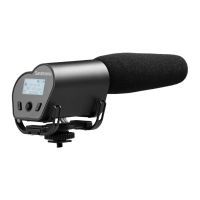
5.3 LCD Screen
Recording Screen
Playback Screen
Indicates recording screen.
Indicates playback screen.
Microphone volume ( from 1 to 60).
Press the joystick up and down to adjust
volume.
Level meter.
Power indicator.
Elapsed time. This shows the elapsed time
(hours: minutes: seconds) of the current file.
You can set the maximum elapsed time of
every audio file in the main menu.
Current file name/total number of files.
Recording statue.
Record Pause Stop Play
Folder name. Vmic Recorder allows you to
create maximum 9 folders, every folder
can accommodate 200 wav files. The screen
shows now you are recording No.002 wav
file, the wav file will be stored in FOLDER01.
Low-cut filter icons. On: Off:


 To Next Page