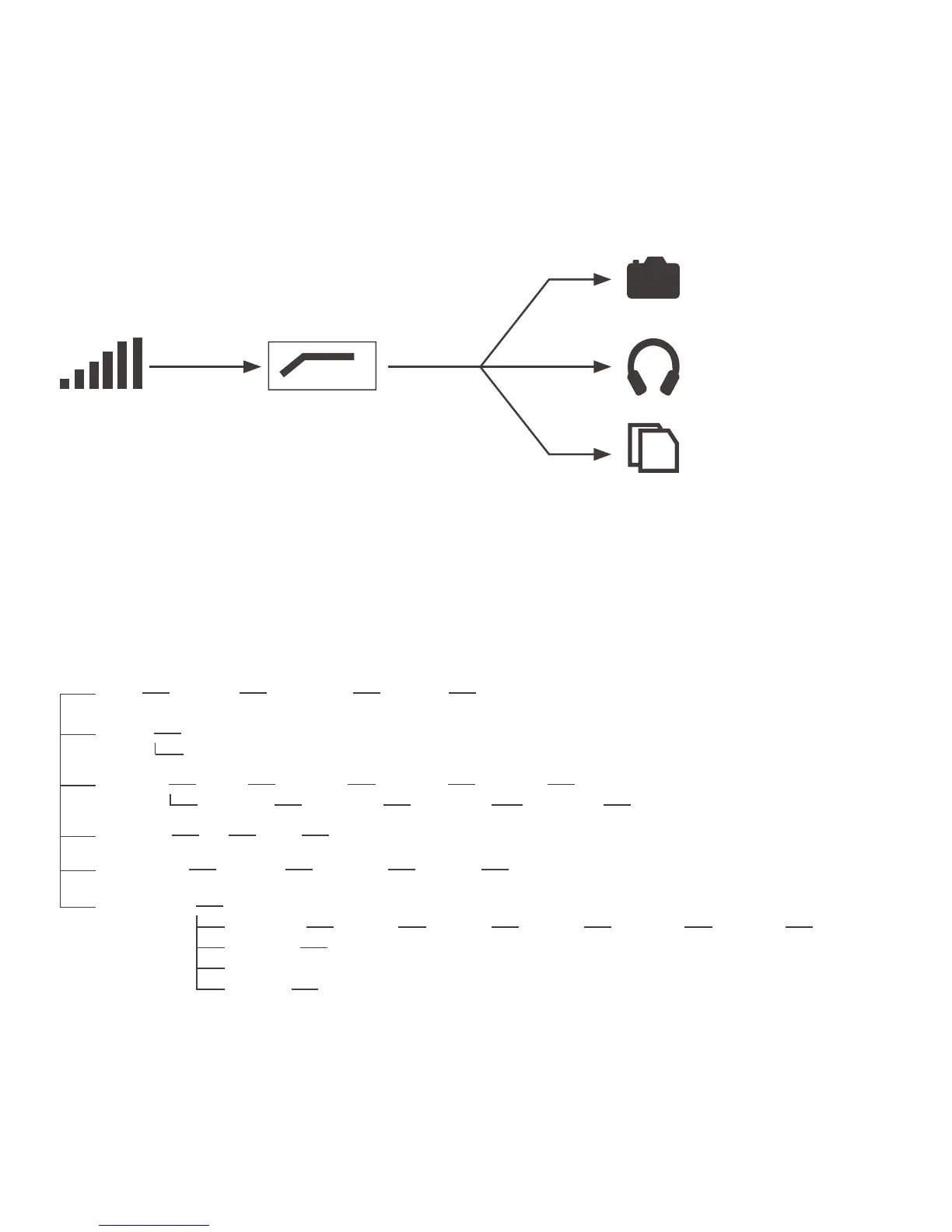
Recording to memory card
Audio output
Headphone output
Low-cut FilterGain
5.4 Audio Path
MENU SUBMENU
1 FILE
FOLDER01 REC-001.wav Delete File Yes/No
2 INPUT
low cut on
low cut off
3 REC SET
file limit 30 minutes 60 minutes 90 minutes 120 minutes
sample rate 24kHZ/16bit 48kHZ/16bit 24kHZ/24bit 48kHZ/24bit
4 SD CARD
total remain format SD
5 PLAY MODE
single play single cycle order play content cycle
6 SYSTEM SET
date & time
lcd backlight always on always off 5 seconds 10 seconds 15 seconds 30 seconds
lcd contrast 1-2-3-4-5
version
factory rst Yes/No
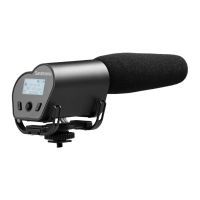
Note: If you want to record the audio into your camera, please make sure the Vmic Recorder is on
recording screen.
6. Operating Menu


 To Next Page