2
1
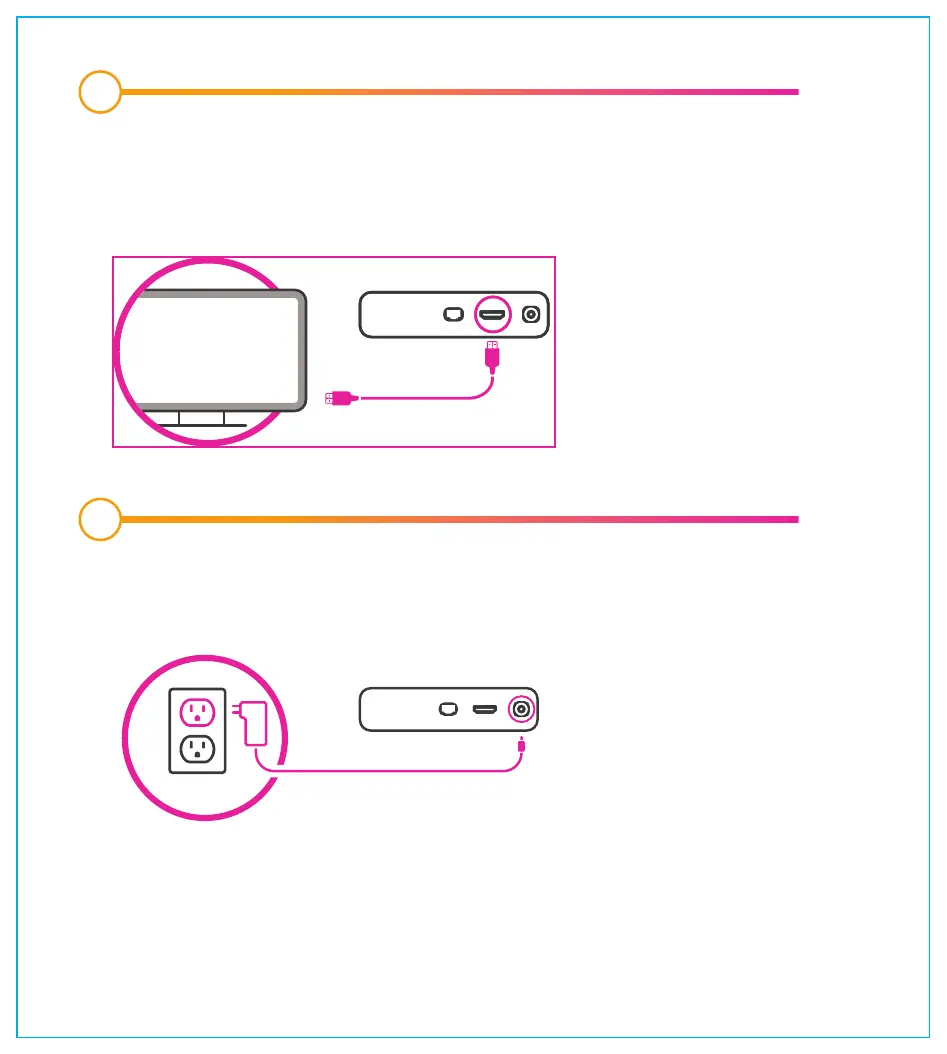
Connect your maxTV Stream media box to a power source and turn on
your TV. Your maxTV Stream media box will start up automatically.
Connect your maxTV Stream media box to your TV using the HDMI cable
included with your media box. If connecting to the internet via an Ethernet
cable, you must connect the cable now (not shown in image).
SAS191039BC_MaxTVStream_SetupGuide_17x19cm_REV1_x1a.pdf 4 2021-07-23 2:09 PM



 To Next Page