Pairing your remote
with your media box.
3
4
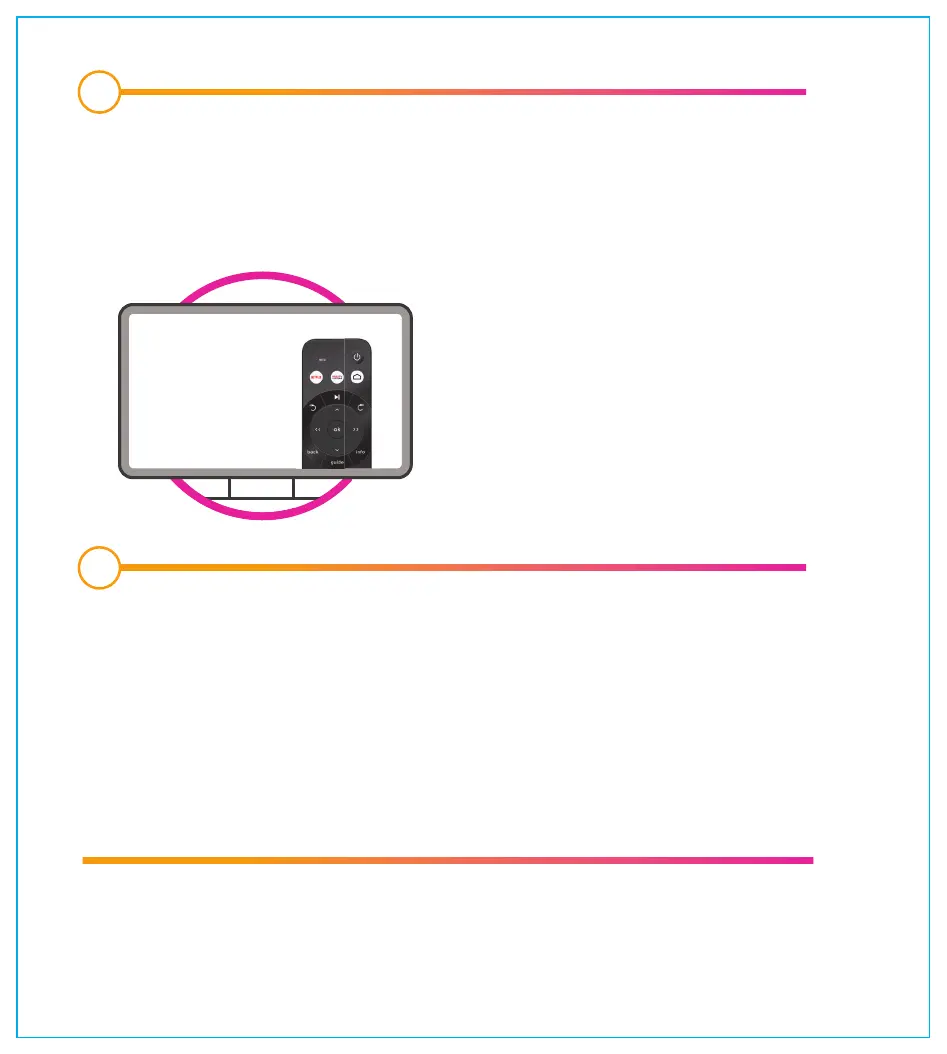
Select the source or input button on your TV until you see the maxTV
Stream service loading. Select Connect to begin pairing your remote
with the media box. Make sure you put the batteries (included) in the
maxTV Stream remote.
Follow the on-screen set-up instructions to complete the installation.
• Wi-Fi set-up or confirm Ethernet connection
• Google sign in
• Select apps that you want to install right away
• Pair TV with remote
• Log in to maxTV Stream with your mySASKTEL account
Want to stream your shows on the go? Download the SaskTel maxTV app
on your phone or tablet. Learn more sasktel.com/maxtvapp
SAS191039BC_MaxTVStream_SetupGuide_17x19cm_REV1_x1a.pdf 5 2021-07-23 2:09 PM



 To Next Page