3.2 Power ON/OFF
The instrument can be switched on by pressing [any]
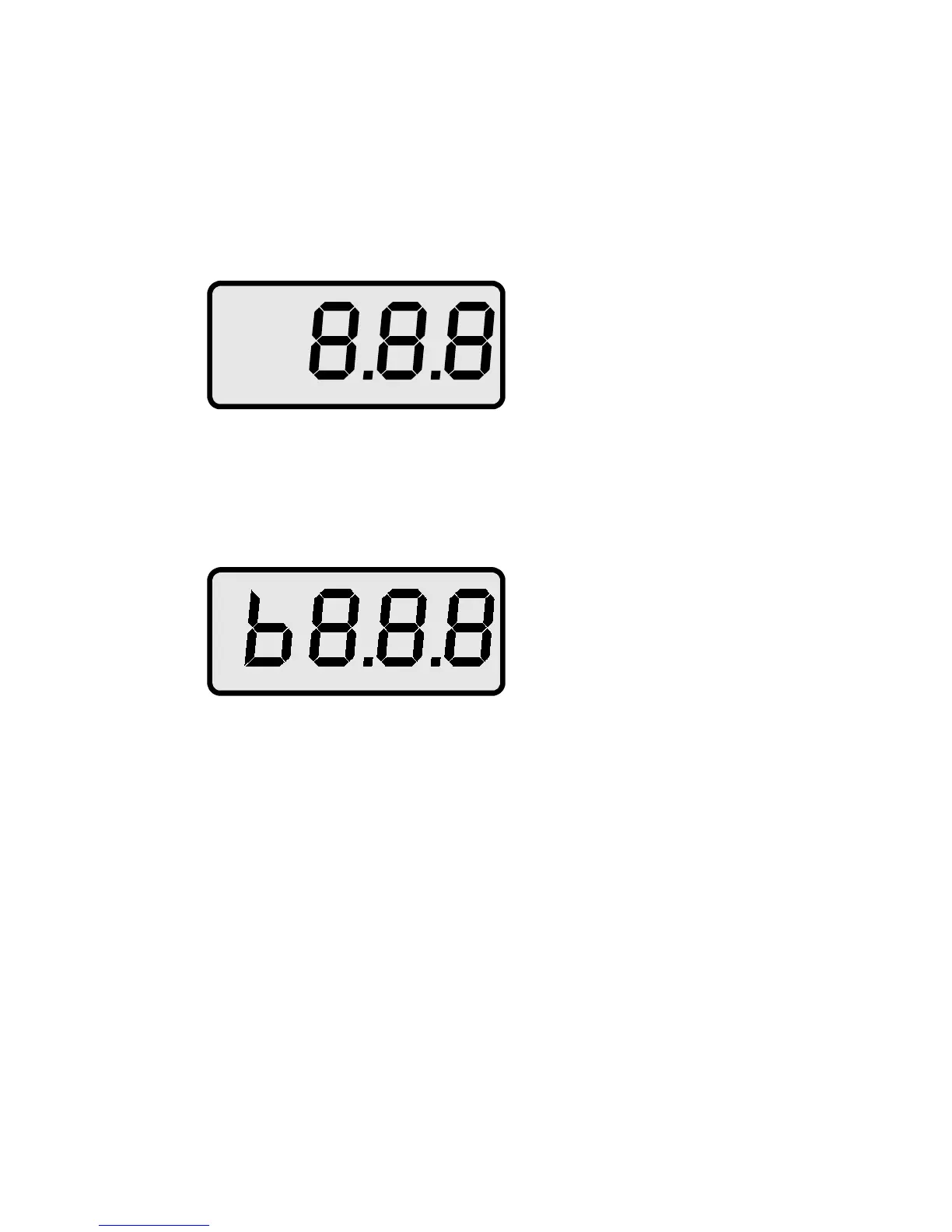
touch switch. The buzzer beeps and the display shows
the stand-by status:
Fig. 2
or
Fig. 3
while the switch is held down. This is also a test of the
display. The character ‘
b
’ left of the most significant digit
indicates low battery voltage. For further information see
section 3.6.
When the switch is released, the display shows the
current time (or date respectively).
9



 To Next Page