Figure 1-4-7 Installation of Micro SD card
1.4.6 Power on/off
In the off state, long press the power button for 3 seconds, it will power on.
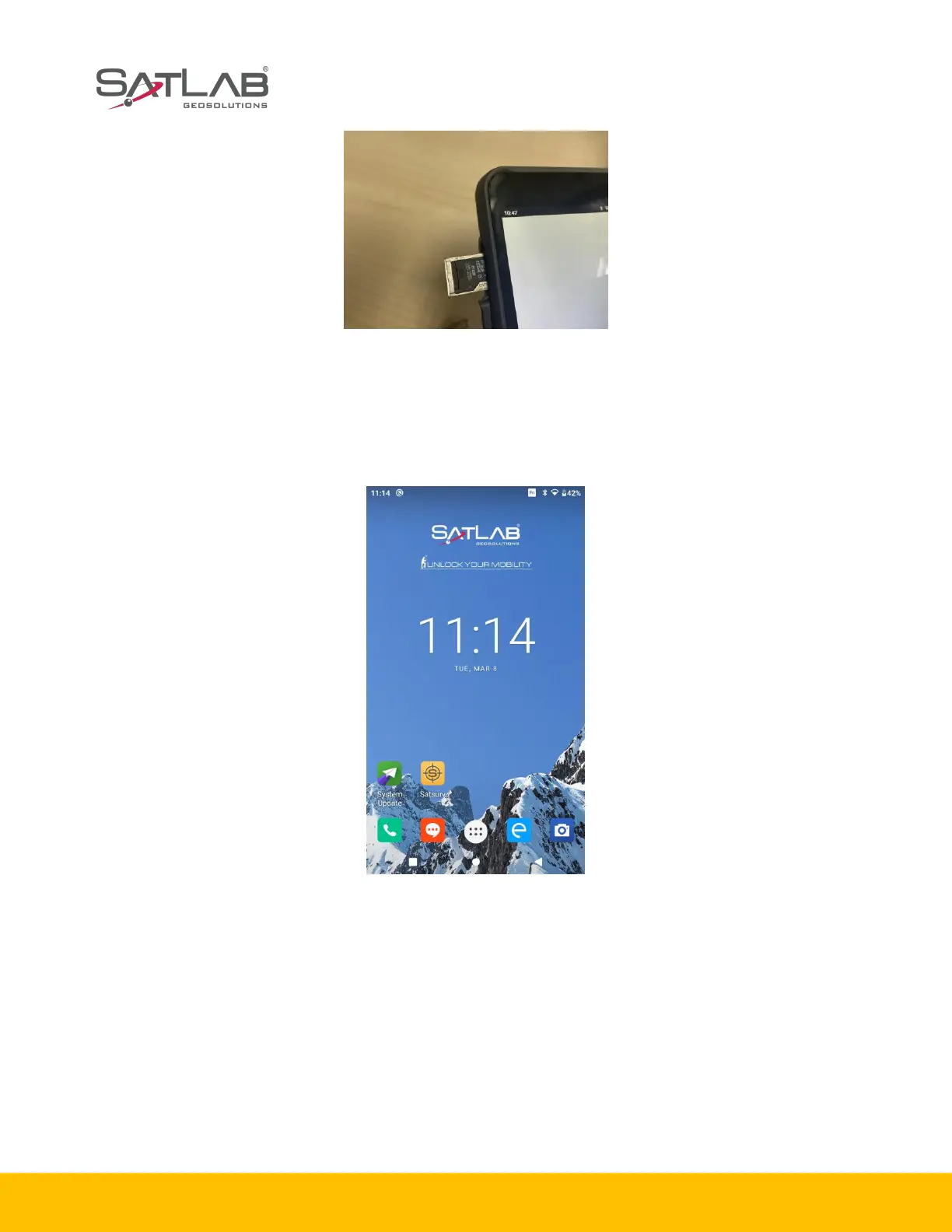
Figure 1-4-8 The interface of the SHC55 screen
In the power on state, long press the power button for 3 seconds, it will prompt to shut down and to
confirm, click Power off.
1.5 Application
1.5.1 Connecting the controller to computer
1. Connect the controller to computer via the USB data cable.
2. Transfer files: pull down the notice column and click USB for charging.



 To Next Page