Version 1.0
[ 97 ]
SAV 876.17
EN
5 OPERATING THE DEVICE
5.2.1 Structure
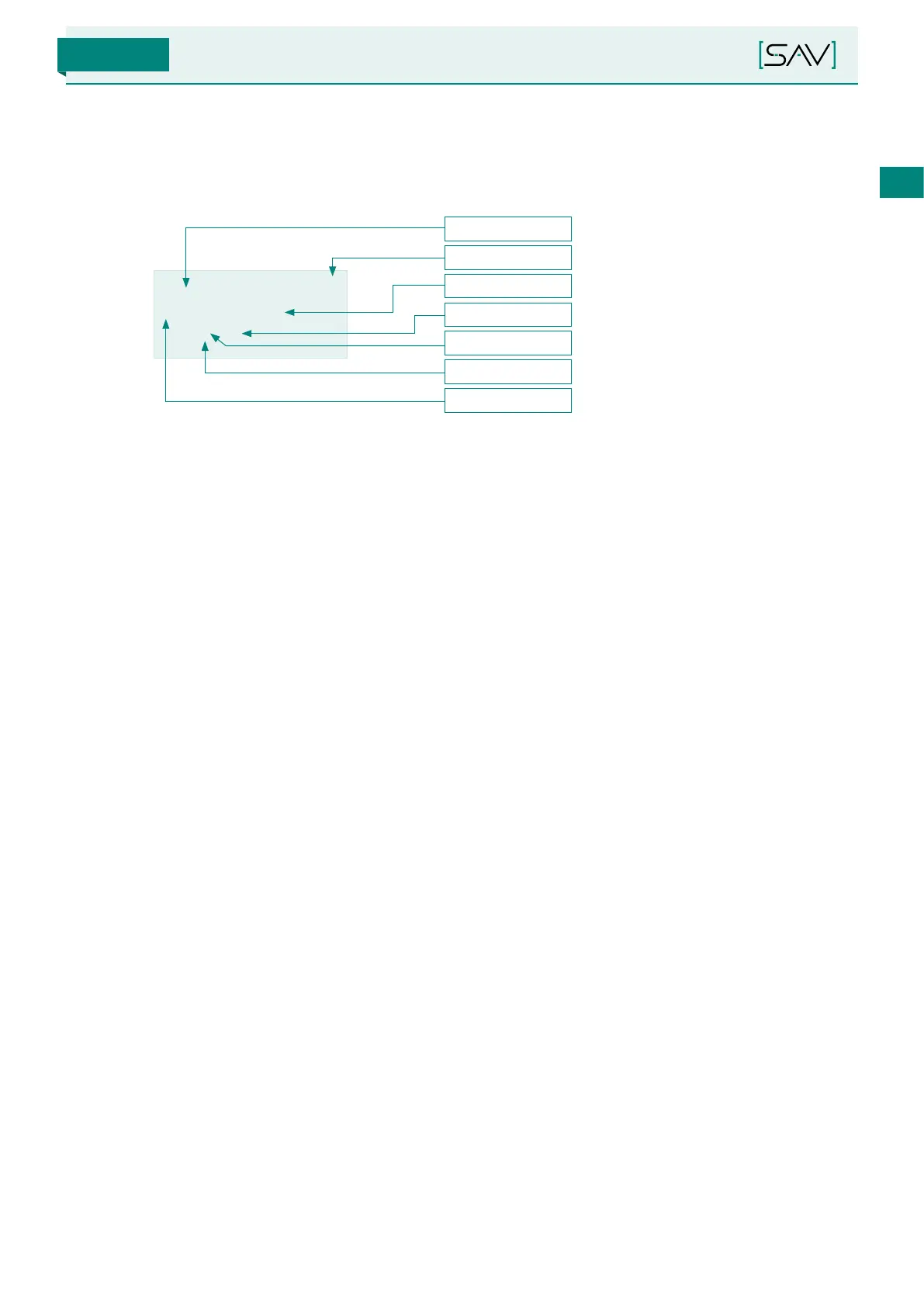
The menu structure is as follows:
M.m./s/c on st
> Demag. stage
0 (0)
Menu item
Menu level
Deviation
Navigation
Value
Cursor
Sub-menu
■
Navigation: Navigation arrows are shown at the top right of the display for better orientation:
- An “up” arrow means that the Up (T1) button can be used to:
» Navigate up to select another sub-menu
» Increase a numeric value by 1
» Navigate up to select another value
- A “down” arrow means that the Down (T3) button can be used to:
» Navigate down to select another sub-menu
» Decrease a numeric value by 1
» Navigate down to select another value
■
Sub-menu: An arrow at the beginning of the 2nd line means that the menu item is a sub-menu which can be
selected.
■
Menu level: The menu level is used for orientation in the menu. It uses abbreviations to indicate the current
position in the menu.
■
Menu item: The menu item indicates the exact position in the sub-menu or an arrow is shown before the item
to which sub-menu the user can navigate.
■
Value: The value can be a numerical value or a selectable display text.
■
Deviation: In some sub-menus, the deviation of a numerical value is indicated by a pre-defined value in brack-
ets “(x)”.
■
Cursor: The cursor always appears for a value if it is selected for changing.


 To Next Page