EasyManua.ls Logo

Savch S3100A Series - User Manual

Savch S3100A Series
157 pages
Print Icon
To Next Page IconTo Next Page
Loading...
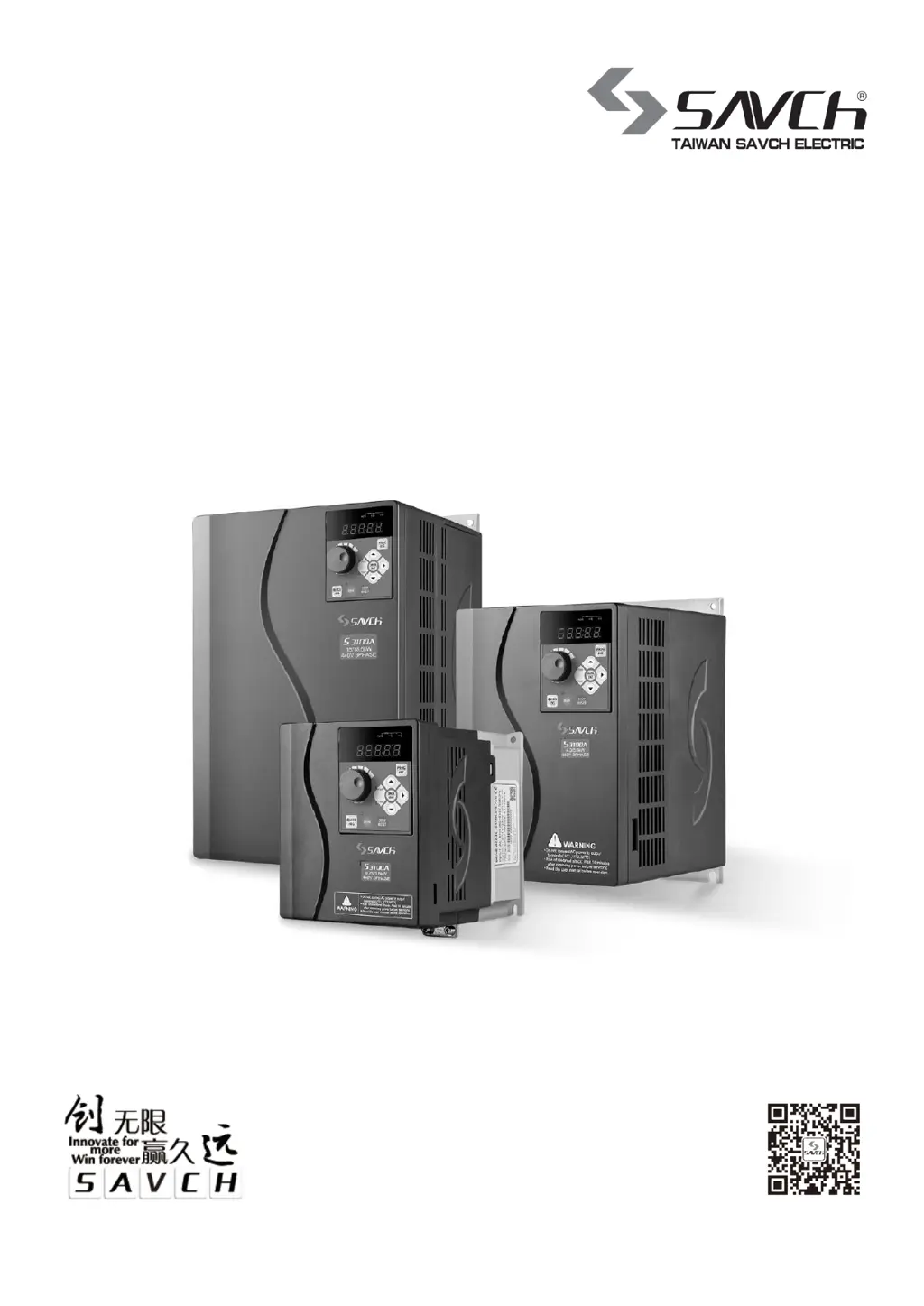
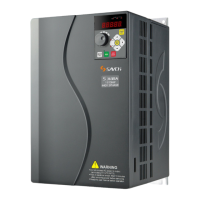
S3100A series inverter
General Open-loop Vector Control (IM)
User manual
User Manual

Table of Contents

Questions and Answers

  • J
    Joseph WrightAug 20, 2025
    What to do if Savch Inverter shows a short circuit fault?
    • M
      Matthew LeeAug 20, 2025
      A short circuit fault in the Savch Inverter can occur if acceleration is too fast; increase the acceleration time. It may also be caused by internal damage to the IGBT, in which case you should seek support. Check for strong interference sources from peripheral equipment or ensure the grounding is properly connected.
  • Z
    Zachary HernandezAug 22, 2025
    Why is there overcurrent during acceleration in my Savch S3100A Inverter?
    • N
      Nancy HarringtonAug 22, 2025
      If your Savch Inverter experiences overcurrent during acceleration, the acceleration time may be too short, so increase it. Check the input power voltage and ensure it's adequate. The inverter's power rating might be too low; select one with a higher power. For vector control, perform parameter self-learning. Adjust manual lifting torque or the V/f curve if they're unsuitable. If the motor is rotating when starting, use speed tracking or start after the motor stops. Also, check for and eliminate any short circuits in the inverter output circuit.
  • H
    hcampbellAug 25, 2025
    What causes overcurrent at constant speed in Savch S3100A Inverter?
    • B
      Brett SmithAug 25, 2025
      If your Savch Inverter shows overcurrent at a constant speed, check for abrupt or abnormal load changes and reduce them. Ensure the input power voltage is sufficient. The inverter's power may be too small, so choose a higher-powered model. Perform parameter self-learning if using vector control. Also, inspect the inverter output circuit for any short circuits and eliminate any peripheral faults.
  • D
    Daniel ParrishAug 26, 2025
    How to fix overcurrent during deceleration with Savch Inverter?
    • V
      Vincent HardinAug 26, 2025
      If your Savch Inverter displays overcurrent during deceleration, increase the deceleration time. If there is large load inertia torque, add appropriate energy consumption brake components. The inverter's power may be insufficient; select a frequency converter with a higher power. If using vector control, perform parameter self-learning. Also, check for any short circuits in the inverter output circuit and eliminate peripheral faults.
  • P
    philipowensAug 27, 2025
    What to do if Savch S3100A is overloaded?
    • J
      Justin PriceAug 28, 2025
      If the Savch Inverter is overloaded, the acceleration might be too rapid, so increase the acceleration time. Avoid restarting the rotating motor after a shutdown. Check the input power voltage to ensure it is adequate. The load may be too large, so select an inverter with a higher power rating.
  • P
    Pamela LeAug 29, 2025
    How to troubleshoot module overheat in Savch Inverter?
    • J
      johnsonbenjaminAug 29, 2025
      If the Savch Inverter module overheats, refer to overcurrent countermeasures if the inverter experiences overcurrent. Rewire if the output three phases have interphase or ground short circuits. Clear blocked air ducts or replace damaged fans. Reduce the ambient temperature if it's too high. Check and reconnect loose connections of the control board or plug-ins. For a damaged auxiliary power supply or abnormal control board, seek service.
  • A
    Anthony PhillipsAug 31, 2025
    Why is my Savch S3100A Inverter showing overvoltage during deceleration?
    • M
      Michelle SolisAug 31, 2025
      If your Savch Inverter experiences overvoltage during deceleration, increase the deceleration time. If there is large load inertia, increase energy consumption brake components. Check the input power to ensure it's within the correct range.
  • J
    Jay GoodwinSep 2, 2025
    How to resolve motor overload on a Savch Inverter?
    • K
      Kathleen JohnsonSep 2, 2025
      If the Savch Inverter indicates a motor overload, check the input power voltage. Ensure the motor's rated current is set correctly by resetting it. Inspect the load; if the motor is blocked or the load mutation is too large, adjust the torque boost. If the motor is overloaded, choose the right motor.
  • H
    Heidi OwensSep 5, 2025
    What causes overvoltage during acceleration in a Savch Inverter?
    • D
      Darrell PhillipsSep 5, 2025
      If your Savch Inverter shows overvoltage during acceleration, check the input power for any abnormalities. Avoid restarting the rotating motor after a momentary power failure; allow it to stop first.
  • O
    okellerSep 6, 2025
    What to do for BUS undervoltage on Savch S3100A Inverter?
    • C
      Cynthia ParksSep 7, 2025
      If the Savch Inverter shows a BUS undervoltage error, check the input power supply voltage. In case of an instant power outage, reset the fault. If the circuit board is abnormal, seek service.

Summary

PREFACE

1.Reading Instructions

Explains symbols like DANGER and CAUTION for safe operation and maintenance.

2.Products Receiving

Outlines checks to perform after receiving the inverter, ensuring package contents and condition.

SAFETY INSTRUCTIONS

1.1 Notes for Operation

Provides critical safety precautions for wiring, installation, and operation of the inverter.

1.2 Notes for Operation Environment

Details environmental conditions to avoid for proper inverter performance and longevity.

HARDWARE DESCRIPTION AND INSTALLATION

2.1 Operational Environment

Lists recommended environmental conditions for optimal inverter function and lifespan.

2.2 Model Description

Explains the naming convention and specifications for different inverter models.

2.3 Inverter Specifications

Provides detailed technical specifications for the inverter series, including output and input data.

2.3.1 Standard Specifications

Lists standard specifications for 220V single/three-phase series inverters.

2.3.2 General specification

Details general technical specifications, control, and operation characteristics.

2.4 Basic Wiring Diagram

Illustrates the main and control circuit wiring for AC motor drive connections.

2.5 External Dimensions

Provides dimensional data and figures for various inverter models and keypad sizes.

2.5.1 Inverter Size

Lists inverter physical dimensions (W, W1, W2, H, H1, D, M, N) by model.

2.5.2 External Dimensions of Inverter

Shows detailed diagrams of inverter external dimensions for different sizes.

2.5.3 Multi-Functions Operation Keypad

Describes external dimensions and installation for small and large power keypads.

KEYPAD DESCRIPTION

3.1 Keyboard Description for HCA-OP-A2; HCA-OP-B2 Digital Operator

Explains the layout and functions of the digital operator's keyboard and display.

3.2 Description of Keyboard Operation

Details how to operate the keypad for parameter setting, failure resetting, and other functions.

3.2.1 Parameter Setting

Guides users through the three-level menu for setting inverter parameters.

FUNCTION PARAMETERS LIST

00 Basic functions parameters

Lists and describes basic function parameters like command source and frequency selection.

01 Motor Control Parameters

Covers parameters related to motor control, including modes and self-learning.

02 Vector Control Parameters

Details parameters specific to vector control mode, focusing on speed loop and torque settings.

03 V;f Control Parameters

Explains parameters for V/f control, including curve settings and voltage/frequency adjustments.

04 Input Terminal Parameters

Describes the configuration and functions of various input terminals.

05 Multi-speed, Simple PLC Control

Covers parameters for multi-speed and simple PLC operation modes.

06 Output Terminal Parameters

Details the functions and configurations of the inverter's output terminals.

07 Start and Stop Control Parameters

Explains parameters related to starting, stopping, braking, and acceleration/deceleration modes.

08 Man-machine Interface Parameters

Covers parameters related to the display, keys, and user interface.

09 Accessibility Parameters

Details parameters for jog operation, jump frequency, and other accessibility features.

10 PID Control Parameters

Describes parameters for PID control, including source, feedback, and tuning settings.

11 Fault and Protection Parameters

Lists parameters for fault detection, protection settings, and automatic reset functions.

12 Serial Communication Parameters

Details parameters for serial communication setup, including address, baud rate, and data format.

13 Wobble Frequency Counting Parameters

Explains parameters for wobble frequency and jump frequency functions.

16 Parameter Management

Covers parameter modification properties, allowing read-only or read/write access.

17 Torque Control Parameters

Details parameters for torque control, including method selection and settings.

22 Control Optimization Parameters

Covers parameters for optimizing inverter performance, such as PWM depth and current limit.

99 Monitoring Parameters

Lists parameters for monitoring inverter status like frequency, voltage, and current.

TROUBLE SHOOTING

6.1 Failures & Failure Elimination

Lists common faults, their possible reasons, and corrective measures.

6.2 General Troubleshooting Method

Provides a general method for troubleshooting common motor and inverter issues.

MAINTENANCE AND AMBIENT ELEMENTS

7.1 Braking Resistor Selection Guide

Guides on selecting appropriate braking resistors based on application and motor parameters.

7.2 Breaker,Cable and Contactor Specifications List

Lists recommended specifications for breakers, cables, and contactors based on model.

7.3 Input;Output AC Reactor and DC Reactor Specifications

Provides recommendations for input/output AC reactors and DC reactors by model.

7.4 Input;Output Filter Specifications

Lists recommended input and output filters for each inverter model.

Savch S3100A Series Specifications

General IconGeneral
AC Frequency50Hz / 60Hz
Output WaveformPure Sine Wave
Rated Power3000W
DC Voltage48V
AC Voltage230VAC
Output Voltage220V/230V/240V
Continuous Power3000W
Peak Power6000W
CoolingFan Cooling
Protection FeaturesOverload, Short Circuit, Over Voltage, Under Voltage, Over Temperature
Operating Temperature-10°C to +50°C

Related product manuals