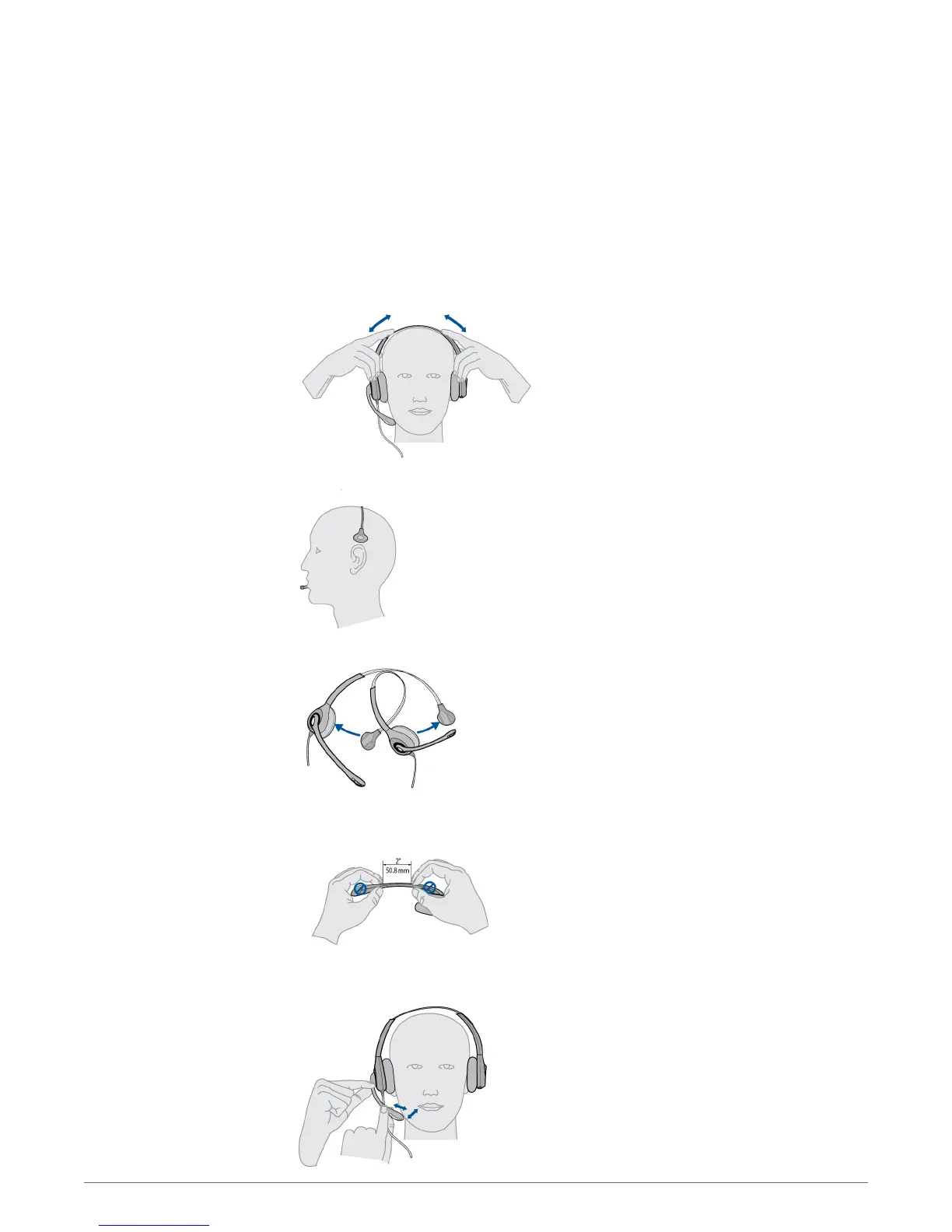
Optimise the comfort and fit of your headset.
1
To adjust the headband, lengthen or shorten the band until it fits comfortably. Position the
headset receivers so that the foam cushions sit comfortably over the centre of your ears.
2
On the WH300, position the stabiliser T-bar above your ear.
3
For a tighter fit, gently pull the opposite ends of the headset inward as shown.
1
Carefully bend and shape the boom with both hands as shown. Avoid bending or twisting the
boom near the microphone or earpiece.
2
Position the click-stop turret and boom so that the microphone is two finger widths from the
corner of your mouth.
Customise your headset
Adjust the headband
Adjust the mouthpiece
9



 To Next Page