PRODUCT MANUAL One-Touch Voice Recorder Pen : SB-P640
Page 5
www.SafetyBasement.com Phone: 877-345-2336 Fax: 888-236-2524
RECORDING
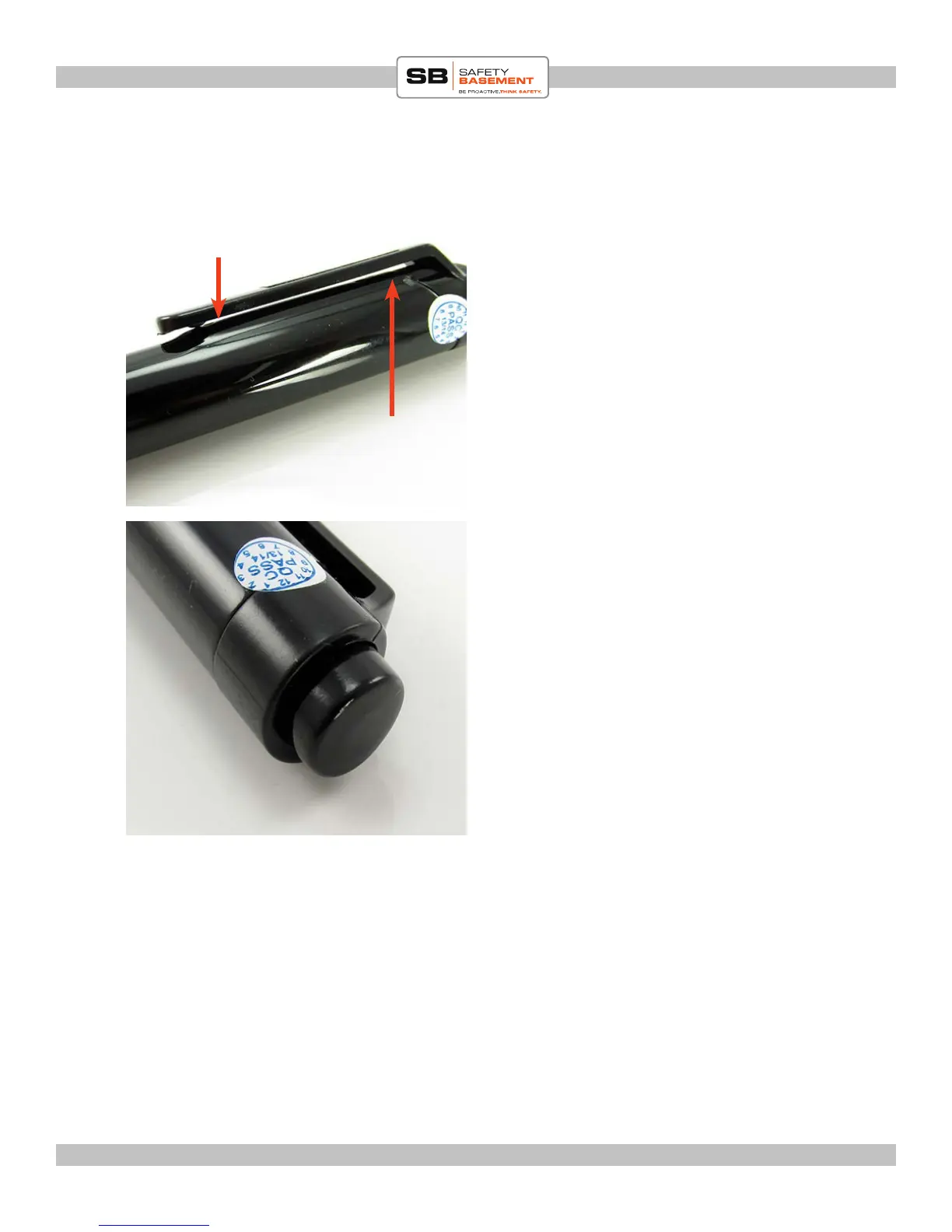
Under the clip is the Status Light, which is
Red when the Power Switch in ON.
To RECORD, press the button at the top of
the pen IN.
e Red Status Light will blink while
recording. It will take a moment for your
recording to start.
To Stop Recording, press the button again.
Your recording will be saved and the pen is
ready to record again.
Status Light
Under the Clip
Microphone
Under the Clip



 To Next Page