Page 8
PRODUCT MANUAL One-Touch Voice Recorder Pen : SB-P640
www.SafetyBasement.com Phone: 877-345-2336 Fax: 888-236-2524
PLAYBACK ON PC
To listen to your recordings on a PC, be
sure the Power Switch in the pen is OFF.
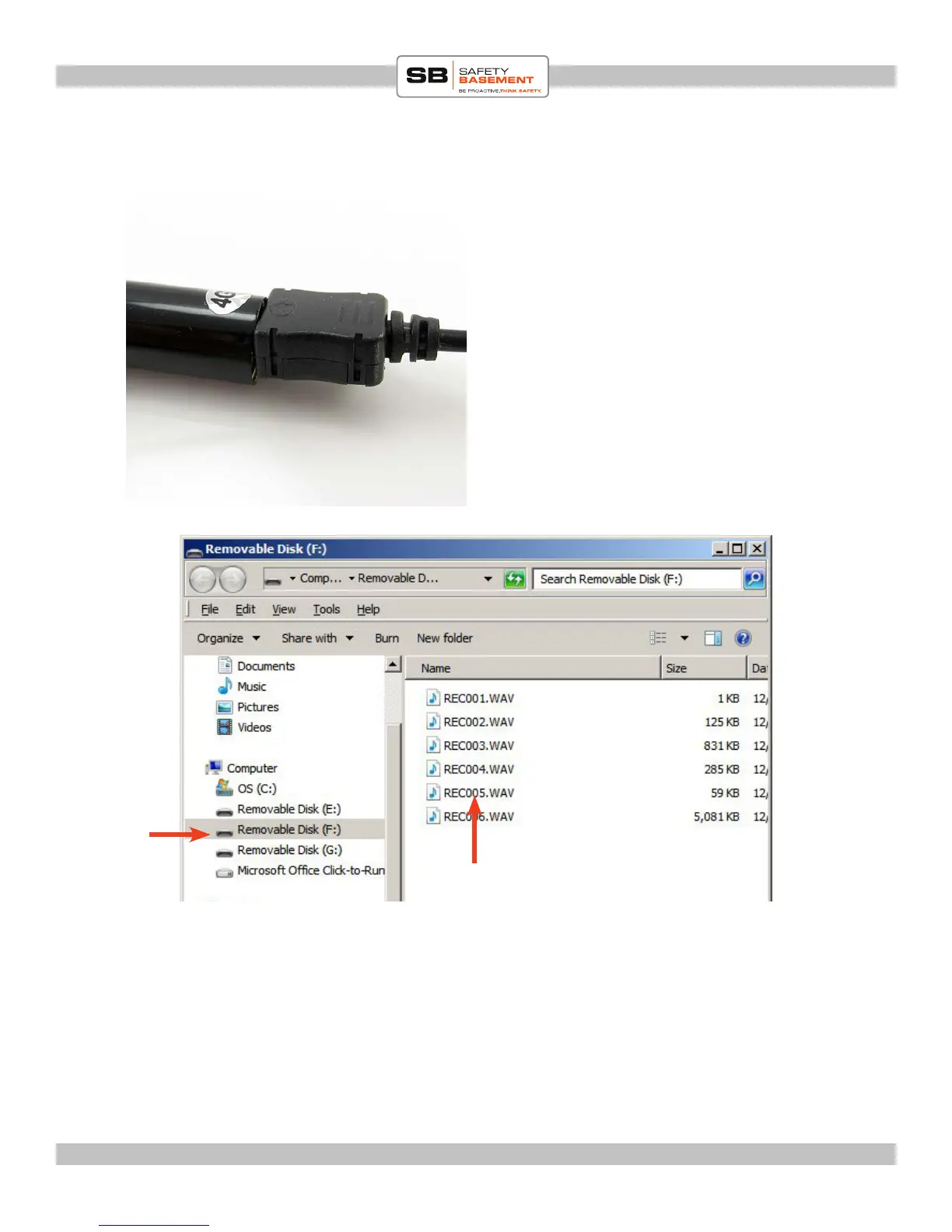
Connect the USB cable to the pen.
Connect the other end to your PC or Mac
via a USB port.
In a few seconds, your PC will connect to
your pen and a window may open showing
you the contents.
Your Pen will appear as an External Drive
or Removable Disk such as in this picture:
Pen
Your Recordings
Save your les on your PC by COPYing them into a folder.
You can then DELETE them from your Pen. Note to Mac Users - please EMPTY your
TRASH aer Deleting les, before you remove your pen from your computer.
To remove your pen, EJECT it from your PC as you would any external drive, then pull it
from your USB port.



 To Next Page