6
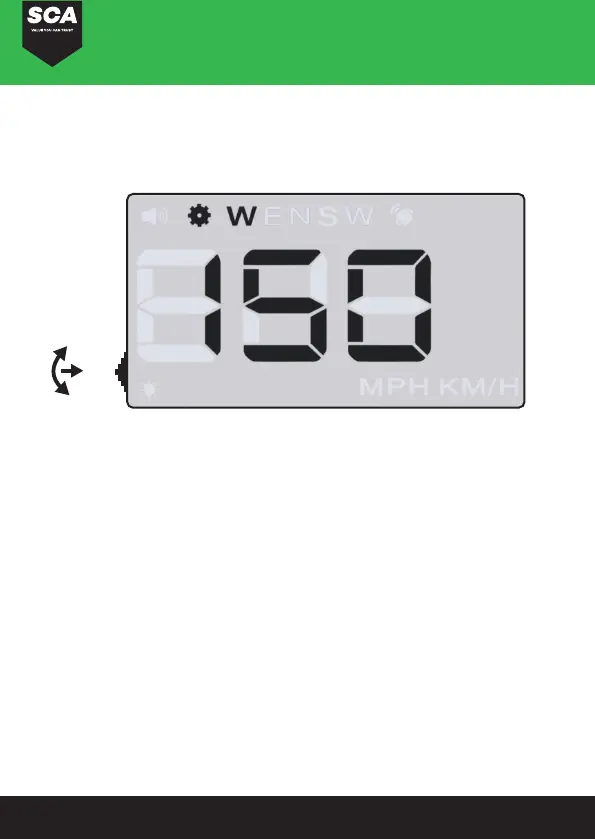
WAVE BUTTON FUNCTION
1. Vertical long press in for 5 seconds, enters into setting menu
(menu 1-6). After finishing adjustment, vertical long press for 5
seconds to save and exit.
2. Short pull up: Increasing parameter values after entering into
the menu settings.
3. Short pull down: Decreasing parameter values after entering
into the menu settings.
4. Vertical Short press in: Increasing menu values after entering
into the menu setting.
5. Long pull down: Turns the alarm sound on or off.
6. Long pull up: When all the LED’s light up the HUD will restore
to factory settings.
M


 To Next Page