7
MENU SETTINGS
Vertical long press in the wave button for 5 seconds to enter
into the menu settings. Short press in the wave button to
increase the menu value, up or down the wave button to
increase/decrease parameter value. After adjustment, vertical
long press 5 seconds to save and exit.
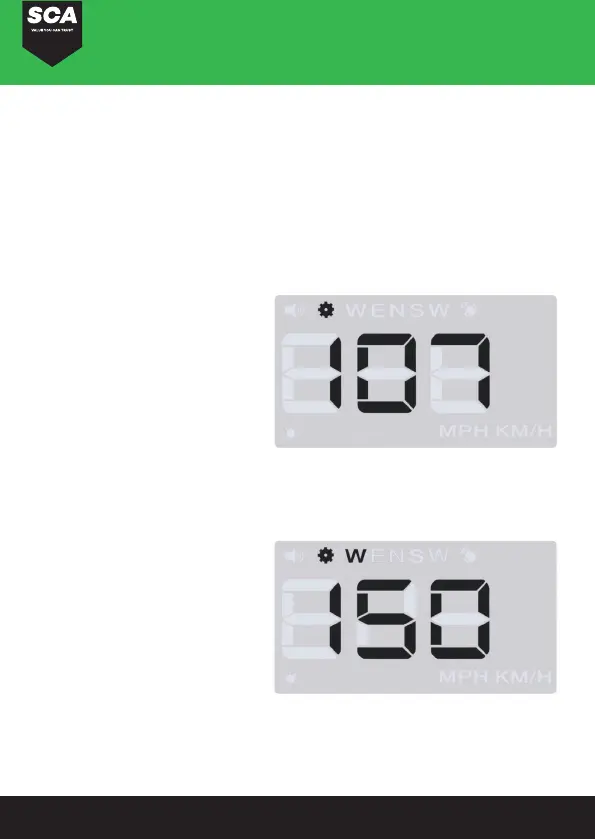
MENU 1: SPEED
-Range adjustment: 80-120
-Speed error: Short pull up
or down to adjust
-Default value: 107
MENU 2: OVER-SPEED
ALARM
-Range adjustment: 10-180
-Speed alarms when it
reaches 150KM/H: Short
pull up or down to adjust
the alarm value
-Default value: 150


 To Next Page