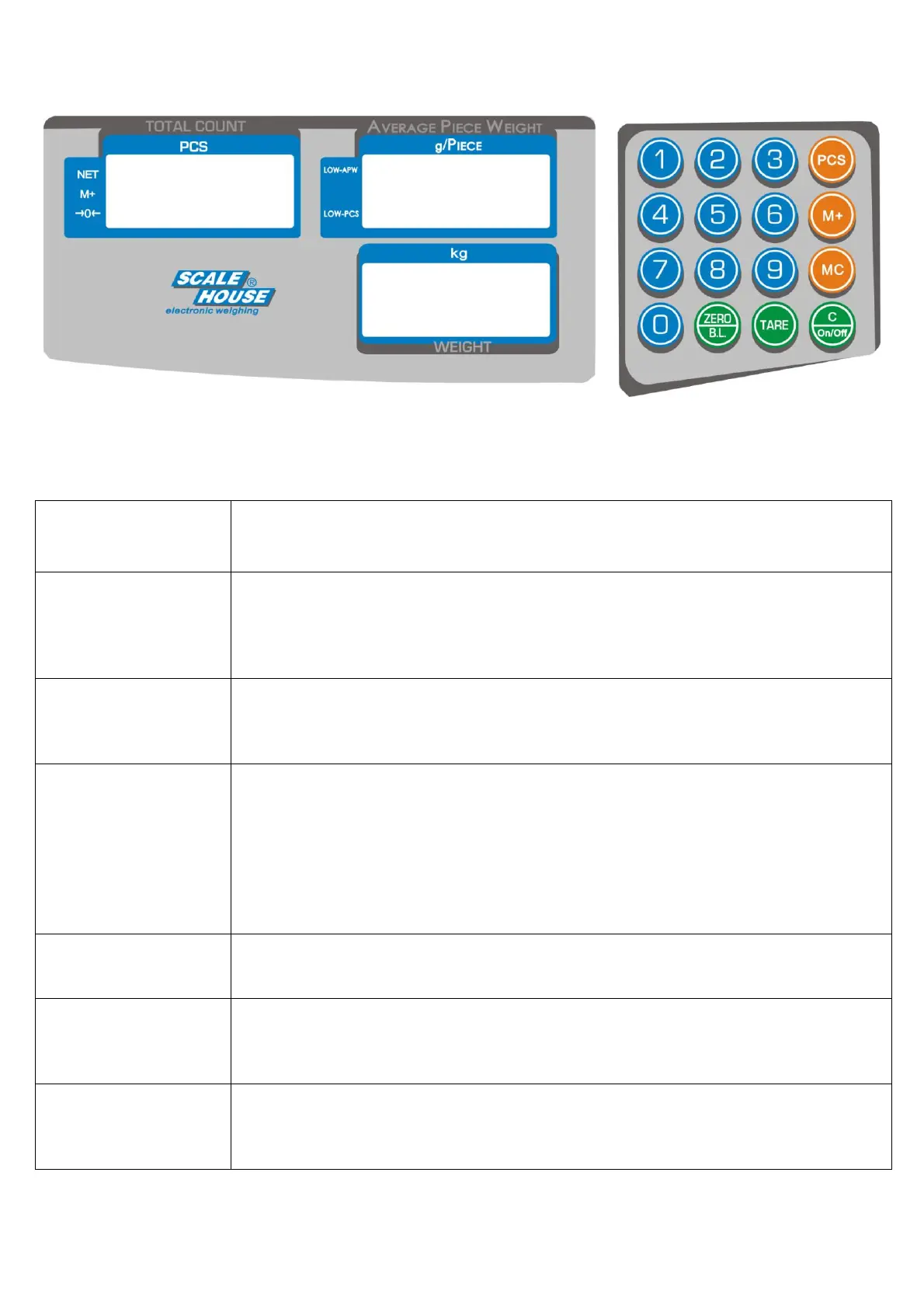
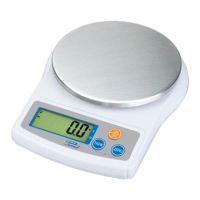
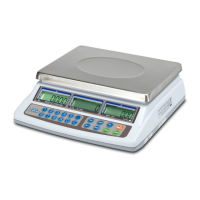
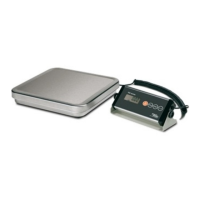
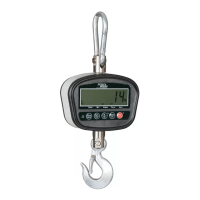
4. FRONT PANEL KEYS AND INDICATORS
4.1 FUNCTION OF THE KEYS
- It clears the displayed gross weight if it’s within +/- 2% of the total capacity.
- If pressed at length it allows the backlight set (see section 5.10).
- It executes the semiautomatic tare.
- If pressed at length it allows the modification of the gravity of calibration and use zones (see
section 6.2).
- A secondary function of selecting the value when setting a parameter or other functions.
- Under weighing condition, it clears the Average Piece Weight (APW).
- If pressed at length it turns on/off the scale.
- A secondary function of clearing the value when setting a parameter or other functions.
- It executes the Average Piece Weight (APW) calculation (see section 5.5.1).
- Pressed in weighing phase together with the 5 key it access to the setting of the FILTER
(see section 6.5).
- Pressed at start-up, during self-checking, together with the 7 key, it access to the setting of
the number of divisions and zero tracking (see section 6.1).
- Pressed at start-up, during self-checking, together with the 8 key, it access to the calibration
with zero acquisition and capacity selection (see section 6.3).
- It executes the accumulation (see section 5.6).
- A secondary function of confirming the value when setting parameters or other functions.
- It clears the memorized accumulating data.
- If pressed at length it access to the calibration with no zero acquisition and no capacity
selection (see section 6.2).
- They allow the manual entry of the predetermined tare (see section 5.3.2) or the manual
entry of the Average Piece Weight (APW) calculation (see section 5.5.2).
- Secondary function of numeric value insertion when setting a parameter or other functions.



 To Next Page