9
NOTE: During programming, if a buon is not pushed for 5 seconds, the control returns to the normal
operaon mode and displays the me of Day.
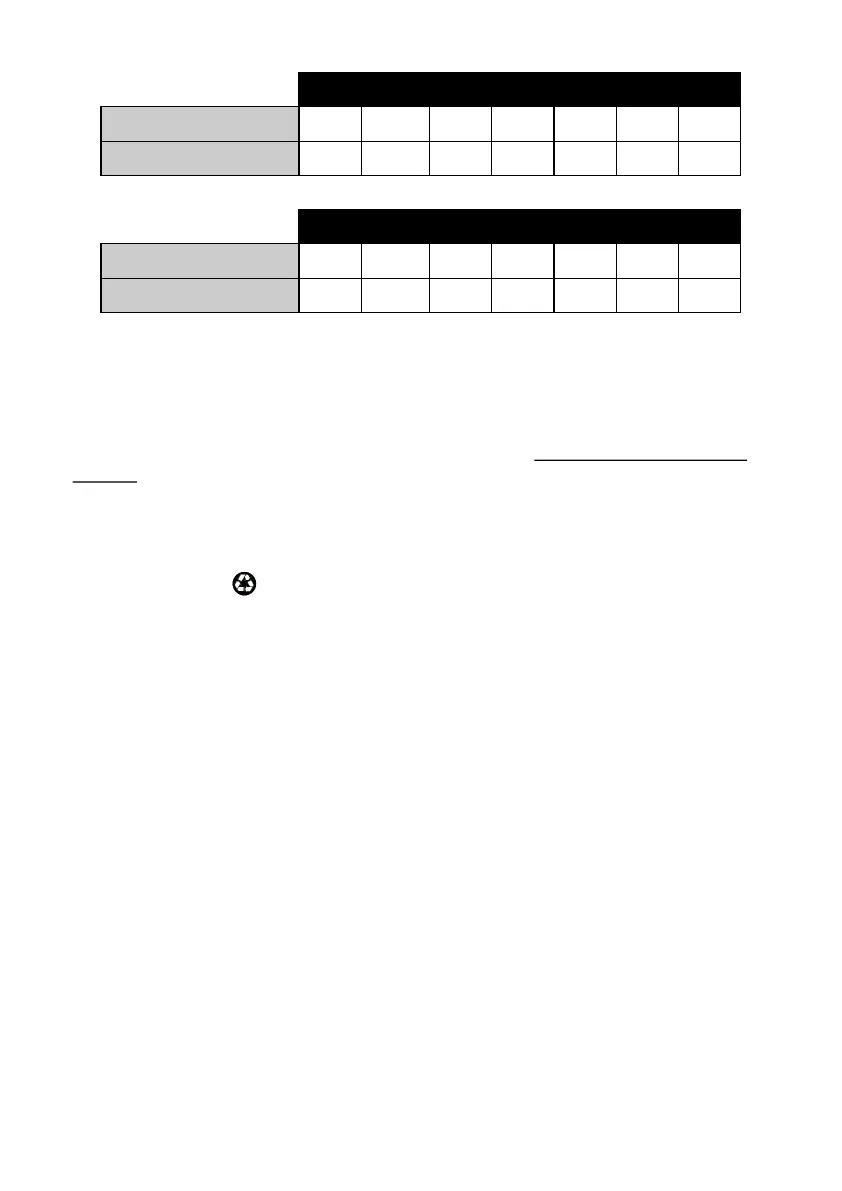
TABLE A (SOFTLINE 100)
Soline 100 Meter
Hardness 200 250 300 350 400 450 500
Cu Meters Capacity 2.5 2.0 1.7 1.4 1.3 1.1 1.0
TABLE A (SOFTLINE 200)
Soline 200 Meter
Hardness 200 250 300 350 400 450 500
Cu Meters Capacity 3.8 3.0 2.5 2.1 1.9 1.7 1.5
Commissioning
The Water Soener will now need to be placed into operaon. Do not put salt into the brine
tank yet.
1. With the supply water for the system sll turned o, posion the bypass valve to the ‘not
in bypass’ (normal operaon) posion.
2. Press and hold the buon on the controller for 3 seconds. This will iniate a manual
regeneraon, and cycle to the backwash posion.
3. Filling the resin vessel with water.
A. With the water Soener in backwash, open the water supply valve very slowly to
approximately the 1/4 open posion. Water will begin to enter the resin vessel.
Air will begin to be purged to drain as the resin vessel lls with water.
B. When all of the air has been purged from the resin vessel (water begins to ow
steadily from the drain line), open the main supply valve all the way. This will purge
the nal air from the tank.
C. Allow water to run to drain unl the water runs clear from the drain line. This purges
any debris from the media bed. Within the vessel.
D. Turn o the water supply and let the system stand for about ve minutes to allow any
trapped air to escape from the resin vessel.
4. Adding water to the salt tank.
Pour 6 litres of water into the Brine (Salt) Tank
Connued on Page 10


 To Next Page
 Loading...
