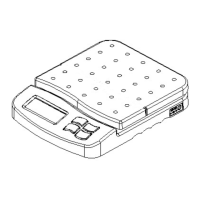
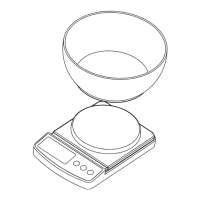
Tare Facility
If a container is to be used, place the container on to the pan. The scale will
display the container’s weight. Press [ZERO] and display will read zero.
Place items in to the container and the displayed weight will be the contents
only.
Check Weighing
Place an item or weight on to the pan. Press [TARE] and the display will
read 0.00 (reference). Remove the item or weight. The display will read
(minus) the weight value removed. Place a similar item on to the pan. If the
scale reads zero there is no difference to the (reference). If there is a
difference the display will read a plus or minus value to the (reference).
Auto Power Off
After approx. 3mins, it can be user disabled.
Make sure the scale is switched off, press and hold down [TARE], then
press [ON/OFF], whilst keeping [TARE] pressed, the display will show
A_ON or A_OFF. Press [TARE] to select A_ON to activate power off
function or A_OFF to deactivate power off function.
Turn the scale off to save the change.
Low Battery Indication
If the power level falls below the required level then will be displayed.
The batteries should then be changed. To continue weighing with this
symbol displayed will result in non-accurate weighing.
IMPORTANT: Remove batteries if using AC/DC Adaptor
6
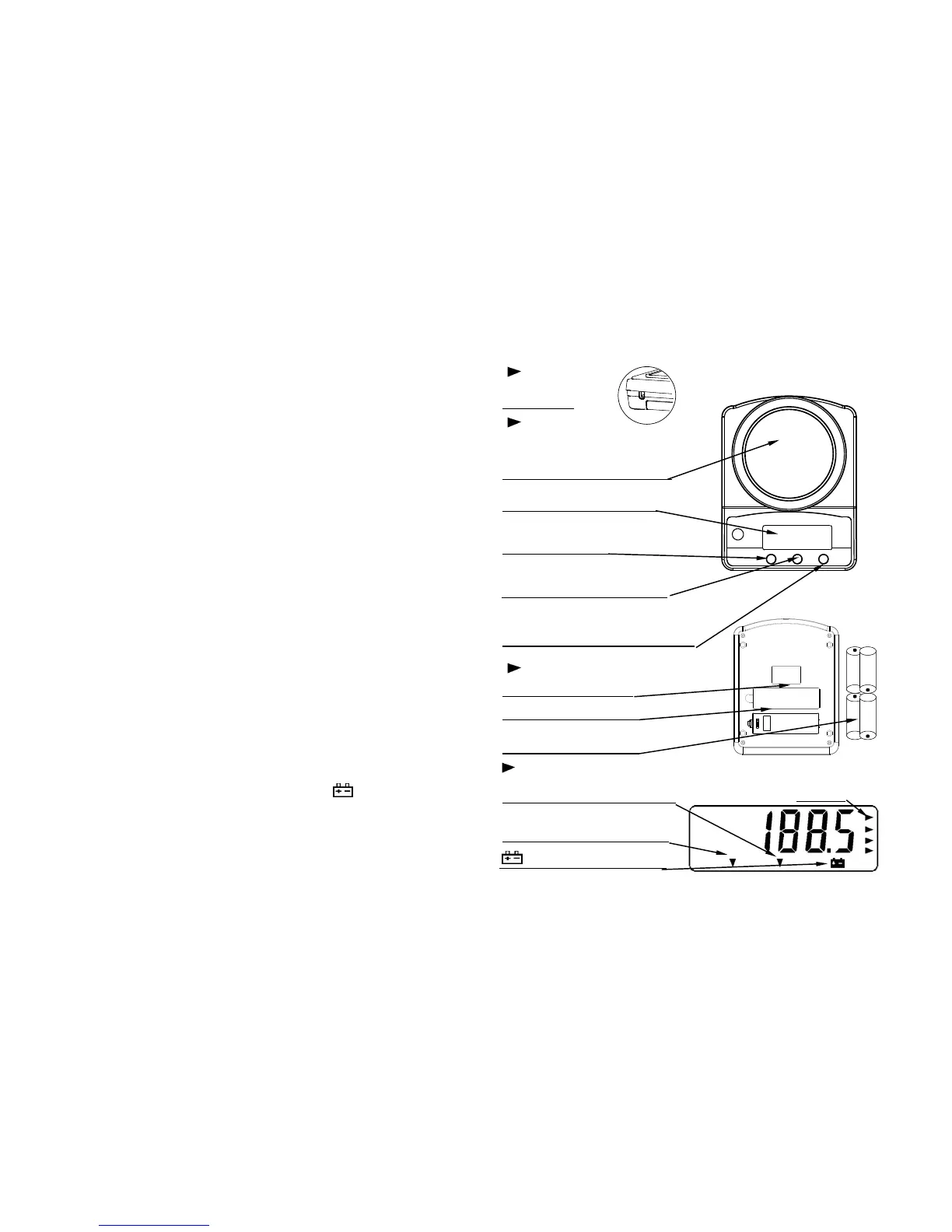
DESCRIPTION
SIDE
AC/DC Power Adaptor
Socket
TOP
Weighing platform
The arch face of platform is front.
Correct the direction of the pan.
Display
ON/OFF key
Turn the scale
power on/off.
TARE key
Set display to zero or
Subtracts weight of a container.
MODE key
Change weighing units
BOTTOM
Battery compartment
Battery compartment cover
Batteries
Use 4 x AAA Batteries
DISPLAY
ZERO indicator Weighing unit
STABLE indicator
Indicates when the reading is stable.
Low battery indicator
3


 To Next Page
 Loading...