11
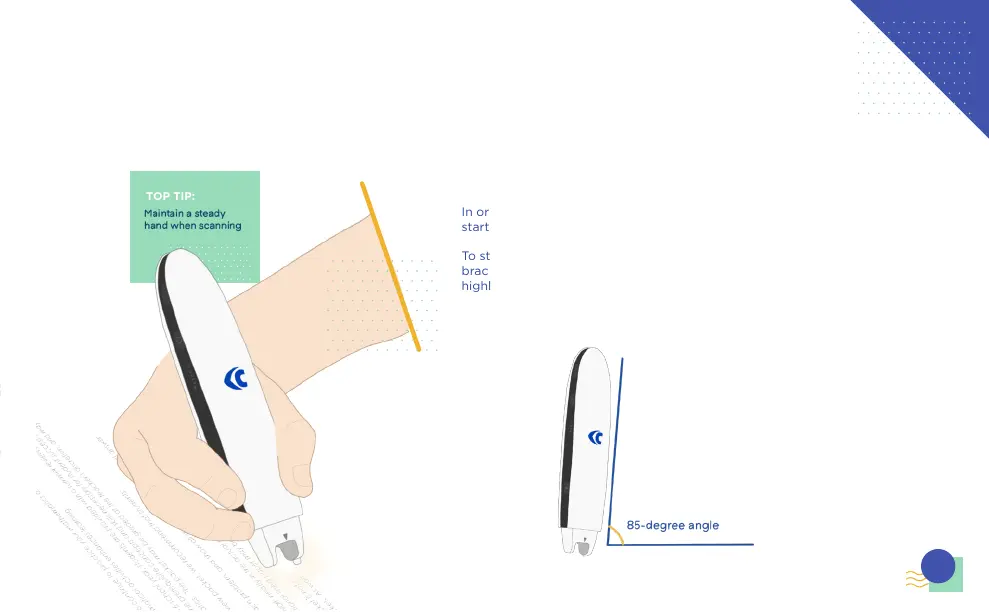
Hold the Connect pen at an 85-degree
angle, gripping fingers around the base
of the pen, this will give you a better grip.
In order to scan any text, the Connect pen needs to be 2cm away from the
start of a sentence.
To start scanning, the text needs to be within the middle of the plastic
bracket, making sure the nib is pressed down and the camera light is
highlighting the text.
TOP TIP:



 To Next Page