Troubleshooting
Basic troubleshooting
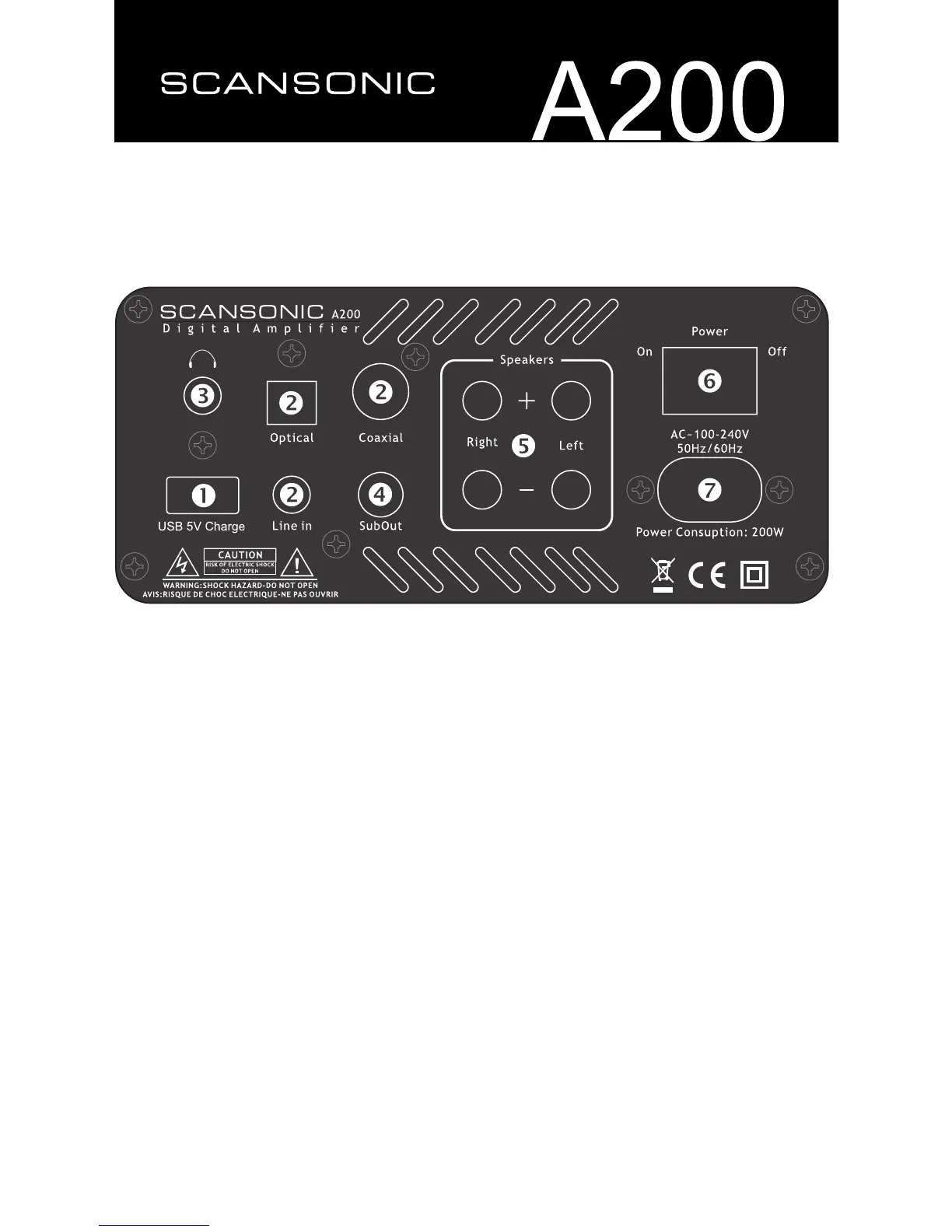
If the red ’off’ indicator lamp does not light up, check...
• thatthepowercordisrmlypluggedintothewalloutlet
• that the POWER switch on the rear panel is ON
• thatthemainsvoltageiscorrectandmatchingtheamplier
If no sound, check...
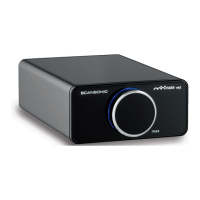
• that the Minimate™ is turned on (blue glow around knob)
• that the VOLUME control on the front panel is not all the way down
• thatthelinein,opticalorcoaxialinputcableisrmlypluggedin
• that the loudspeaker cables has been connected properly
If sound is distorted, check...
• that speaker cables are not contacting each other
• that volume is too high
• that input cables are not damaged
• that speakers are not damaged – try switch left and right speaker


 To Next Page