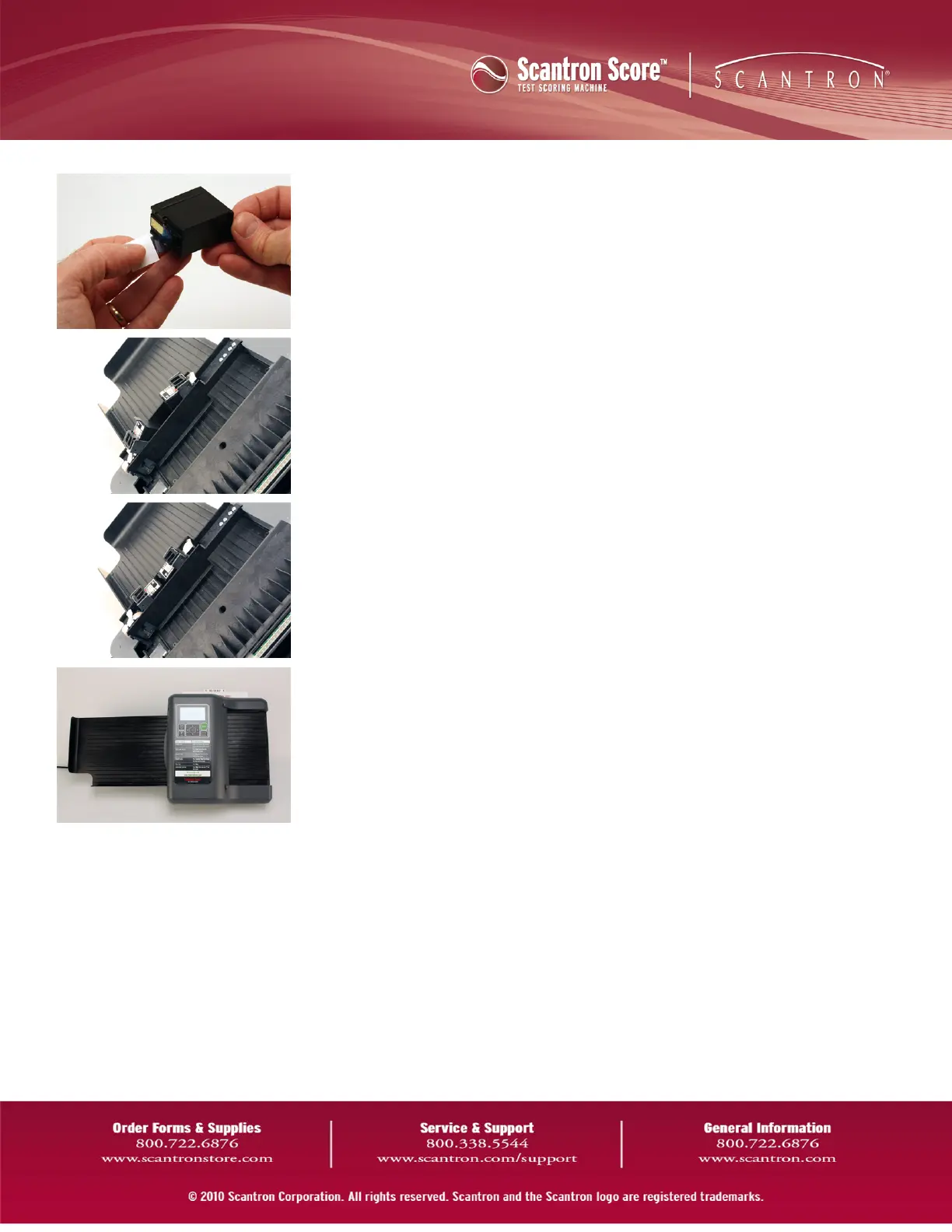
5. Remove the tape covering the ink jets.
6. Install the cartridges into the cartridge holders.
CAUTION: Make sure to press the cartridges firmly into place. You should hear
two short clicks and the cartridges should not wiggle in place when they
are fully inserted. If you do not ensure the cartridges are seated firmly, you
may experience partially printed/unprinted forms or paper jams.
7. Tilt the cartridge holders into their operating positions.
8. Close the front cover.
QuickReference Card



 To Previous Page