EasyManua.ls Logo

Schaub Lorenz DVD-1028TNT - User Manual

Schaub Lorenz DVD-1028TNT
27 pages
Print Icon
To Next Page IconTo Next Page
Loading...
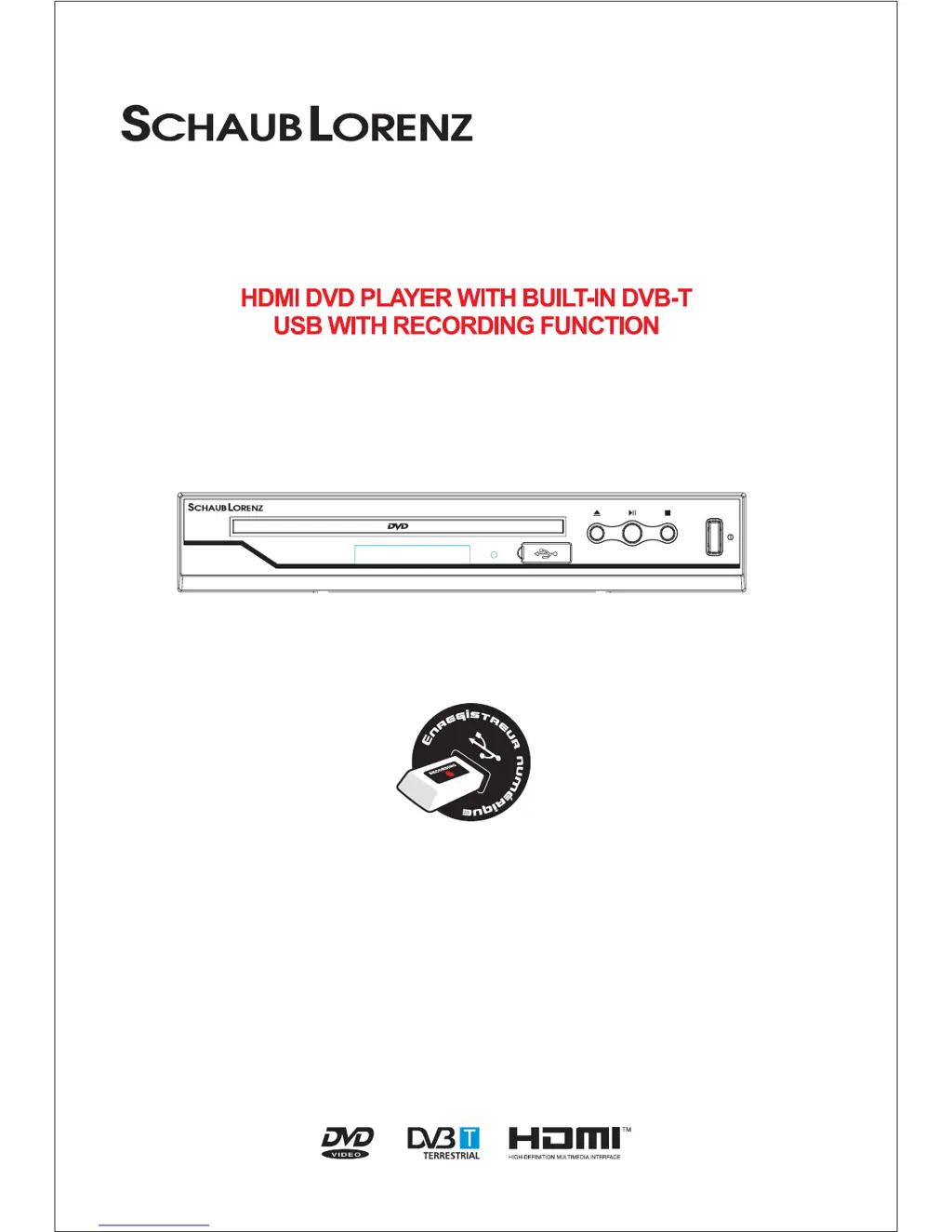
DVD-1028TNT
Please read and keep these instructions
USER MANUAL
DVD-1028TNT

Questions and Answers

Summary

Safety and Installation Guidelines

General Safety Warnings

Covers electrical safety, laser precautions, product opening, cord damage, battery disposal, and climate usage.

Installation Location and Ventilation

Guidelines for product placement, stability, proper airflow, and preventing overheating.

Environmental Precautions

Avoid exposure to moisture, heat, liquids, dust, and open flames to protect the apparatus.

Electrical Supply and Compliance

Details on voltage, frequency, plug accessibility, DVD zone compatibility, and regulatory compliance.

Product Overview

Key Features and Benefits

Highlights HDMI output, USB multimedia playback, coaxial audio, and EPG functionality.

Device Interfaces

Front Panel Layout

Identification of buttons, disc tray, LED display, and USB port on the front.

Rear Panel Connections

Details on SCART OUT, HDMI, COAXIAL, RF IN, and RF LOOP THROUGH ports.

Initial Setup Procedure

Connecting Antenna and TV

Steps for connecting the antenna to RF IN and the TV via SCART or HDMI.

Remote Control Preparation

Instructions for installing batteries in the remote control.

First Time Installation Wizard

Guide through initial setup including auto-scan, language, and country selection.

Important Operational Notes

Reception Quality and Standby Mode

Impact of standby mode on analog vs. DVB-T reception quality.

Audio Volume Variations

Explanation of volume differences between AC3 and stereo audio formats.

Antenna System and Reception Issues

Troubleshooting reception problems related to antenna installation and signal strength.

HDMI Display Compatibility

Resolving display issues in HDMI mode due to unsupported resolutions.

Remote Control Operations

Menu Navigation and Help

Using MENU, EXIT/RECALL, and INFO buttons for system navigation.

Program Guide Access

Accessing the Electronic Program Guide (EPG) via the EPG button.

Audio and Language Control

Selecting sound modes and audio languages using the AUDIO button.

Recording and Media Playback Controls

Using REC/STOP, TIMER, VIEW REC, and USB buttons for media functions.

Source Mode Switching

Switching between DVB-T, DVD, and Multimedia (USB) modes.

Remote Control Button Functions

Basic and Navigation Buttons

Functions of STANDBY, GOTO, SETUP, EXIT, MUTE, OPEN/CLOSE, and other navigation keys.

Channel and Volume Controls

Using CH+/CH- for channel selection and VOL-/VOL+ for volume adjustment.

Playback, Recording, and USB Navigation

Controls for PLAY/PAUSE, STOP, TIMER, REC, VIEW REC, PREV/NEXT for media.

Media, Display, and Special Function Buttons

Buttons for USB, HDMI resolution, video output, audio, TNT, DVD, and other functions.

Connecting External Devices

TV and VCR Connectivity

Diagrams and instructions for connecting to a TV and VCR using SCART and RF ports.

HDMI Connection for High Definition

Connecting the unit to a TV via HDMI for enhanced audio-visual quality.

System Configuration

Language and Encoding Settings

Setting OSD language and selecting subtitle languages for MPEG4 content.

Display and Video Output Settings

Configuring TV standard (PAL/NTSC), display type (4:3/16:9), and video output.

HDMI Resolution Configuration

Selecting the optimal HDMI output resolution for your television.

System and DVD Preferences

General Device Preferences

Setting PIN, default media type (DVD/DVB), and auto power down.

DVD Language Setup Options

Choosing preferred languages for DVD menus, audio tracks, and subtitles.

DVD Playback Options

Digital Audio Output Modes

Configuring the digital audio output signal via the coaxial jack.

Parental Control Configuration

Setting parental ratings and PIN to restrict content access.

DVB-T Operations

Initial DVB-T Installation Process

Guided setup for initial DVB-T channel scanning and configuration.

Program List Management

Accessing and viewing the list of available TV channels.

Channel Editing Functions

Options to mark as favorite, set parental lock, delete, or move channels.

DVB-T Channel Management

Channel Sorting Methods

Arranging channels by number, user ID, or other preferred criteria.

Automatic Channel Scanning

Intelligent search for all available programs across frequency points.

Manual Channel Scanning

Scanning for specific channels by number or frequency.

Device Settings and Control

Parental Control Setup

Selecting channels to lock by direction keys and confirming with PIN.

System Settings Configuration

Setting country, language, GMT usage, time zone, and summer time.

DVB-T Mode Functions

Channel Selection Methods

Changing channels using CH+/CH- or numeric keys.

Favorite Channel Access

Creating and viewing lists of favorite channels for quick access.

Subtitle and Teletext Display

Enabling or disabling subtitles and teletext functions.

Audio Language and Mode Selection

Choosing available audio languages and sound modes for DVB-T channels.

DVB-T Program Information

Electronic Program Guide (EPG)

Accessing and viewing the schedule of upcoming programs.

Recording DVB-T Programs

Immediate Recording Function

Starting a recording of the currently viewed DVB-T channel.

Scheduled Recording Management

Viewing, canceling, or modifying programmed recordings.

Programming New Scheduled Recordings

Setting up future recordings with channel, date, and time parameters.

USB Device Management

Formatting USB Devices for Recording

Preparing USB devices by formatting for optimal recording compatibility.

USB Playback and Recording Notes

USB Recording Format and Capacity

Information on MPEG-TS format, recommended memory stick capacity.

USB Detection and Recording Troubleshooting

Resolving issues with USB device detection and recording problems.

Viewing Recorded Content

Accessing Recorded Files via USB

Using the VIEW REC button to access and play recorded files.

Troubleshooting Guide

Power and Indicator Status Issues

Diagnosing problems with the standby light and status indicator.

Remote Control and Signal Problems

Troubleshooting unresponsive remote, no signal, no picture/sound, or mosaic blocks.

Channel Access and Security Issues

Resolving scrambled channels, forgotten lock codes, or no remote response.

Post-Relocation Reception Problems

Addressing signal degradation after moving the receiver to a new location.

Technical Specifications

Device Specifications Overview

Detailed technical data including tuner, demodulation, input/output, power, and display.

Schaub Lorenz DVD-1028TNT Specifications

General IconGeneral
Playable MediaDVD, CD, MP3, JPEG
Power SupplyAC 230V, 50Hz
Power Consumption15W
TypeDVD Player with DVB-T Tuner
TV TunerYes
ConnectorsSCART, Composite Video
Video OutputComposite
Audio OutputCoaxial