EasyManua.ls Logo

Schlage PIM400-485 - User Manual

Schlage PIM400-485
16 pages
Print Icon
To Next Page IconTo Next Page
Loading...
*24303034*
24303034
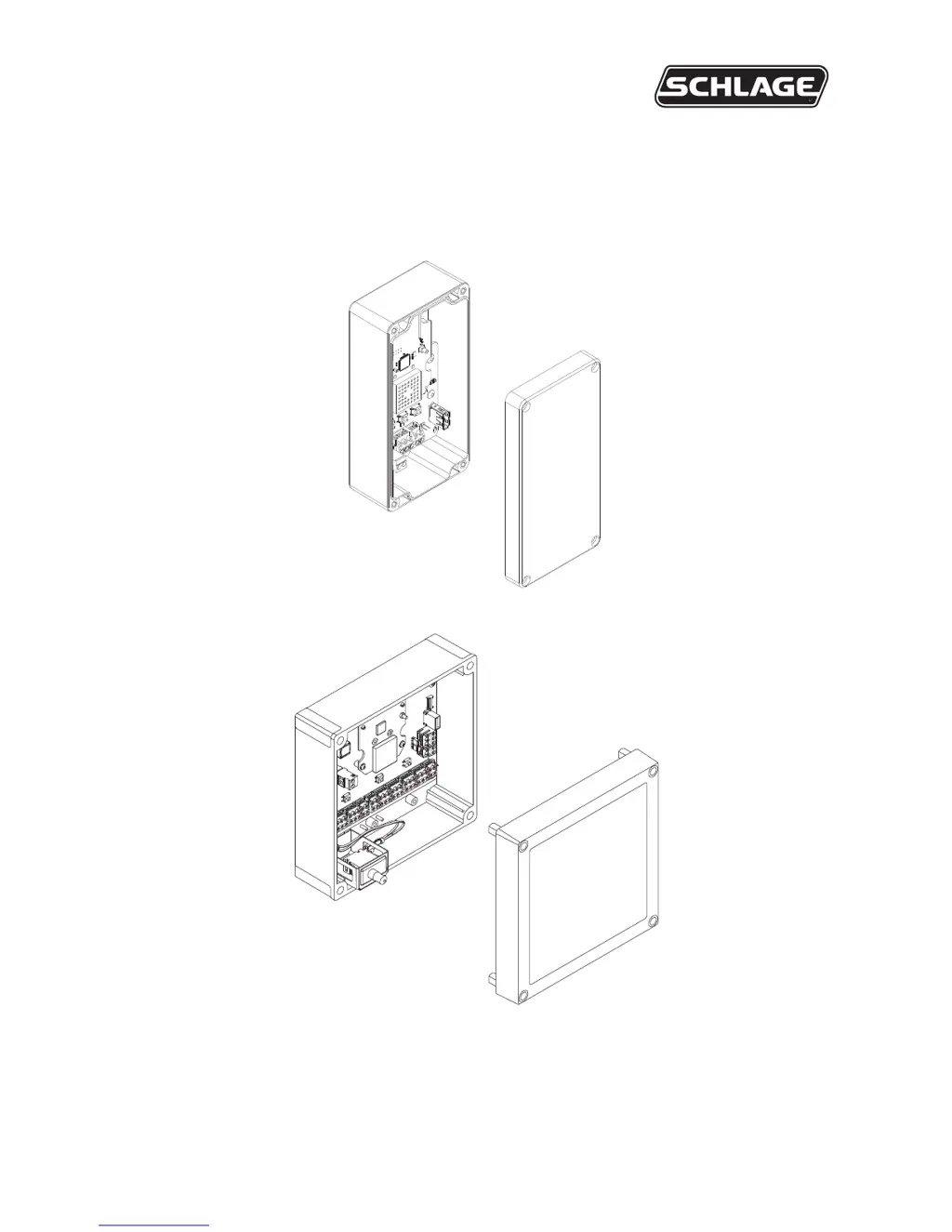
PIM400-485 USER GUIDE
User guide for the panel interface module PIM400-485
Version 2
Version 1
(Manufacturing discontinued)
Para el idioma español, navegue hacia www.allegion.com/us
Pour la portion française, veuillez consulter le site www.allegion.com/us

Questions and Answers

  • M
    Mr. Dave HodgeAug 2, 2025
    Why is my Schlage Control Unit PIM400-485 not communicating with the Access Control Panel?
    • B
      brownpennyAug 2, 2025
      Several factors could be preventing communication. The RS485 cable might be damaged and need replacement. The RS485 signals could be incorrectly wired, so check the wiring instructions. The RS485 address of the PIM400-485 might not match the address in the Access Control Panel, requiring you to adjust the PIM400-485 address. Also, verify that the 2|4 wire jumpers (P5) are correctly installed or removed depending on whether you're using RS485 2-Wire or 4-Wire communication.
  • D
    David HessAug 12, 2025
    What to do if my Schlage Control Unit PIM400-485 reports false tamper detections to the Access Control Panel?
    • J
      Jeffrey Schwartz Jr.Aug 12, 2025
      False tamper detections can occur due to a few reasons. If you have a version 2 model, an intense light source might be interfering with the optical receiver; move the PIM400-485 away from the light and ensure the enclosure cover is installed. Also, improper wiring can cause interference, leading to false tamper detection. Make sure the wiring is properly routed.
  • P
    pearsonlynnAug 22, 2025
    How to fix Schlage Control Unit PIM400-485 when it does not communicate with Wireless Access Point Modules (WAPMs)?
    • A
      Amy HarringtonAug 23, 2025
      If the PIM400-485 isn't communicating with WAPMs, first ensure that the Antenna Module is properly installed and seated. Wiring might be causing interference with the internal antenna, so check the wire routing in the PIM400-485 enclosure and clear the area around the internal antenna of any wire. Finally, the PIM400-485 may not be linked to the Wireless Access Point Module (WAPM) - link the PIM400-485 to the Wireless Access Point Module.

Summary

Features

Installation

Determine the Location

Guidelines for placing the PIM400-485 based on RF signal characteristics.

Pre-installation Test

Mount the PIM400-485

PIM400-485 to ACP Connection

Typical PIM400-485 to ACP Wiring Diagrams

Schlage Utility Software (SUS)

Reset to Factory Defaults

Complete the Installation

Troubleshooting

PIM400-485 False Tamper Detections

PIM400-485 WAPM Communication Issues

Schlage PIM400-485 Specifications

General IconGeneral
ModelPIM400-485
TypeControl Unit
Communication ProtocolRS-485
Power Supply12-24V DC
Weight0.5 lbs
Housing MaterialPlastic