Schüco de
Commissioning instructions – Schüco DCS Touch Display 37
Dok-Nr.10000432116_01
8.4. Conguration
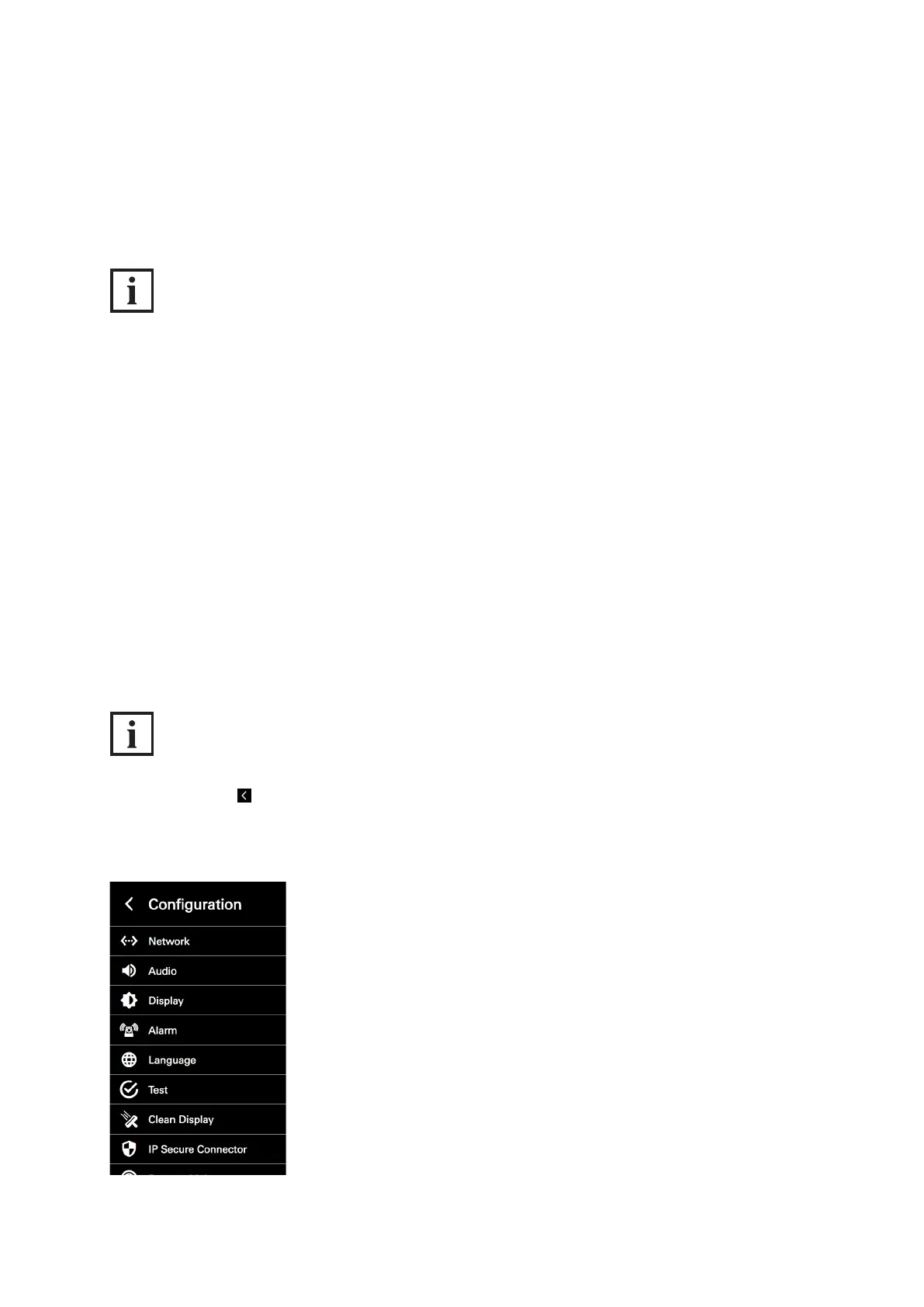
Enter your personal access code or the access code of the administrator in the „Code entry“ view
in order to display the „Conguration“ view. Here it is possible to make different settings directly on
the DCS Touch Display.
INFORMATION
Standard administrator code
The standard code for the administrator is „1234“. It is recommended that you change this as soon as
possible (see „9.18.8 Changing the access code“).
The following options are available in the „Conguration“ view:
● Network: Here you can assign an IP address for the DCS Touch Display.
● Audio: Here you can set the output volume („Loudspeaker“) and input volume („Microphone“).
● Screen: Here you can set the brightness of the screen.
● Alarm: Here you can activate or deactivate the anti-theft device.
● Language: Here you can set the screen language of the DCS Touch Display.
● Test: Here you can initiate the self-test for the DCS Touch Display.
● Clean display: Here you can deactivate the screen of the DCS Touch Display for 30 seconds.
● IP secure connector: Here the DCS Touch Display can be paired with or separated from an
IP secure connector.
● Remote maintenance: Here you can activate remote maintenance for support purposes.
INFORMATION
Back to start screen
Tap in the top left in order to switch to the „Start screen“ view.



 To Next Page