Schücode Commissioning instructions – Schüco DCS Touch Display
36
Dok-Nr.10000432116_01
If the access code entered was correct, there are two options:
1. If the user has only been granted permission for one action sequence, this is carried out
immediately (e.g. actuate the door opener or display the „Conguration“ view).
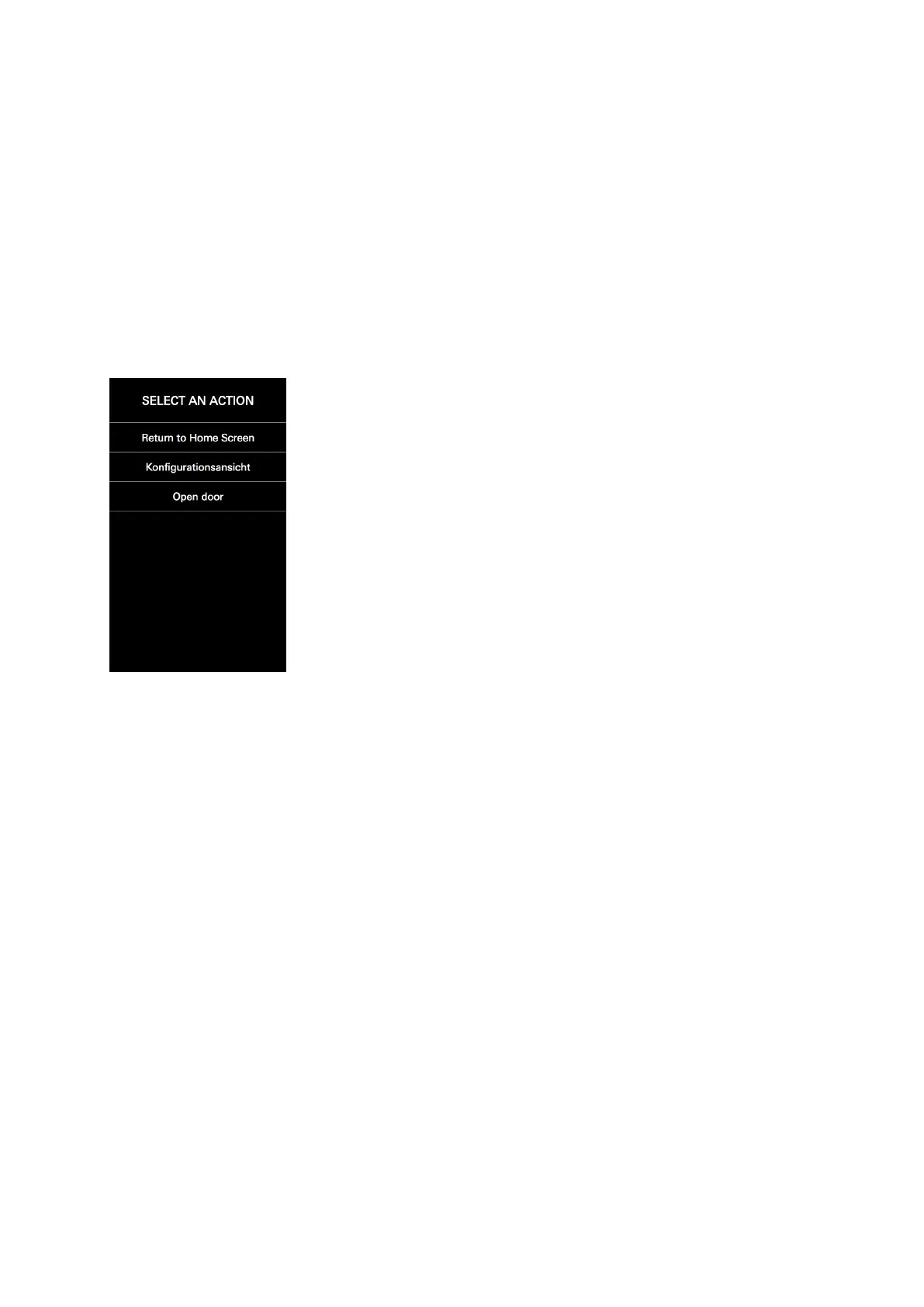
2. If the user has been granted permission for more than one action sequence, the „Select action“
view appears, where it is possible to select one of several action sequences (e.g. „Open door“ or
„Conguration view“) or switch to the „Start screen“ view via the option „Back to start screen“
(see „8.5 Select action“).



 To Next Page