Schüco de
Commissioning instructions – Schüco DCS Touch Display 35
Dok-Nr.10000432116_01
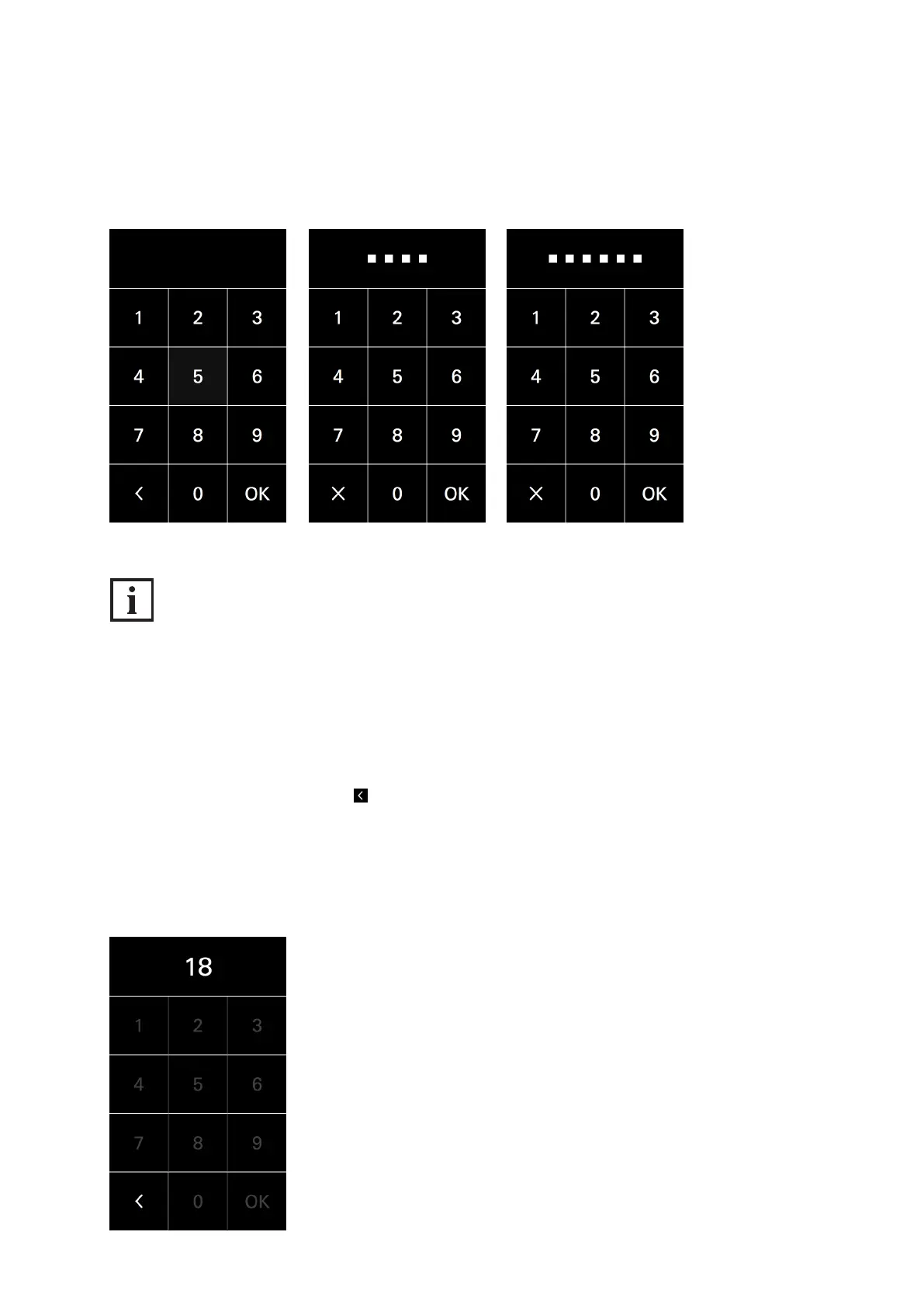
For security reasons, the „Code entry“ view allows access codes of up to eight digits to be entered.
However, only four or six-digit access codes can be generated in the web interface
(see „9.18.8 Changing the access code“).
INFORMATION
Incorrect access code
If an incorrect access code is entered, the squares which represent the access code digits will be
„shaken“ in an animation. After two seconds, these squares are faded out so that the code can be
entered afresh. If the access code has been entered incorrectly three times, you must wait for ve
seconds until a new entry is possible. For the fourth incorrect entry, the waiting time is 10 seconds;
for the fth incorrect entry, the waiting time is 20 seconds; and for the sixth incorrect entry, the waiting
time is 30 seconds. If the access code has been entered incorrectly more than seven times, you must
always wait for 60 seconds until a new entry is possible. During the waiting time, it is possible to
return to the „Doorbell list“ view via . If a correct access code is entered in between times,
the waiting time is reset once more.


 To Next Page
 Loading...
