Schüco de
Commissioning instructions – Schüco DCS Touch Display 45
Dok-Nr.10000432116_01
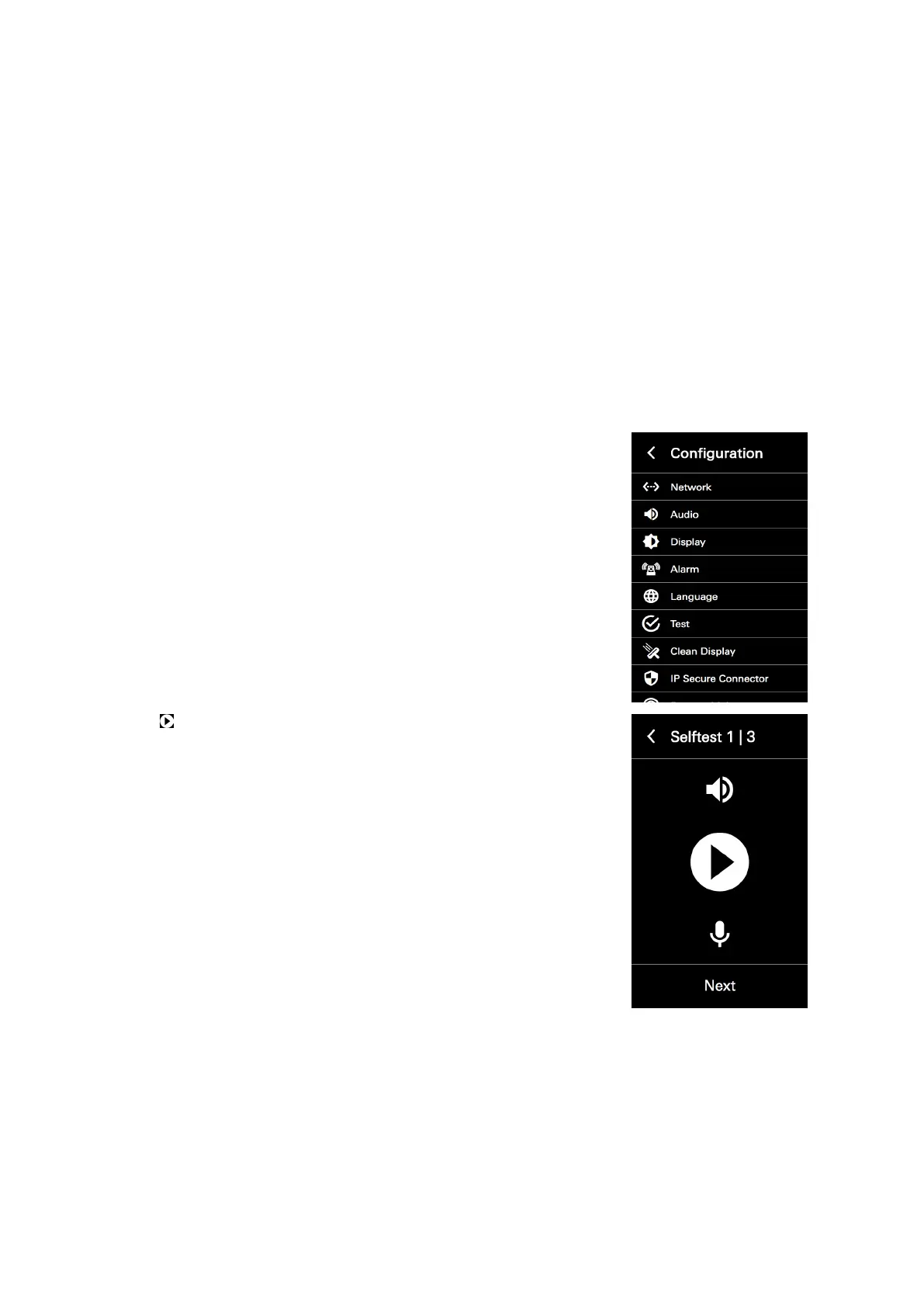
8.4.7. Test
In the „Test“ conguration view, it is possible to perform the self-test for the DCS Touch Display.
This is subdivided into the following three steps:
● Self-test 1/3 (audio): Here the loudspeaker and microphones of the DCS Touch Display can be test-
ed for perfect functionality.
● Self-test 2/3 (video): Here the image from the internal camera can be displayed on the screen of the
DCS Touch Display.
● Self-test 3/3 (I/Os - inputs and outputs): Here it is possible to see which connections are occupied,
and which outputs can be switched.
Proceed as follows to start and end the self-test on the Schüco DCS Touch Display:
1. Open the „Test“ conguration view.
2. Tap to start the audio test. A noise signal is now emitted via the lou-
dspeaker, which is recorded by the microphones and then analysed.



 To Next Page