Schücode Commissioning instructions – Schüco DCS Touch Display
44
Dok-Nr.10000432116_01
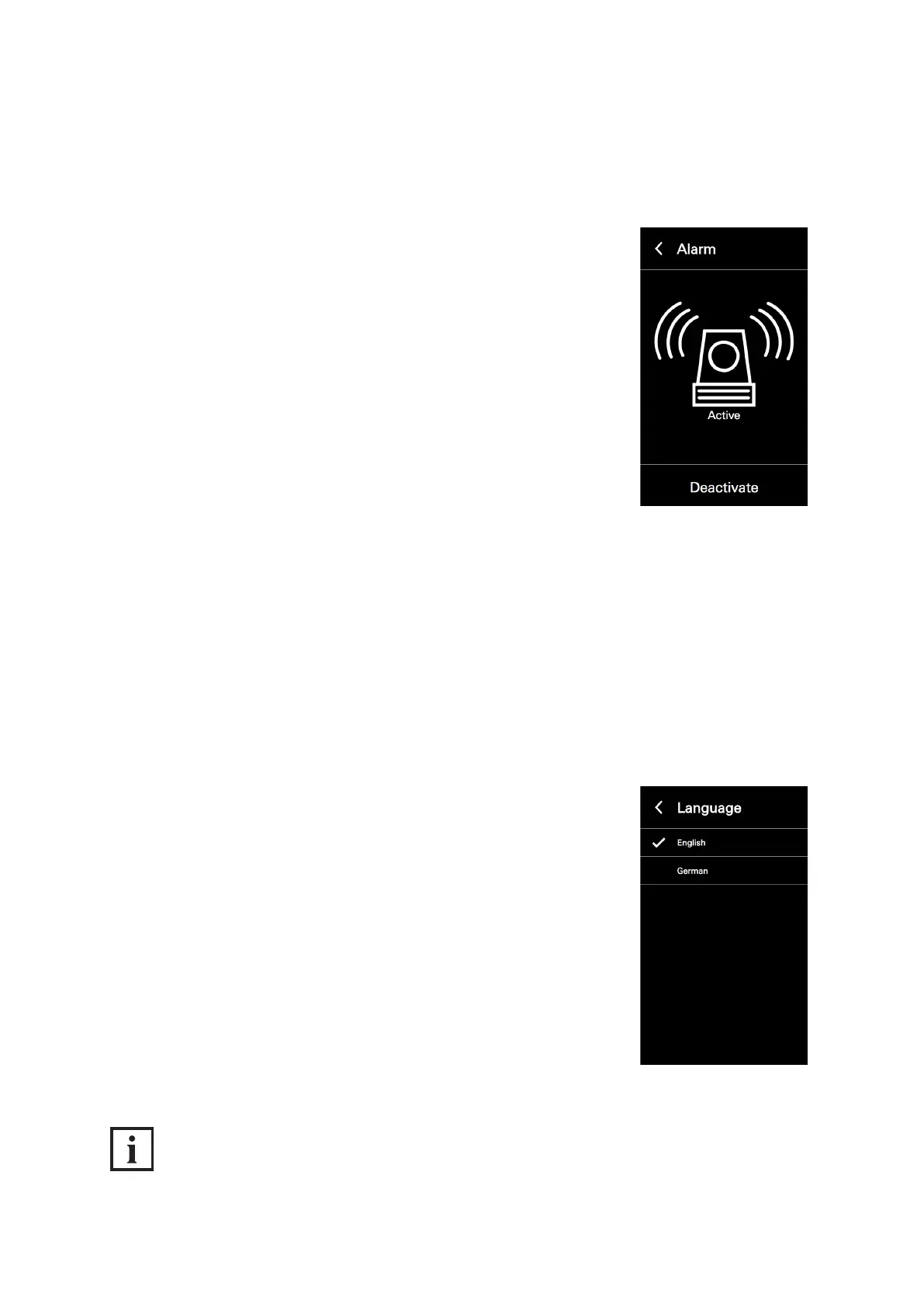
Proceed as follows to deactivate the anti-theft device of the DCS Touch Display:
1. Open the „Alarm“ conguration view.
2. Tap „Deactivate“ to avoid the DCS Touch Display from switching to the
alarm mode when it is removed.
8.4.6. Language
In the „Language“ conguration view, it is possible to set the screen language of the
DCS Touch Display. The following options are available for this:
● German
● English
Proceed as follows to set the language on the DCS Touch Display:
1. Open the „Language“ conguration view.
2. Tap the desired language.
INFORMATION
Applying settings
Settings are applied and saved by tapping an option.



 To Next Page