Schüco de
Commissioning instructions – Schüco DCS Touch Display 43
Dok-Nr.10000432116_01
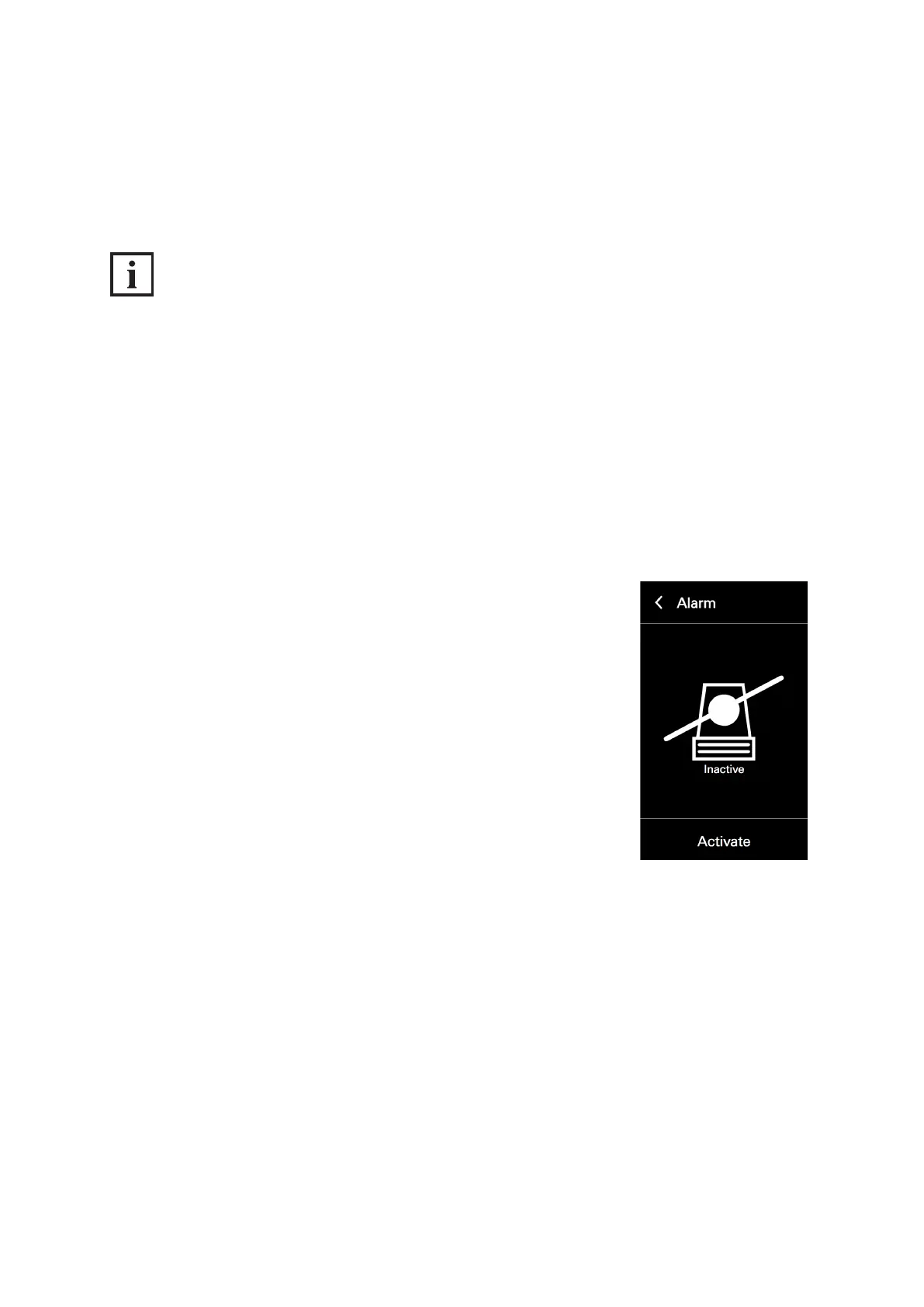
8.4.5. Alarm
In the „Alarm“ conguration view, it is possible to activate the anti-theft device or to deactivate it for the
removal of the DCS Touch Display.
INFORMATION
Anti-theft device
It is essential that you observe the steps for deactivating the anti-theft device prior to removal,
as otherwise the alarm mode will be activated. If the DCS Touch Display is paired with an
IP secure connector in the alarm mode, the network connection and the PoE+ power supply between
the IP secure connector and the DCS Touch Display will be disconnected after 30 seconds when an
attempt is made to remove the DCS Touch Display incorrectly. In this way, any unauthorised access
from outside via this network cable is successfully prevented. To enable recommissioning of the
DCS Touch Display, it must be put back in its original position and the „PAIRING“ button pressed on
the IP secure connector. If necessary, the anti-theft device must be reactivated, as this function is
deactivated in the alarm mode.
Proceed as follows to activate the anti-theft device of the DCS Touch Display:
1. Open the „Alarm“ conguration view.
2. Tap „Activate“.



 To Next Page