Schüco de
Commissioning instructions – Schüco DCS Touch Display 47
Dok-Nr.10000432116_01
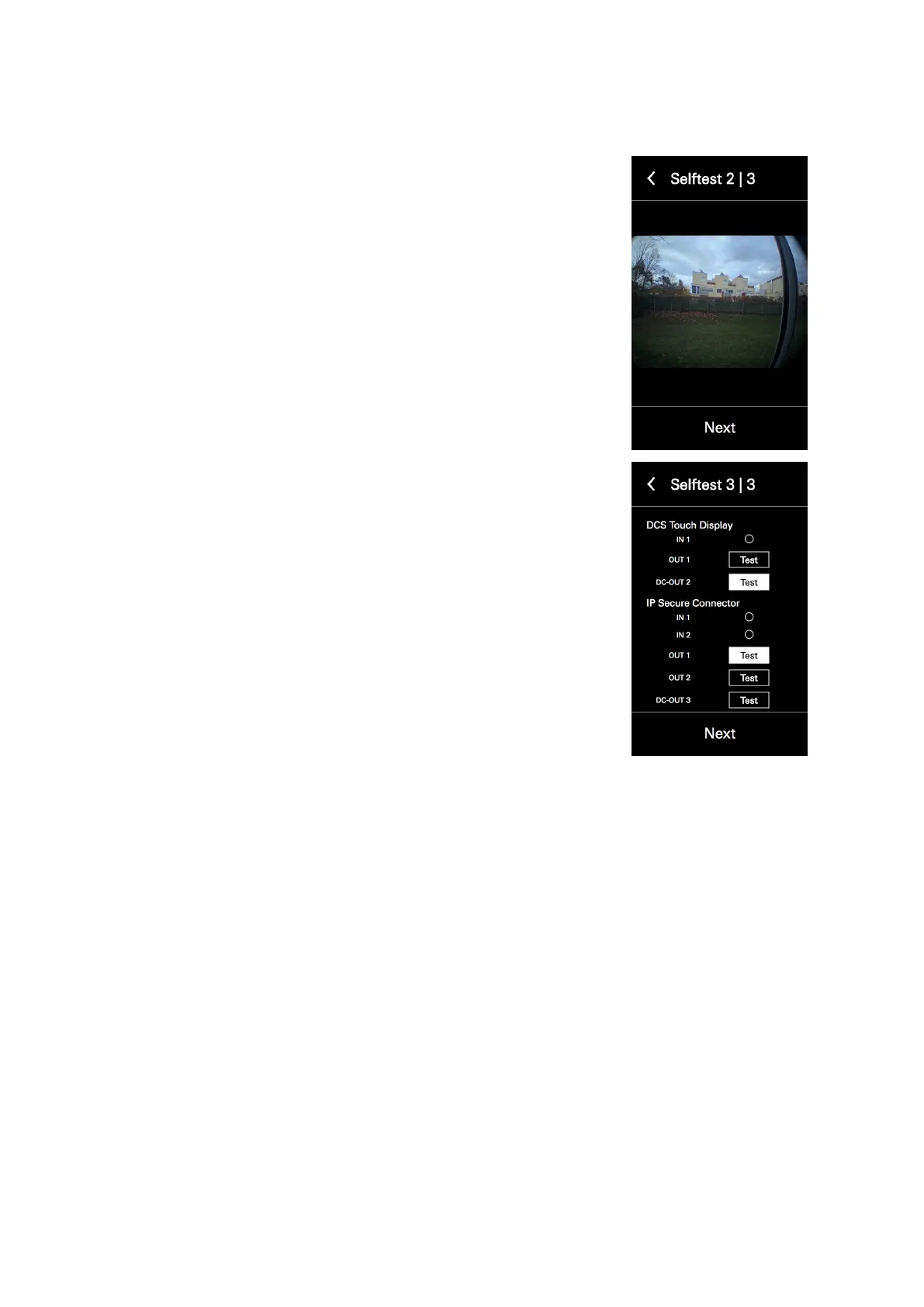
6. If a video test is successful, the video image from the internal camera
is displayed on the screen. It may be that the video image is displayed
with a time delay. However, it is free from faults if a video image can be
seen.
7. Tap „Next“. The I/O test is started.
8. If an output has been switched or an altered input value recognised, the
button of the corresponding input or output is highlighted in white.
9. Tap „Test“ next to the desired output to activate a door opener con-
nected to it, for example.
10. Tap „Next“ to nish the self-test.



 To Next Page