Schücode Commissioning instructions – Schüco DCS Touch Display
48
Dok-Nr.10000432116_01
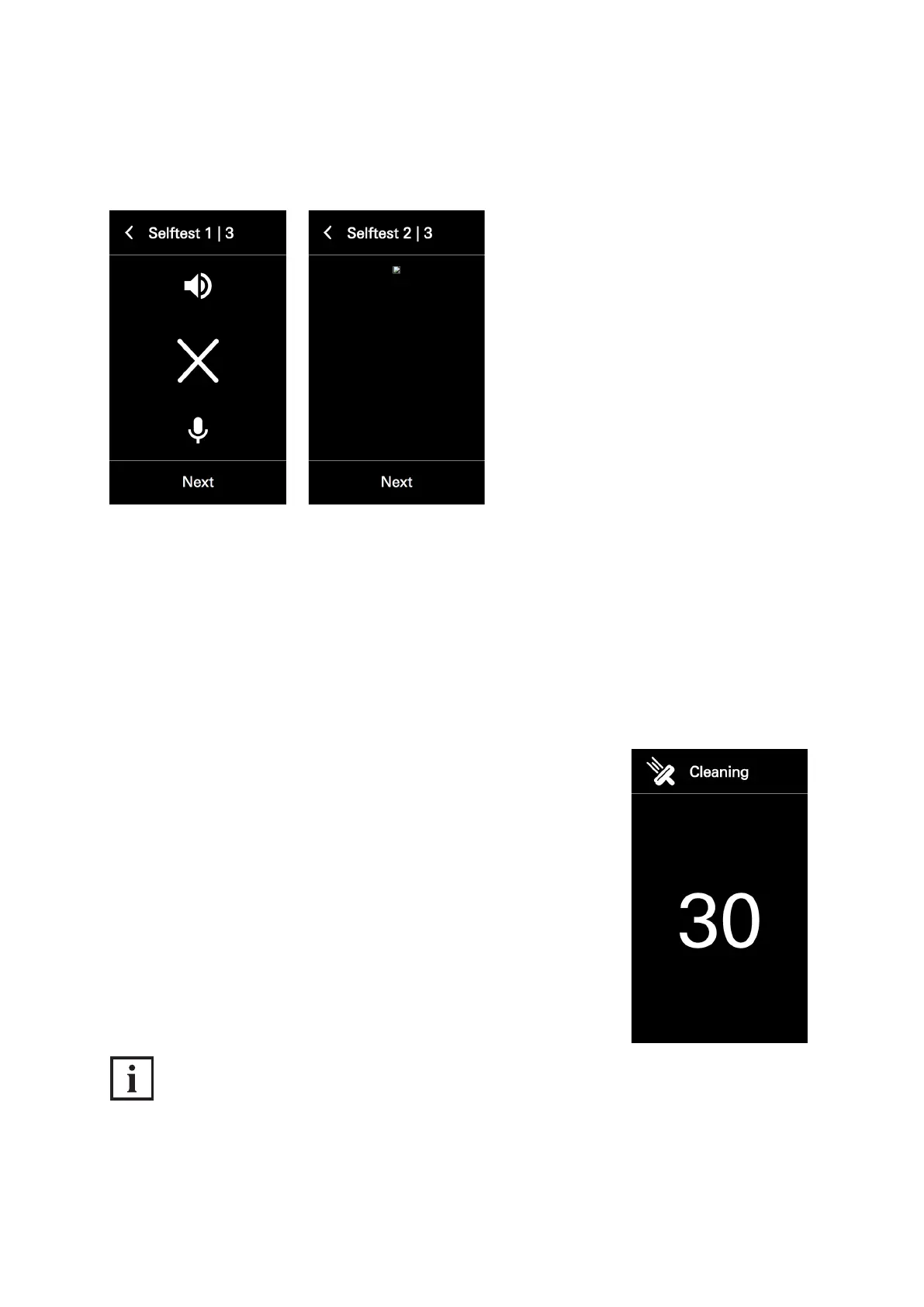
If the audio test was unsuccessful, an „X“ is displayed instead of a checkmark.
If the video test was unsuccessful, the screen remains black.
8.4.8. Cleaning the display
In the „Clean display“ conguration view it is possible to deactivate the screen of the
DCS Touch Display for 30 seconds. This prevents any buttons on the screen from being pressed inad-
vertently during cleaning (e.g. wiping with a cloth). While the screen is deactivated, a countdown can
be seen. As soon as this has run down, the screen switches back to the „Conguration“ view.
Proceed as follows to deactivate the screen of the DCS Touch Display for 30 seconds:
1. Open the „Clean display“ conguration view.
INFORMATION
Cleaning
The screen is immediately deactivated when the „Clean display“ conguration view has been called
up. For information on cleaning, see „12 Maintenance and cleaning“.
8.4.9. IP secure connector


 To Next Page
 Loading...
