Schüco de
Commissioning instructions – Schüco DCS Touch Display 53
Dok-Nr.10000432116_01
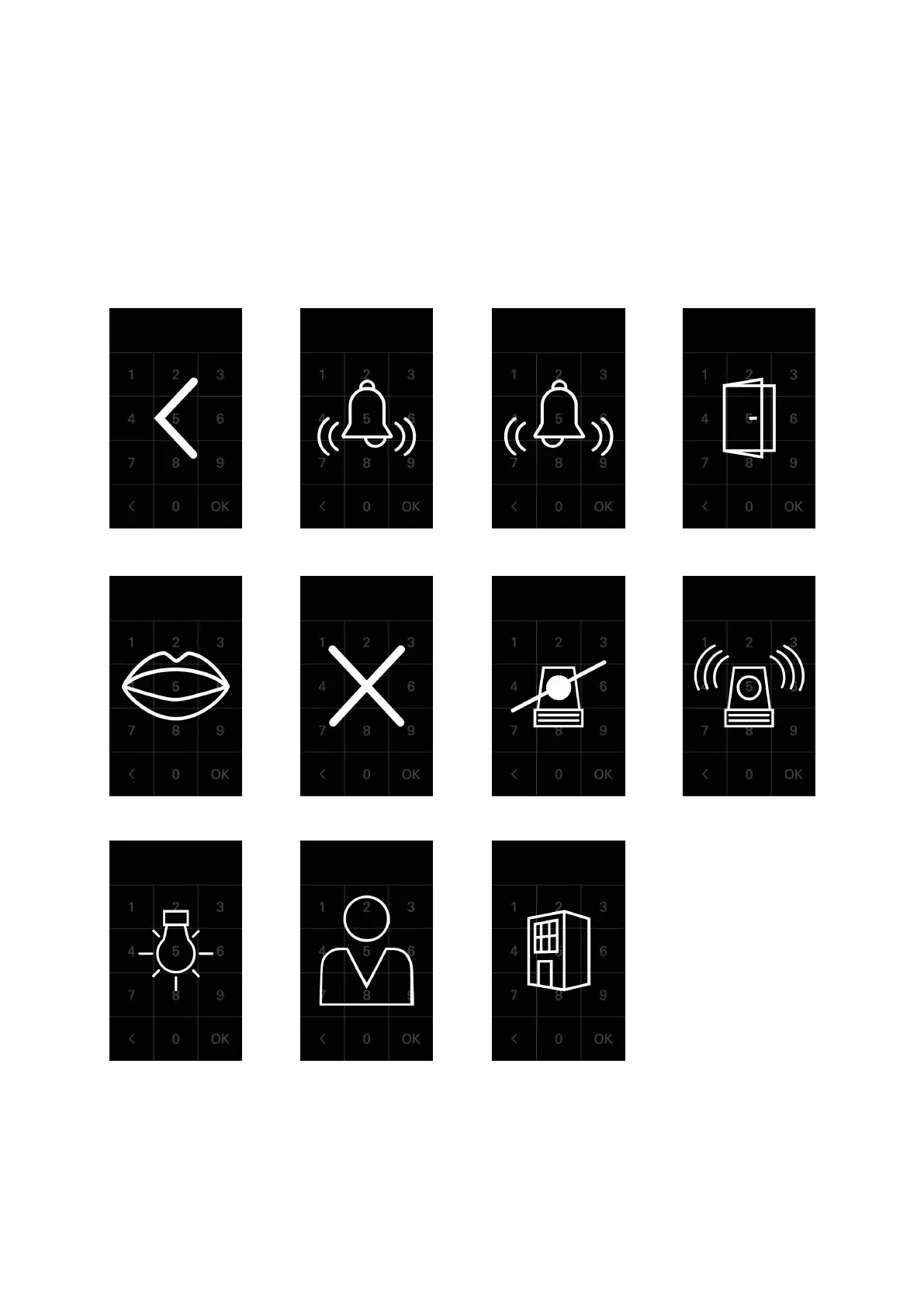
8.6. Symbols
The DCS Touch Display can display seven different symbols in total. Depending on the congured
action sequence, these are displayed either immediately after the access code is entered or after an
action sequence is selected.
The following symbols are available:
Arrow
Building Avatar Light
Alarm on Alarm off X Mouth
Door Bell left Bell right



 To Next Page