Schücode Commissioning instructions – Schüco DCS Touch Display
52
Dok-Nr.10000432116_01
8.5. Select action
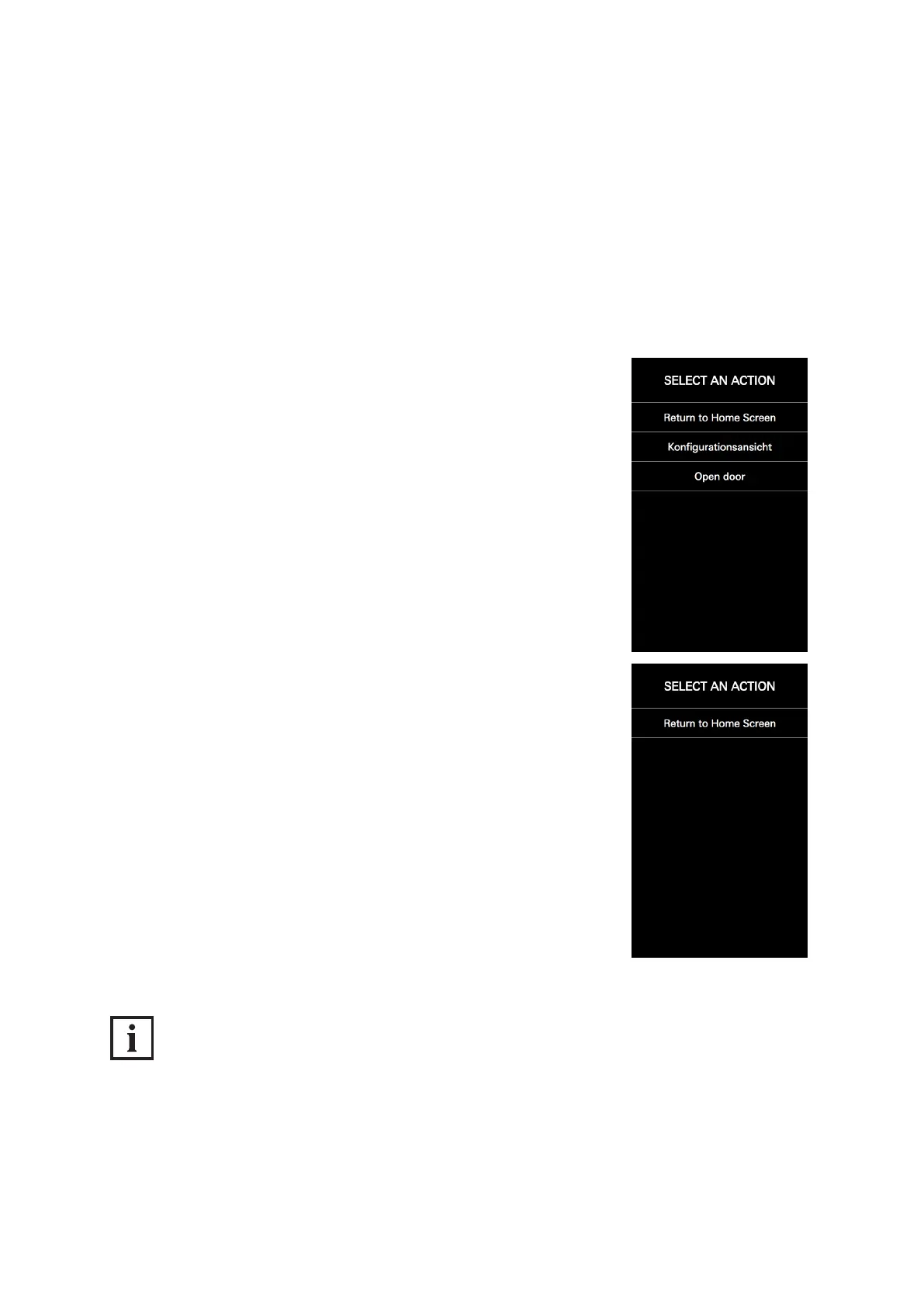
If multiple action sequences have been stored for a single user, the “Select action” view appears after
the access code is entered. In the “Select action” view, it is possible to carry out an action sequence
or return to the “Start screen” view.
To select an action sequence or return to the “Start screen” view, proceed as follows:
Tap a button with a stored action sequence (e.g. “Call up conguration” or “Actuate door opener”) or
tap the “Return to home screen” button.
1. Tap a button with a stored action sequence (e.g. „Open door“ or „Con-
guration view“) or tap „Back to start screen“.
If no action sequences have been stored for the user, the „Select action“
view appears with „Back to start screen“ as the sole option.
INFORMATION!
Only one action sequence stored
If only one action sequence has been stored for the user, this is performed immediately without the
„Select action“ view being displayed rst.



 To Next Page