Schüco de
Commissioning instructions – Schüco DCS Touch Display 51
Dok-Nr.10000432116_01
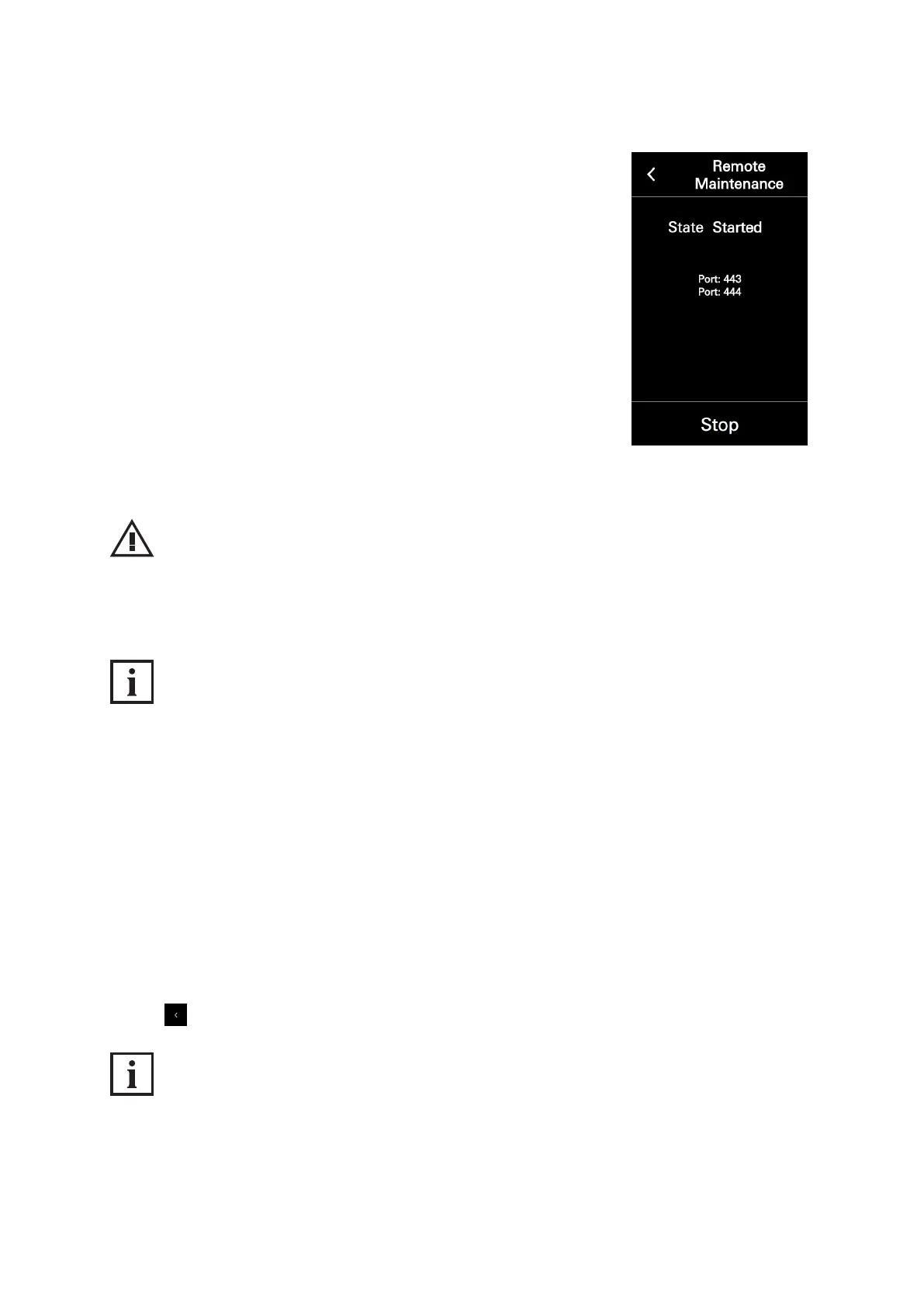
3. Tap „Stop“. The status changes to „Not active“.
NOTE
Damage to property.
► Do not stop remote maintenance under any circumstances unless you are told to do so
by Support.
INFORMATION
Safety information
The remote maintenance is not a permanent interface for contacting Schüco. Use of this interface
requires the express approval of the system operator/person responsible for the system on site.
8.4.11. Close conguration
Via the arrow at the top left, it is possible to switch from the „Conguration“ view to the
„Doorbell list“ view.
To leave the „Conguration“ view and switch to the „Doorbell list“ view, proceed as follows:
1. Tap „Stop“ to deactivate remote maintenance, as otherwise the remote maintenance will remain
active.
2. Tap . .
INFORMATION
Leaving conguration
After switching to the „Doorbell list“ view via the „Close conguration“ button, it is necessary to enter
the access code again in the „Code entry“ view in order to call up the „Conguration“ view once more.



 To Next Page