Schücode Commissioning instructions – Schüco DCS Touch Display
50
Dok-Nr.10000432116_01
INFORMATION
IP secure connector cannot be found
If an IP secure connector that is already connected can no longer be found, the message
„Cannot be found“ is displayed next to its serial number. In addition, a large exclamation mark can be
seen in the pictogram. In this case, check the ethernet connection and the power supply of the
IP secure connector. If the IP secure connector has been removed and a new one installed,
disconnect the connection and connect the new IP secure connector to the DCS Touch Display.
8.4.10. Remote maintenance
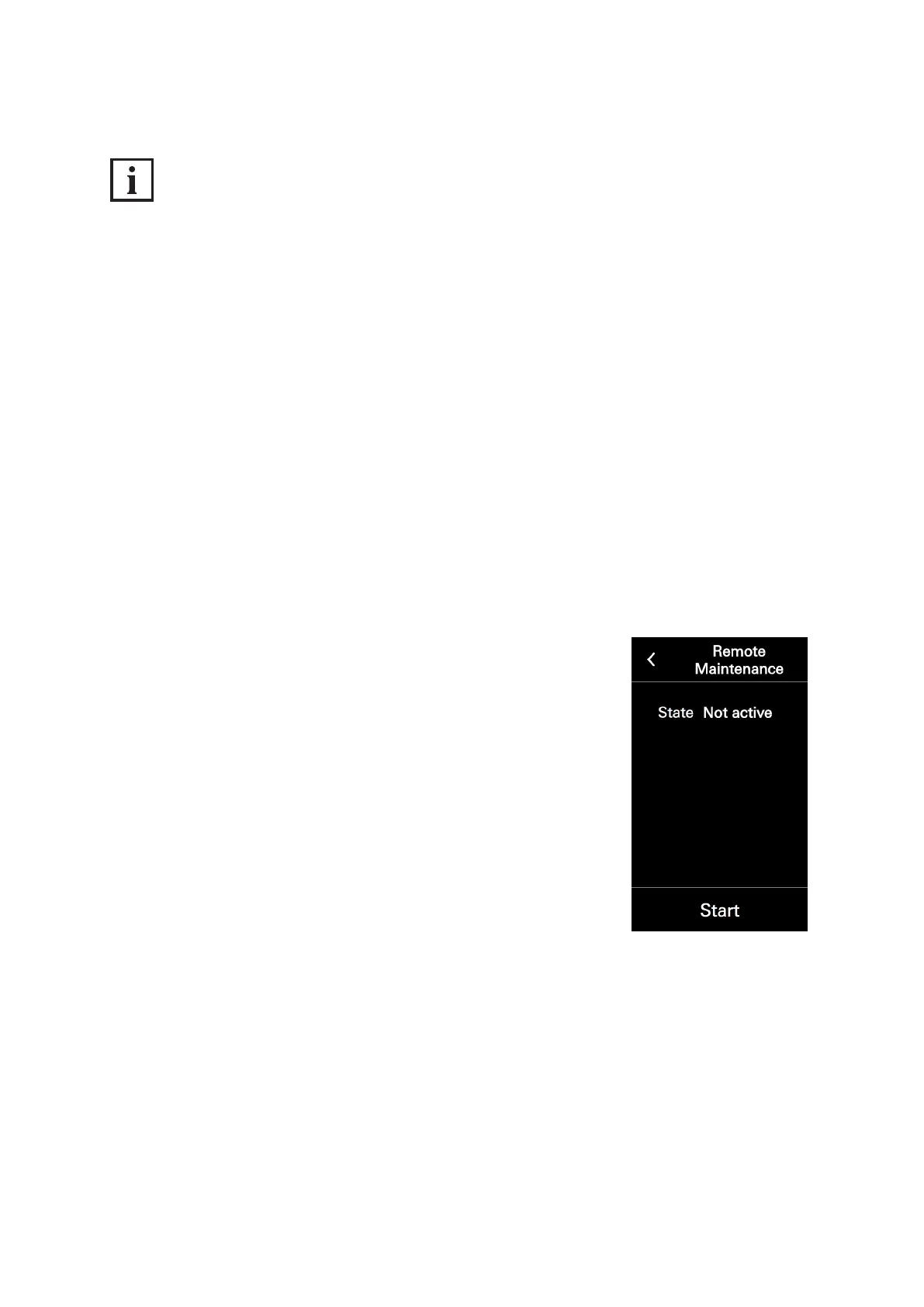
It is possible for Support to carry out remote maintenance on the DCS Touch Display.
For this purpose, the „Remote maintenance“ function must be activated.
The following information is available in the „Network status“ section:
● Status: Here the status of the remote maintenance is displayed.
To start and stop remote maintenance for support purposes, proceed as follows:[ ]
1. Open the „Remote maintenance“ conguration view.
2. Tap „Start“. The status changes to „Started“ and two port numbers
are displayed.



 To Next Page