Schüco de
Commissioning instructions – Schüco DCS Touch Display 55
Dok-Nr.10000432116_01
9.1. Accessibility
As soon as the DCS Touch Display is connected to the building‘s network, the web interface can be
called up from any computer within the network (see „9.2 Calling up the web interface“).
INFORMATION
Ability to be called up
The web interface of the DCS Touch Display can only be called up after the device has booted up.
If the connection between the DCS Touch Display and the building‘s network is broken while the web
interface is open, the web interface will indicate that this has occurred with the symbol in the top
right section of the browser next to „log in“ and „log out“. As soon as there is once more a connection
between the DCS Touch Display and the building‘s network, the symbol will be hidden again.
9.2. Calling up the web interface
To be able to call up the web interface, the IP address of the DCS Touch Display is necessary.
This must be entered in the address bar of the browser (e.g. „192.168.1.150“).
If the IP address is not known, it can be displayed on the DCS Touch Display.
Proceed as follows to display the IP address on the DCS Touch Display and then call up the web
interface:
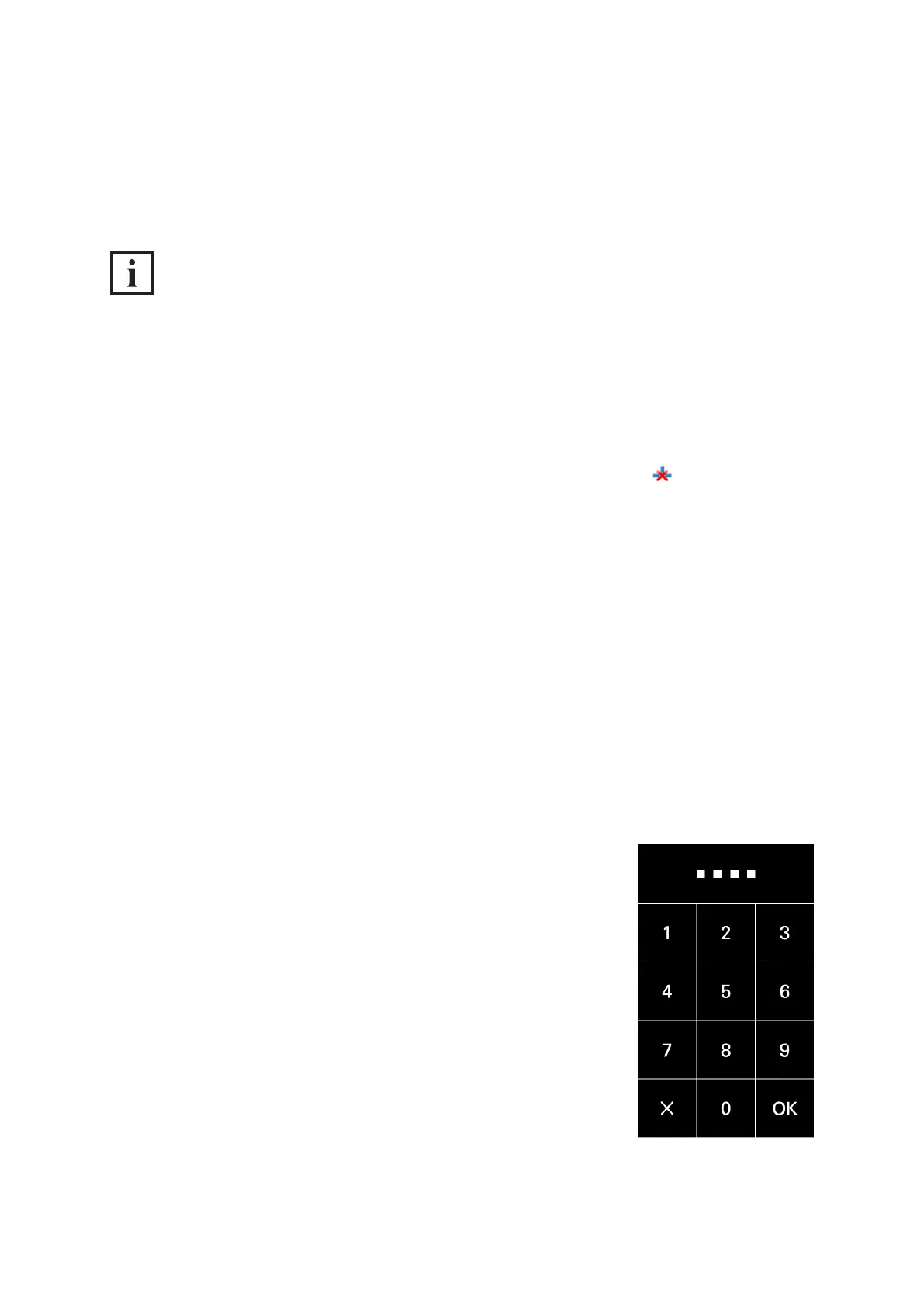
1. Tap the display and swipe to the left to call up the „Code entry“ view. Tap the screen and swipe to
the left to display the „Code entry“ view.
2. Enter the administrator access code and tap „OK“.


 To Next Page
 Loading...
