Schücode Commissioning instructions – Schüco DCS Touch Display
56
Dok-Nr.10000432116_01
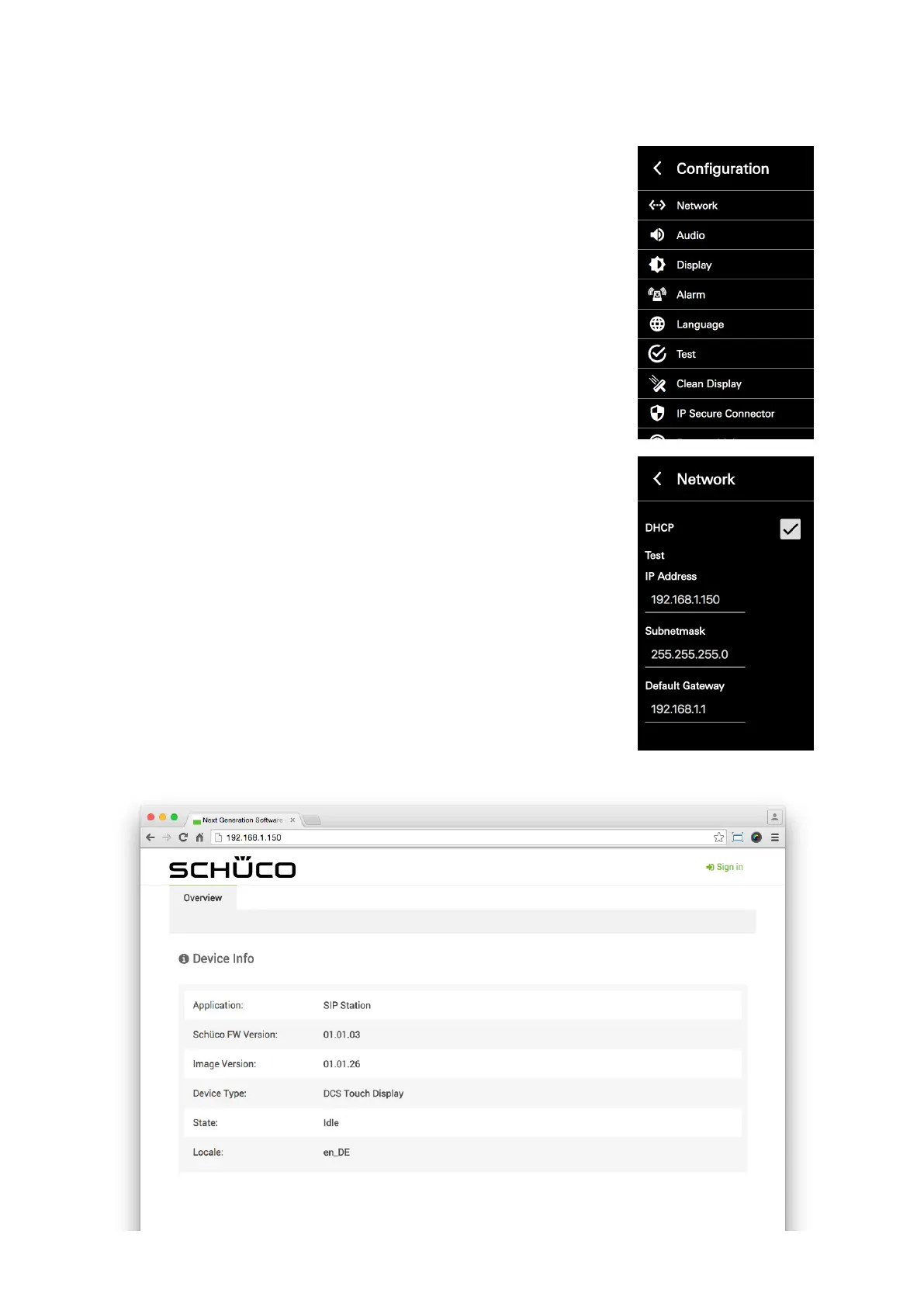
3. If there are multiple action sequences to select from, tap „Conguration
view“.
4. Open the „Network“ conguration view.
5. Note the IP address and enter this into your browser (e.g.
„192.168.1.150“). If the web interface can be reached by means of
your browser, the homepage will be dislpayed.



 To Next Page