Page 19
The menu maps shown below apply to rmware version 1.7 or later. If your console has an
older version of rmware, Schwinn recommends upgrading to the latest version of rmware.
The latest version can be downloaded from the Schwinn Support website at
https://support.corehandf.com/Software/
Instructions for updating rmware are shown below or can be viewed on Schwinn’s YouTube video
at https://www.youtube.com/watch?v=7w2LlexQgAQ.
Top Level Service Menu
Default values are bold:
• Carbon Blue: ON / OFF
• Units: MI / KM
• Gear: ON / OFF
• Open ANT: ON / OFF
• Backlight (See menu below)
• Calories: ON / OFF
• Passcode: ON / OFF
Select to set
• Sensor Type Echelon2 / 4iiii
(see Pairing, p. 21)
• Calibrate (see menus below)
• Batteries
• System (see menus below)
• Exit
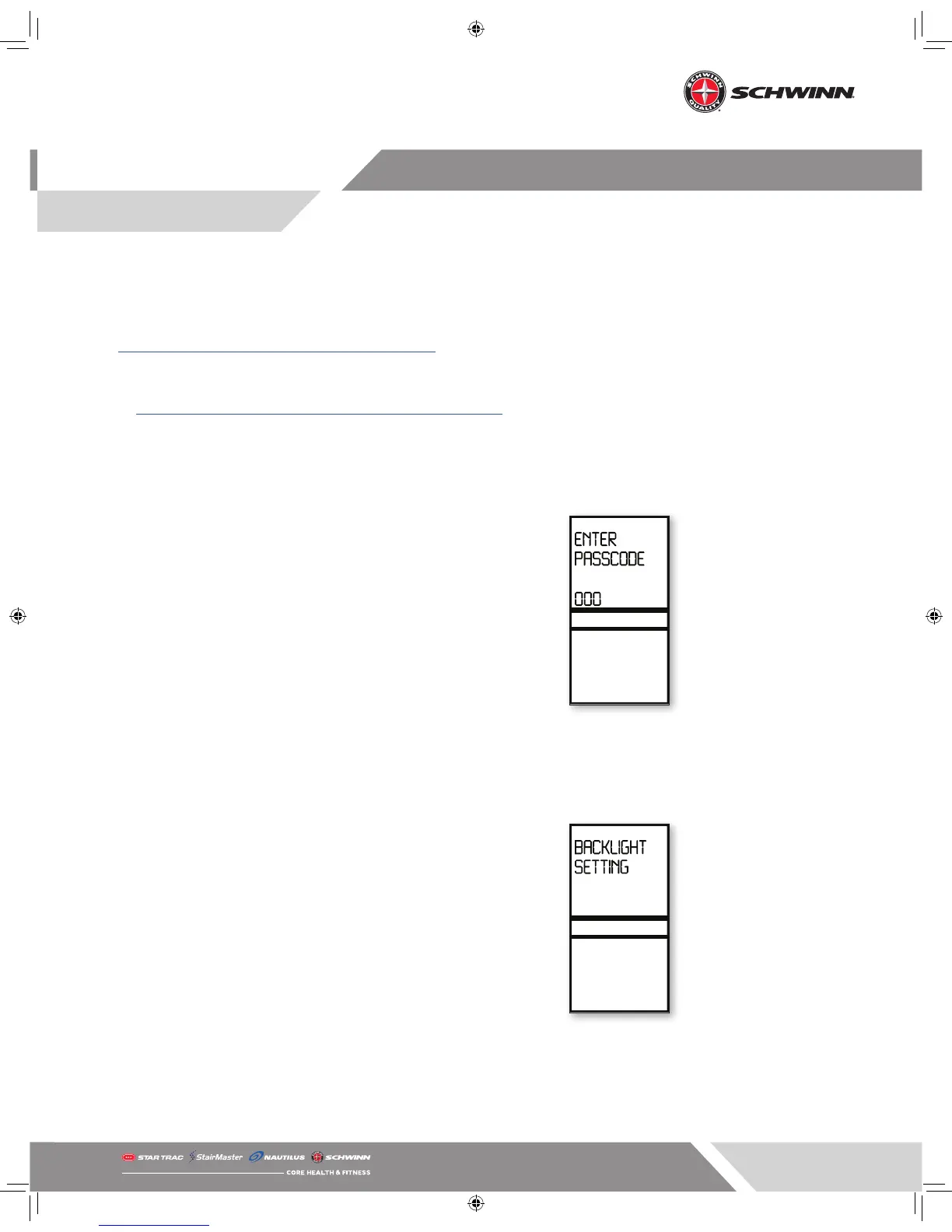
Passcode Screen if Set
Backlight Menu
Default values are bold:
• Timer Set: 10 / 15 / 20
• Backlight Hold: ON / OFF



 To Next Page